Select Work
In/Out the Network
TouchDesigner Playback System
In/Out the Network was a graduation exhibition held in Montreal, Canada featuring nine TouchDesigner projects from the very first cohort of The Interactive & Immersive HQ TouchDesigner Bootcamp.
It was a completely self-initiated and self-organized effort among the cohort after we graduated from the bootcamp to celebrate our work and time together.
For my part in the exhibition, I took on the role of technical director of the exhibition to develop the exhibition's TouchDesigner playback system and also make sure everyone's projects worked together seamlessly.
In addition, I also worked with Andrew Butcher on overall brand identity of the exhibition.
Role
Technical Director
Designer & Developer
Software & Tools Used
TouchDesigner
Notion Document Link
Technical Guidelines
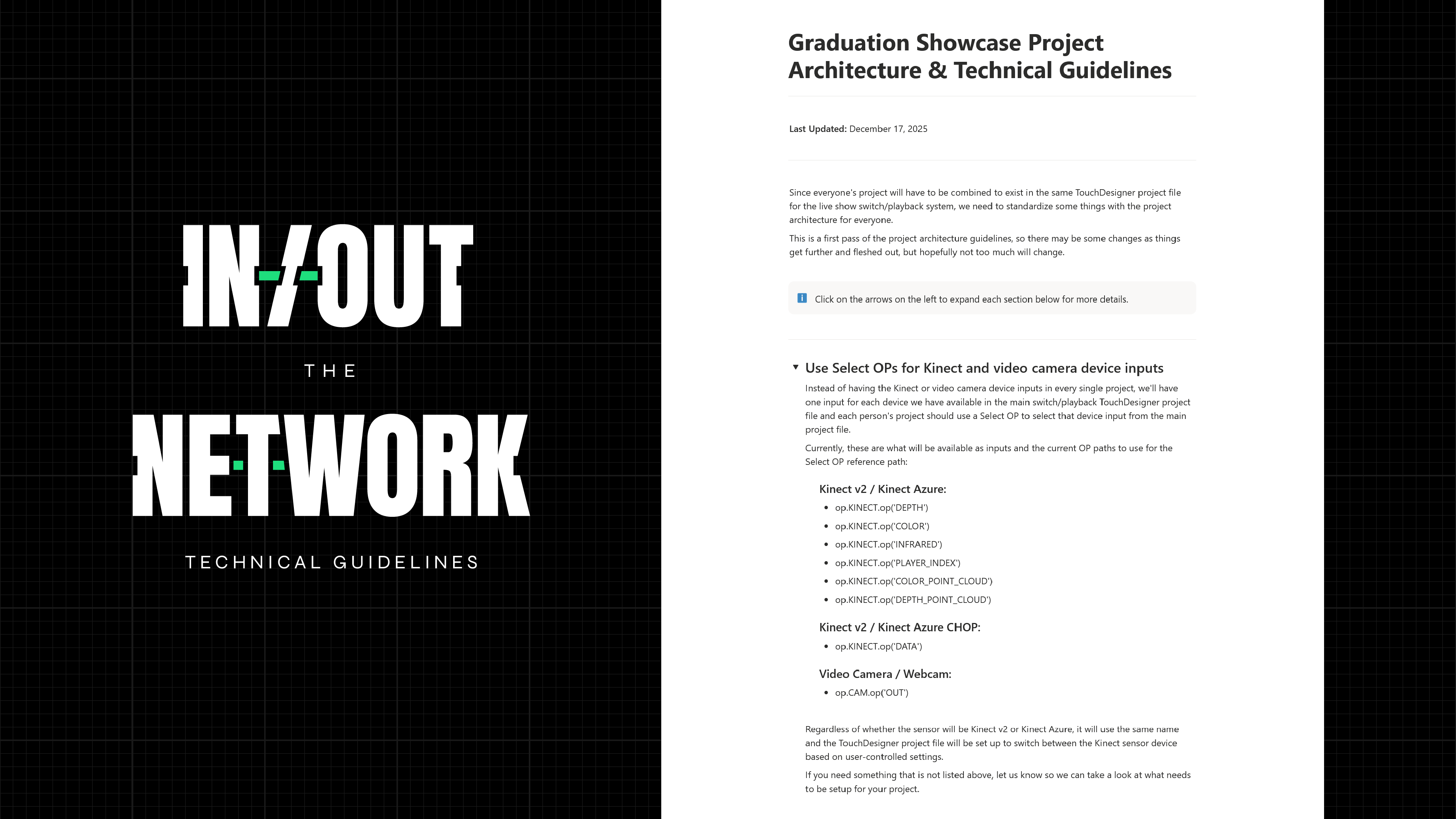
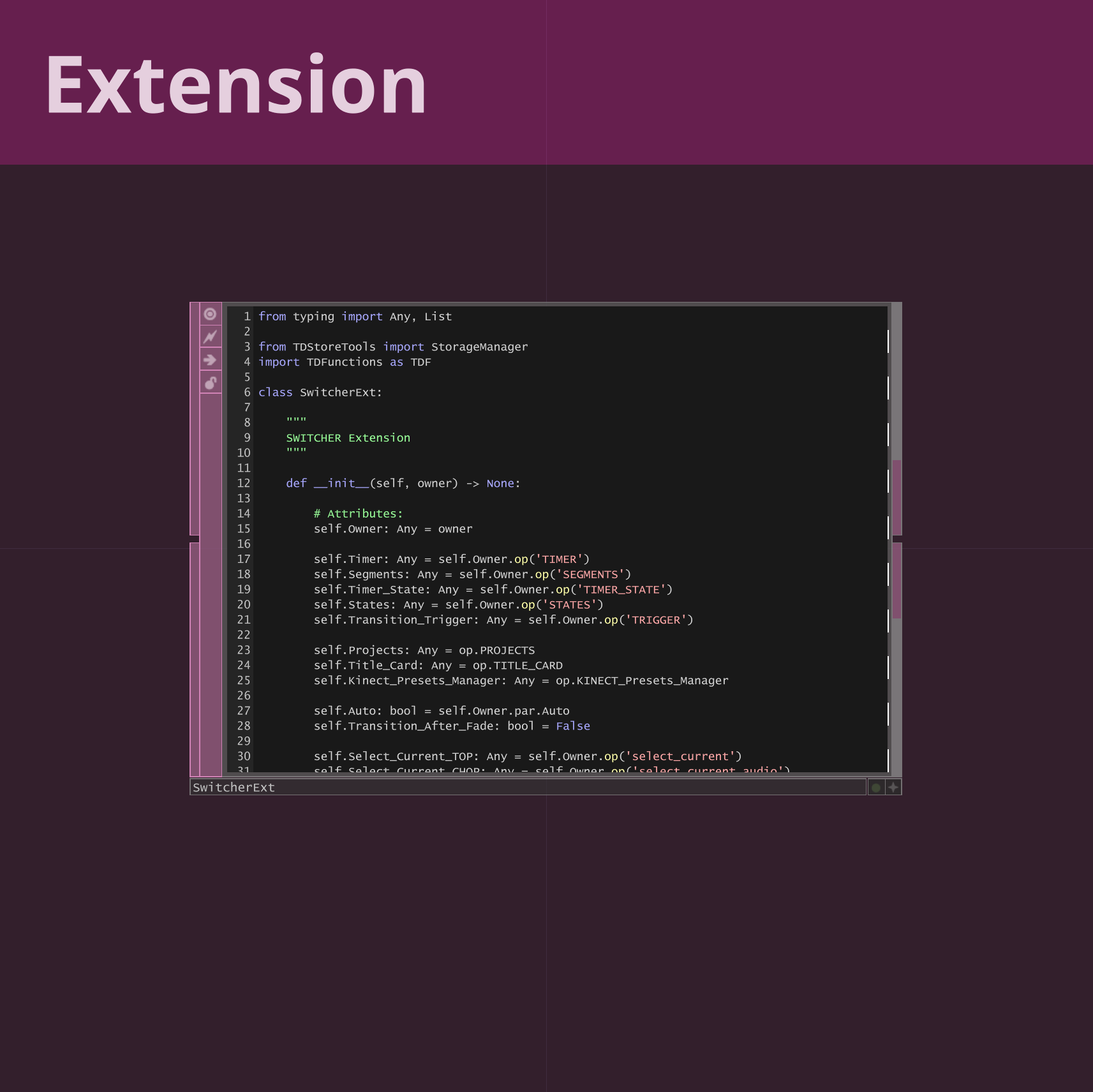
As the technical director for the show, I was in charge of defining the project architecture guidelines for all of the participants to follow when submitting their TouchDesigner projects.
Notion Document Link
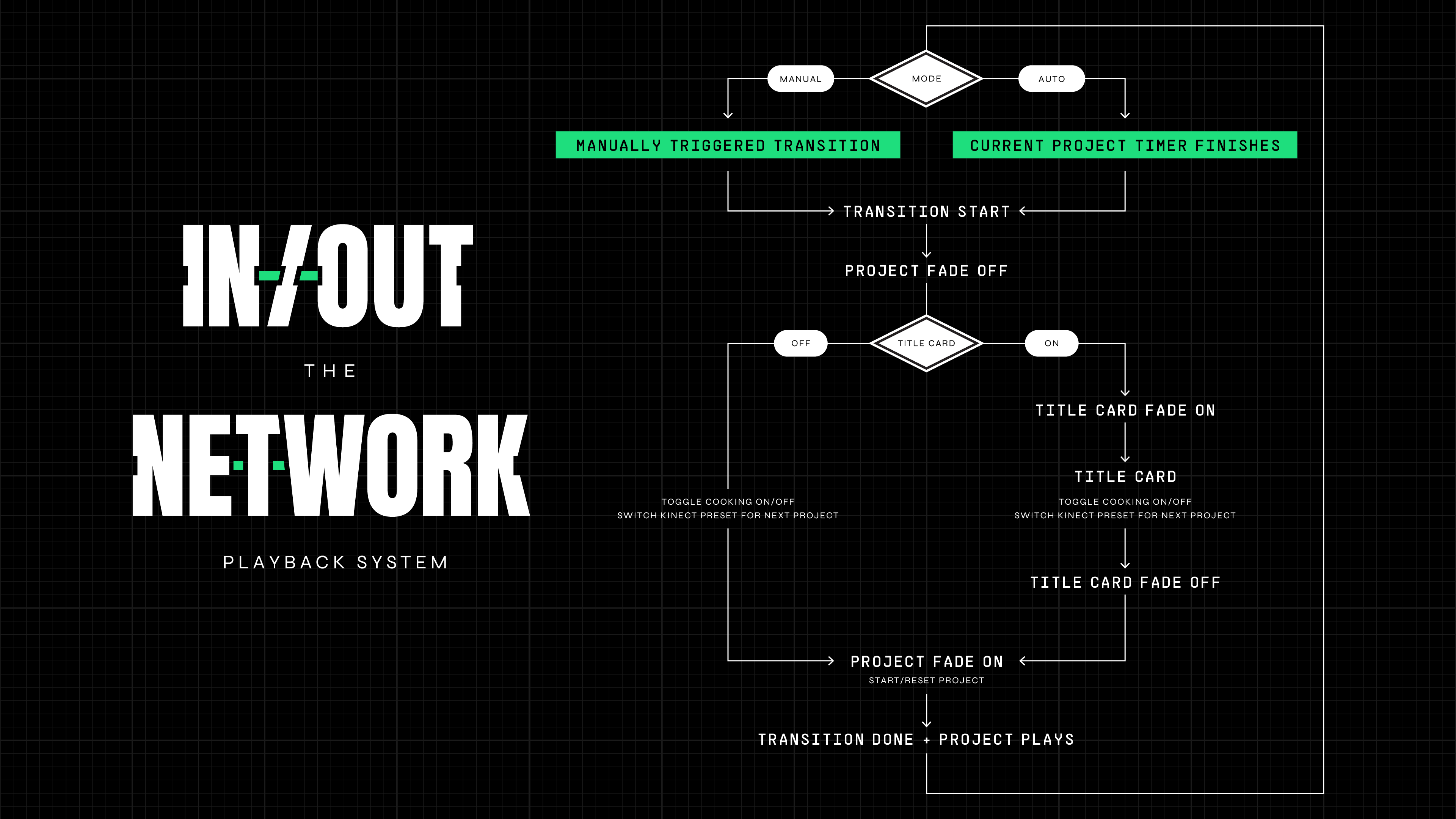
Playback System UX Flowchart
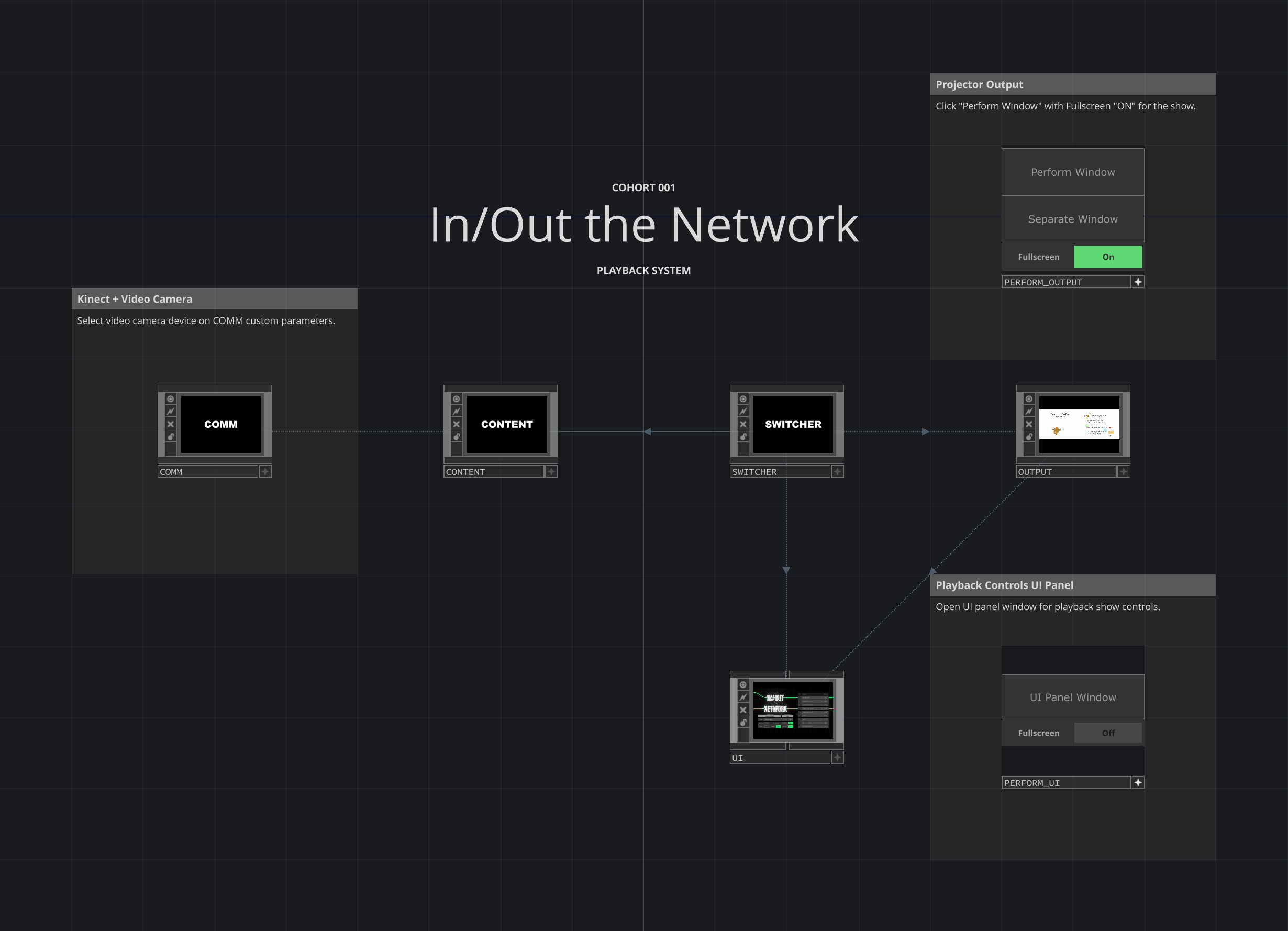
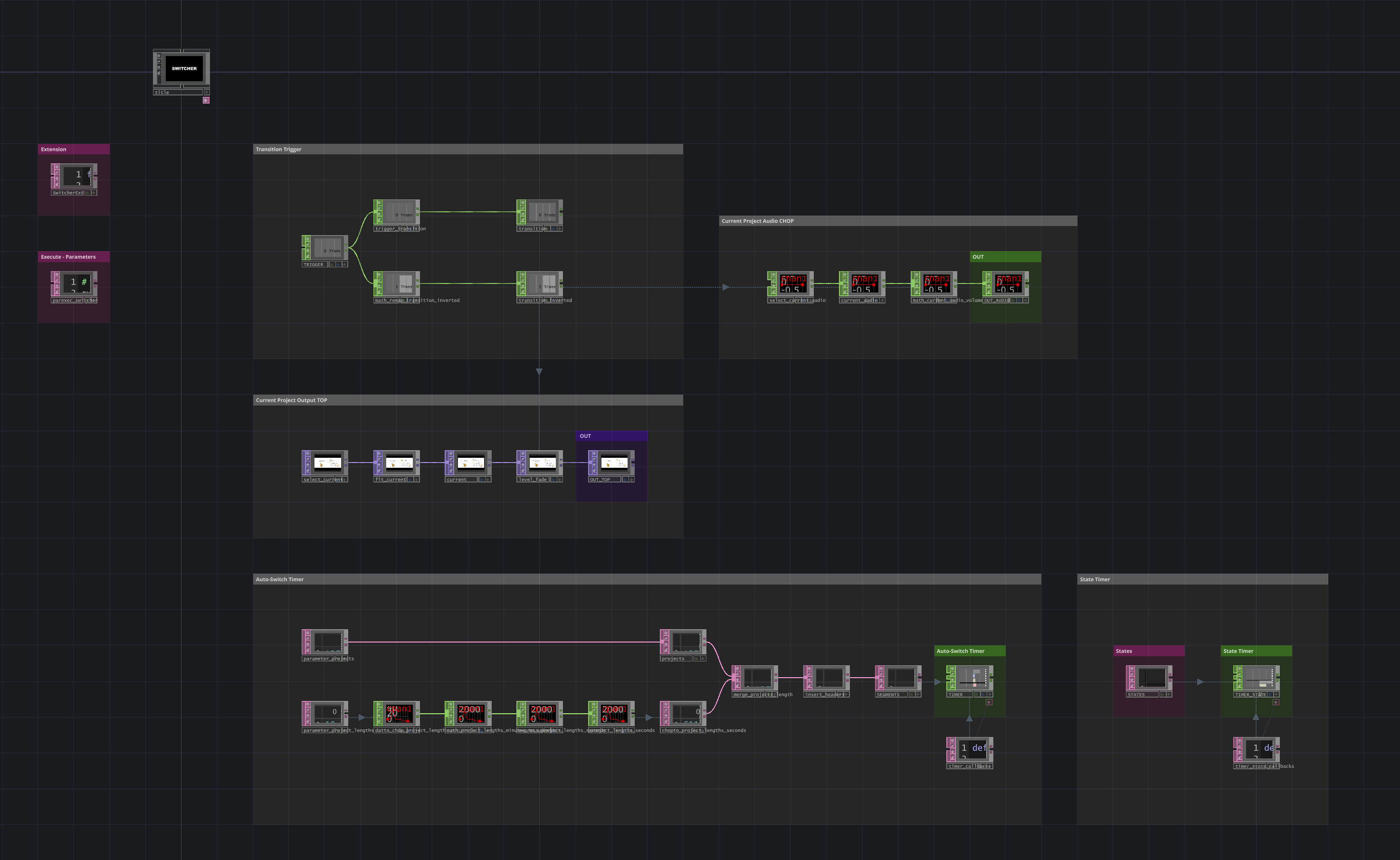
In addition, I designed and programmed the exhibition's playback system to run all nine projects from a single TouchDesigner file with manual and automatic controls.
Technical Requirements
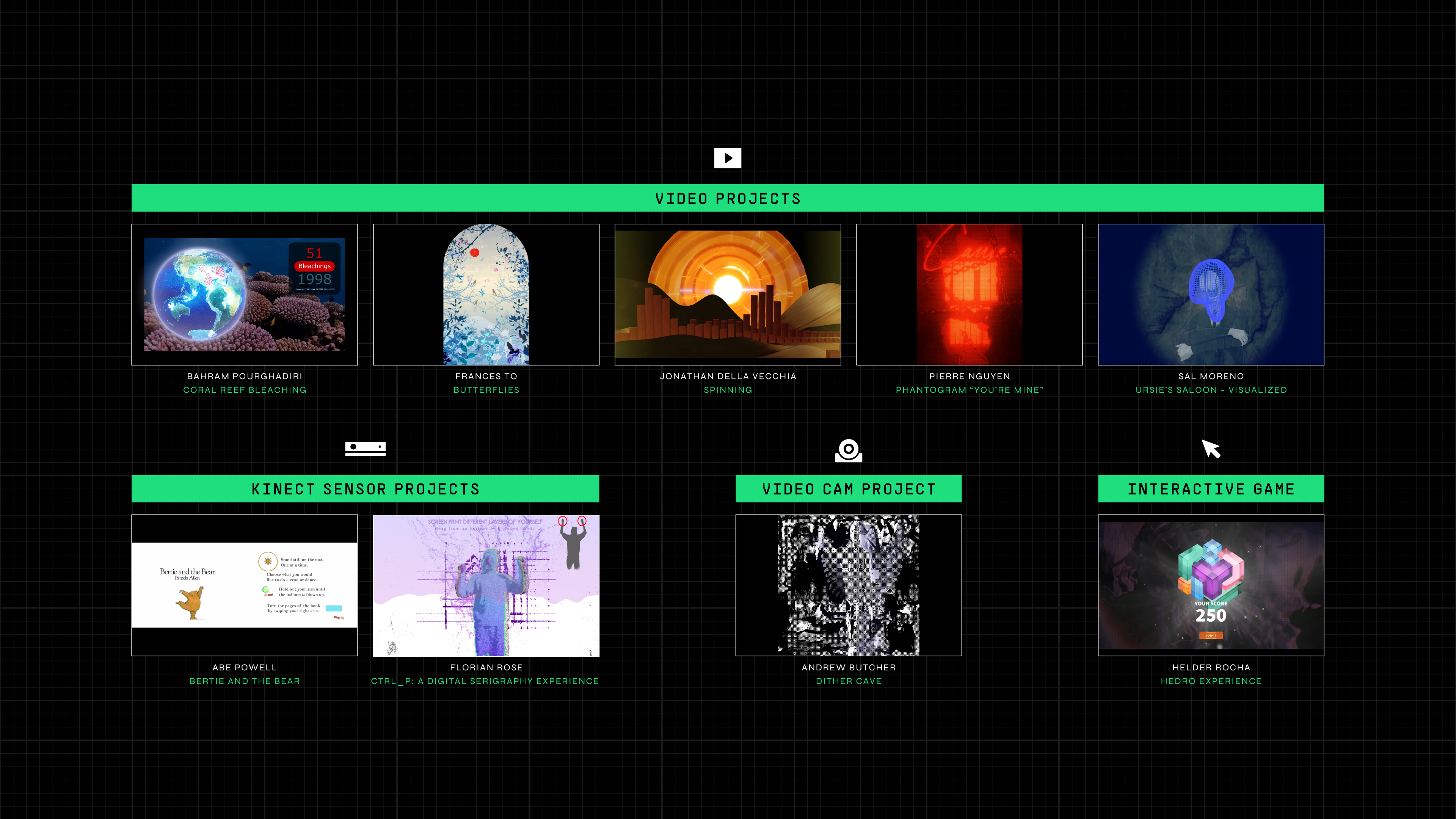
The Projects Featured Included:
5 video projects
2 Kinect sensor projects
1 video camera input project
And 1 interactive mouse-controlled game
Hardware Specifications
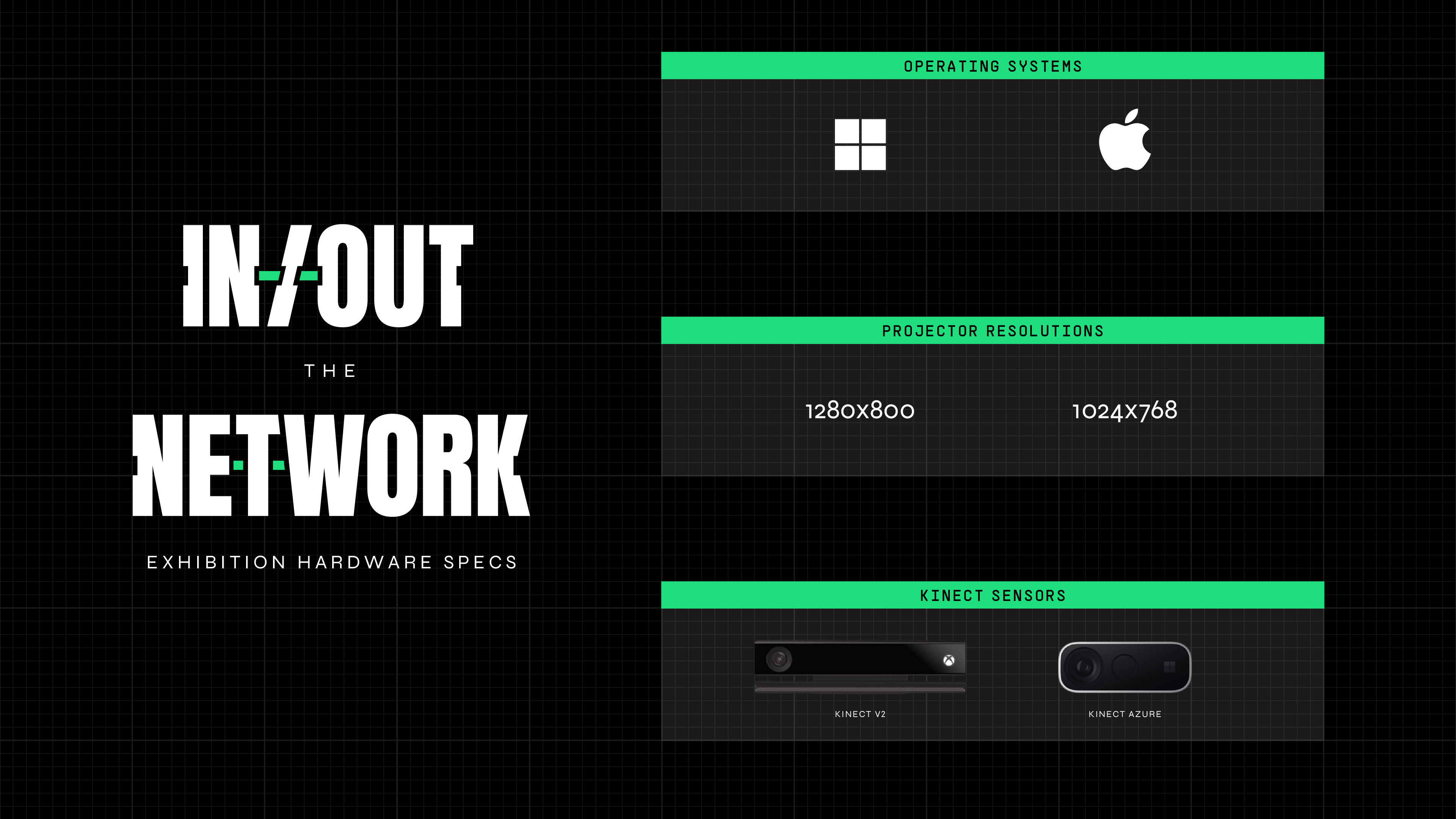
The exhibition had two different projectors with different resolutions, running from two different computer stations—1 Windows PC and 1 iMac computer. There were also two different Kinect sensors being used—a Kinect v2 at one computer station and a Kinect Azure on the other.
So, the TouchDesigner Playback System had to be designed with easy-to-use controls for the show operator to adapt to all of those different scenarios.
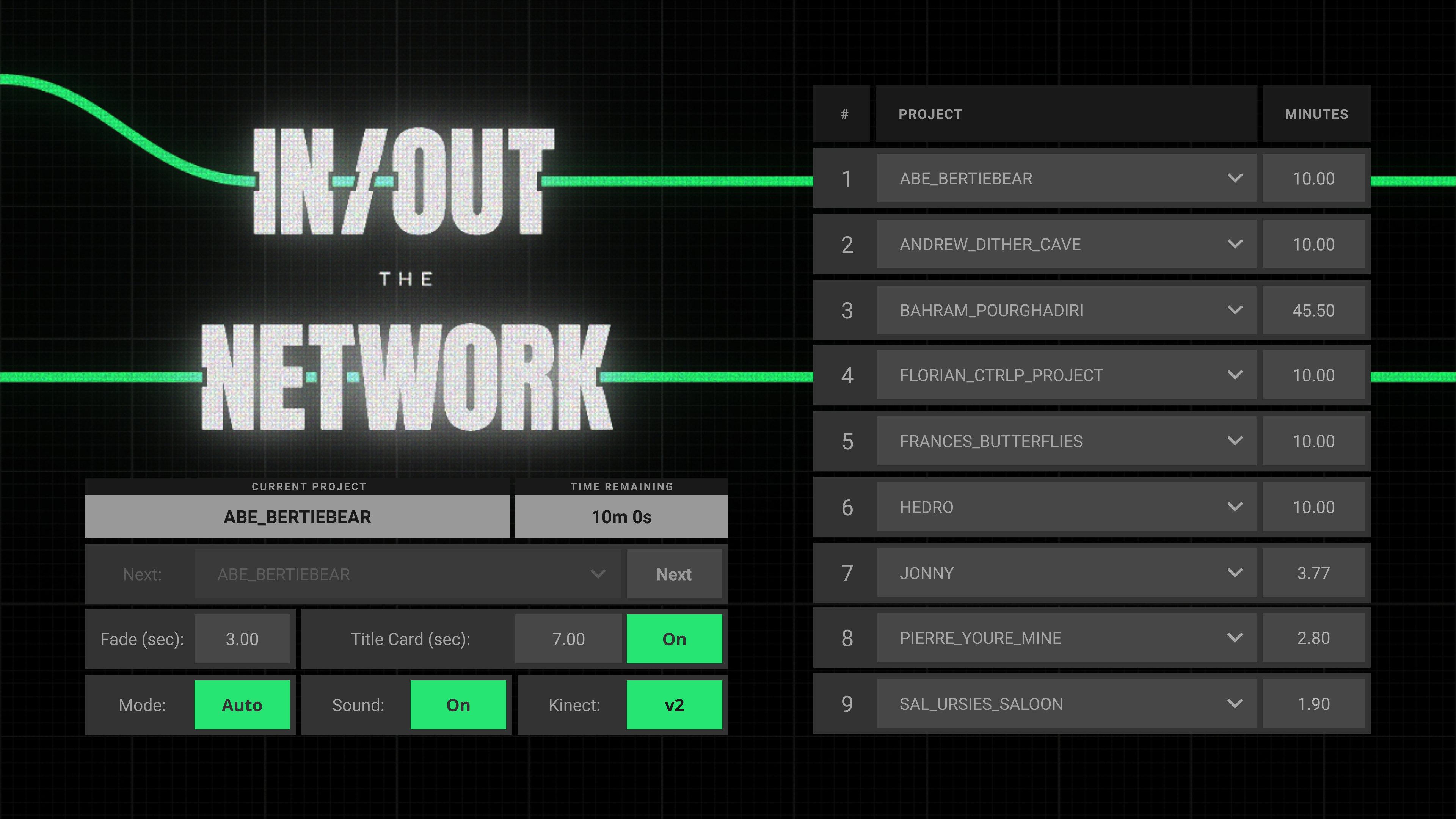
Playback System UI
UI Controls
The UI controls include a simple toggle button to switch between Kinect v2 or Kinect Azure sensor inputs, a button to turn the sound on or off, and a button to turn the Title Cards on or off.
In addition, it is easy to adjust the total length of time for the transition fade as well as the length of time for the Title Cards to display.
And finally, there's a toggle button to switch between Manual and Auto mode.
Manual Mode
In Manual Mode, the show operator has the ability to select and transition to any project at any time.
Auto Mode
In Auto Mode, the show operator can create a project playlist by arranging the projects in any order and set any length of time for each project.
Skip
If there are any projects that are not compatible with the operating system, it can be skipped completely by setting the project length to "0."
Blank
And if any scheduled breaks are necessary in the show, a project can be replaced with a "Blank" screen set to any length of time.
Auto Playlist
The Playback System sets a timer for each project based on the playlist settings and will automatically cycle through all of the projects, allowing the operator to set the show playlist and walk away.
Kinect Settings Presets
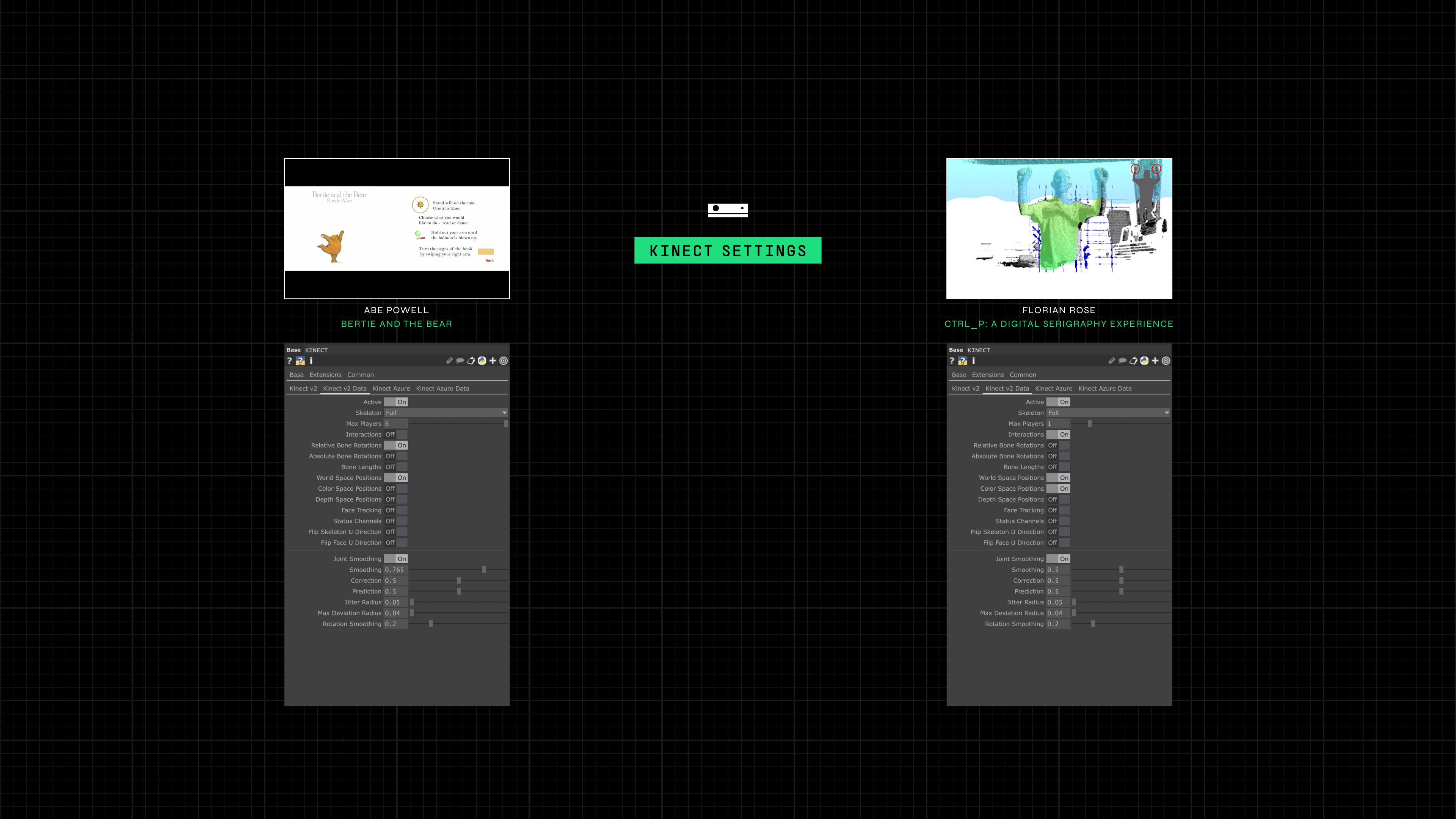
Each Kinect sensor project also has different Kinect settings, meaning the Playback System needs to be able to detect and change settings depending on the current project on display.
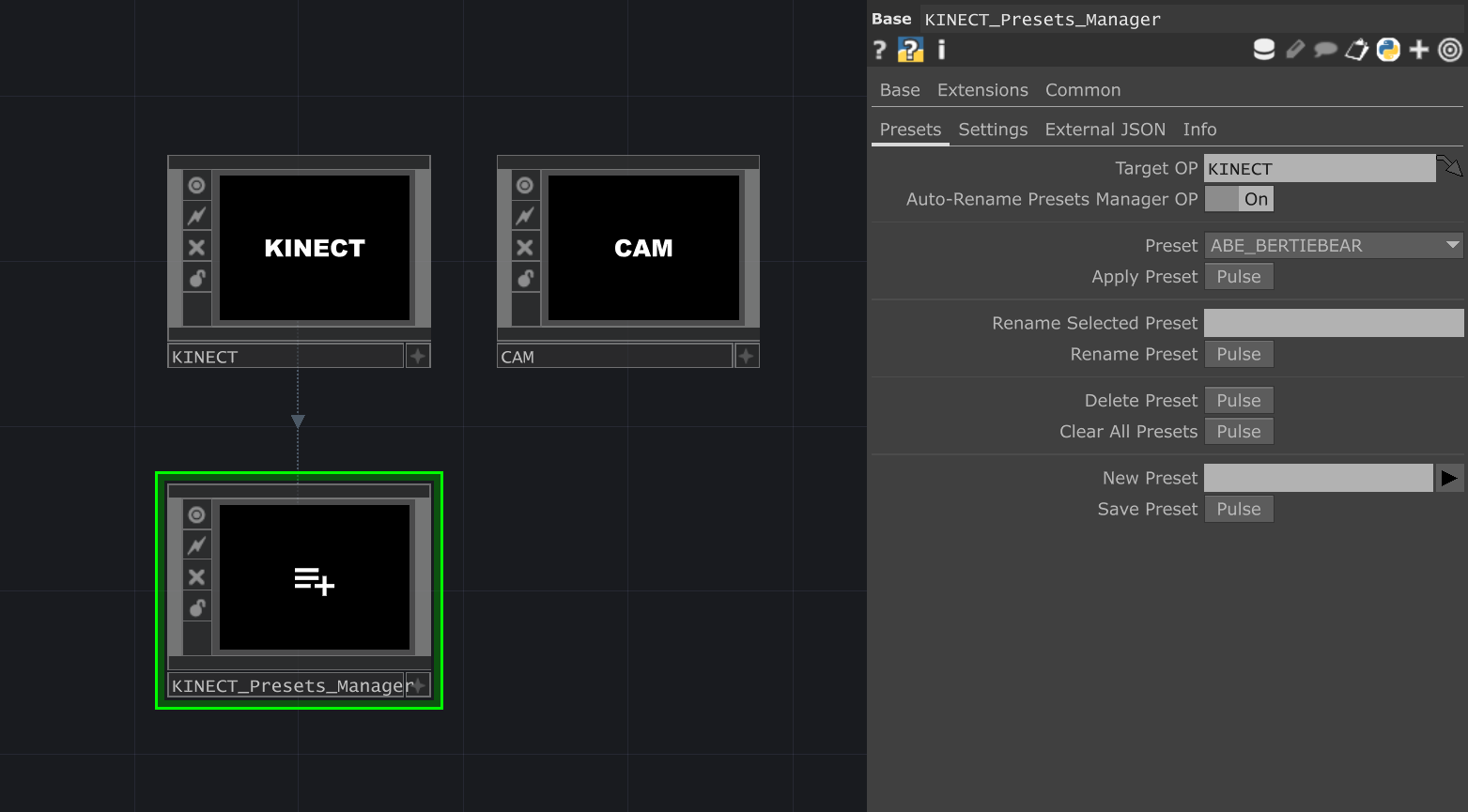
Kinect presets can be set and saved with a Presets Manager.
The Playback System will check the next project's name and apply the Kinect settings preset matching that name. If there are no presets matching the next project's name, then it will apply the "Default" preset.
This system allows the Kinect settings to be manually adjustable and dialed in for each project and then applied to the correct project automatically during the show without the show operator having to do anything.
Notion Document Link
Reflection
In the end, designing and programming the exhibition's Playback System was a perfect capstone project, combining everything we learned throughout the bootcamp from project architecture to Python extensions in order to create a simple, yet robust TouchDesigner application that anticipated and adapted to a wide range of technical requirements.
Notion Document Link
The Exhibition
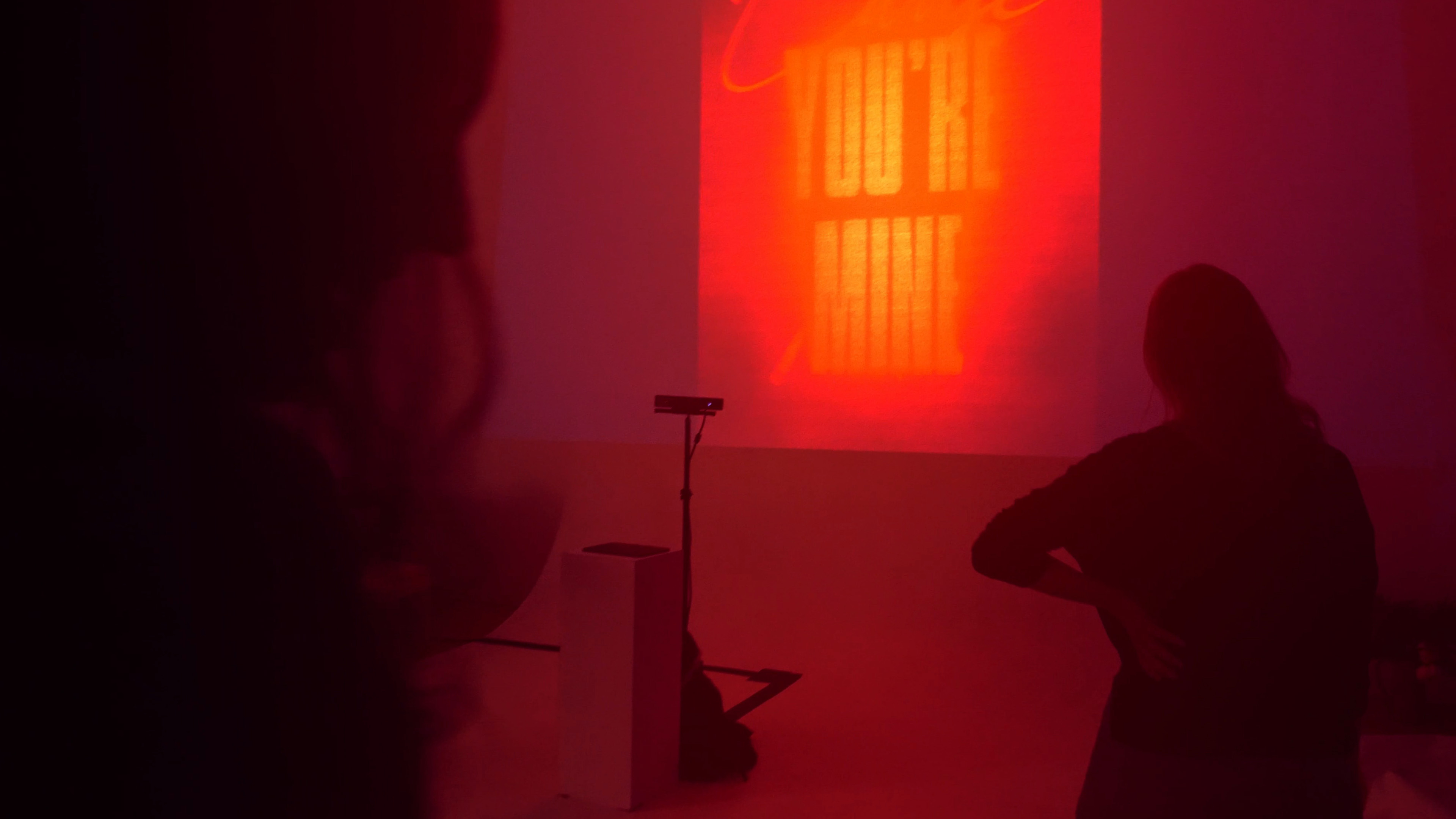
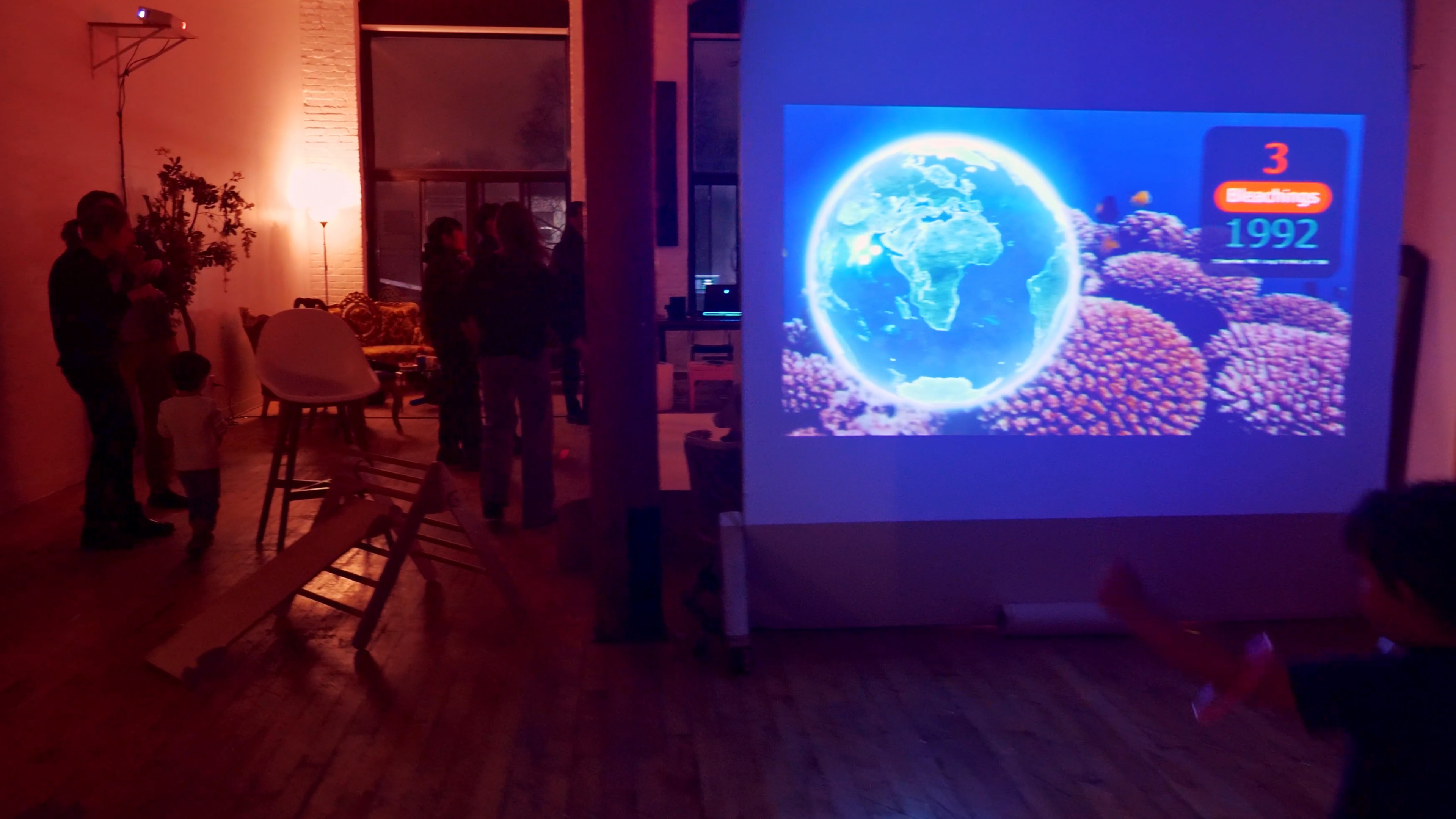
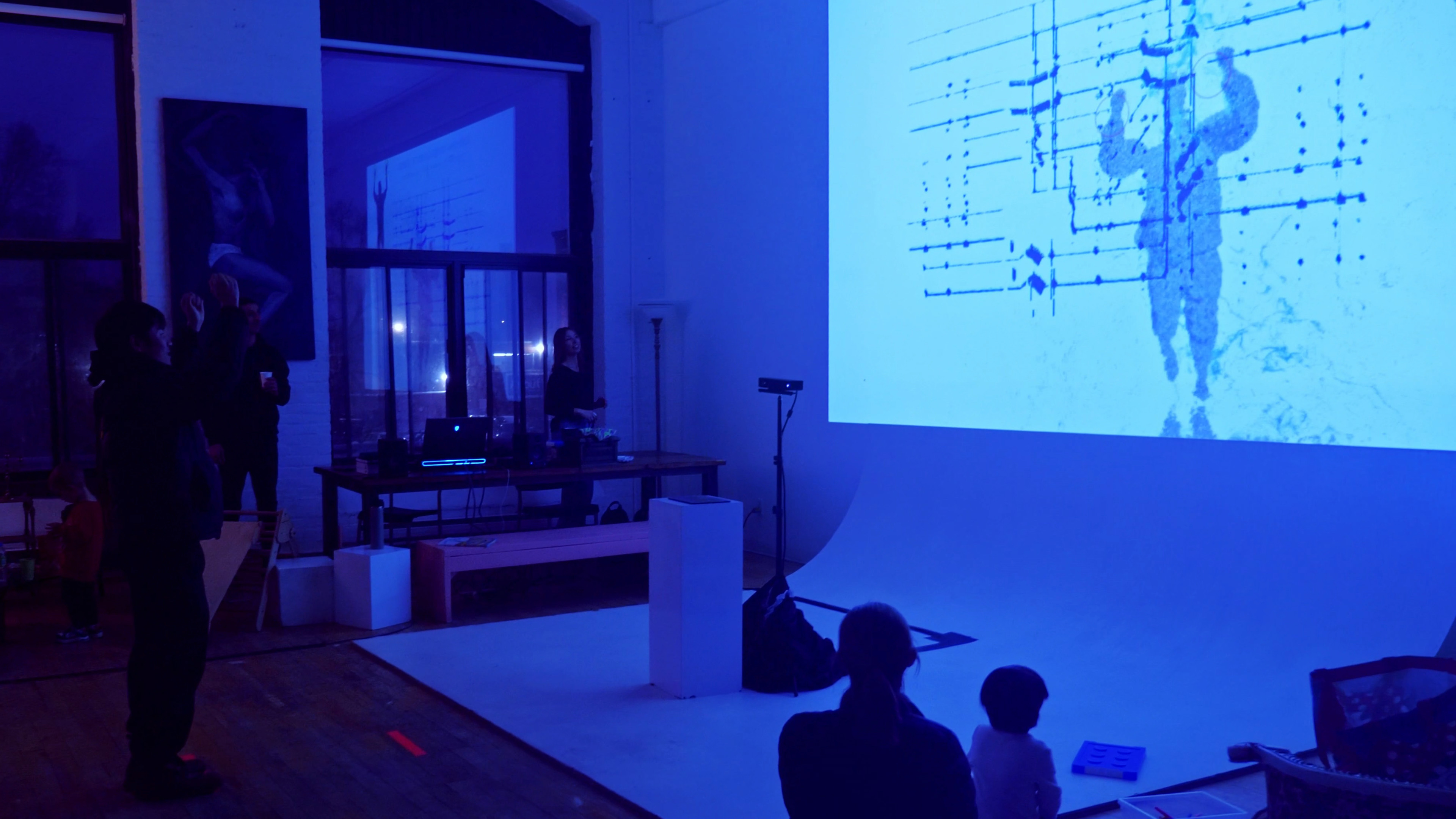
The exhibition was a chance for attendees to dive in and out of our network on multiple levels: from seeing the final output of our projects, to diving behind-the-scenes into the TouchDesigner project network with several presentations, and to getting a glimpse into the interpersonal network between all of us in the cohort.
For 4.5 months, we all came together online as the "input" to this international bootcamp network and together we learned, we developed, and we came out on the other end with new skills as creative technologists. This In/Out the Network graduation exhibition was the final "output" of our special time together.
Exhibition Host & Director
Jonathan Della Vecchia
Exhibition Venue
The 206 Studio (Montreal, Quebec)
Exhibition Team
Sal Moreno, Andrew Butcher,
& the rest of Cohort 001
All the volunteers at The 206 Studio
Event Photographers & Videographers
Jakub Nedjl
Jonathan Della Vecchia
Exhibition Branding & Graphics
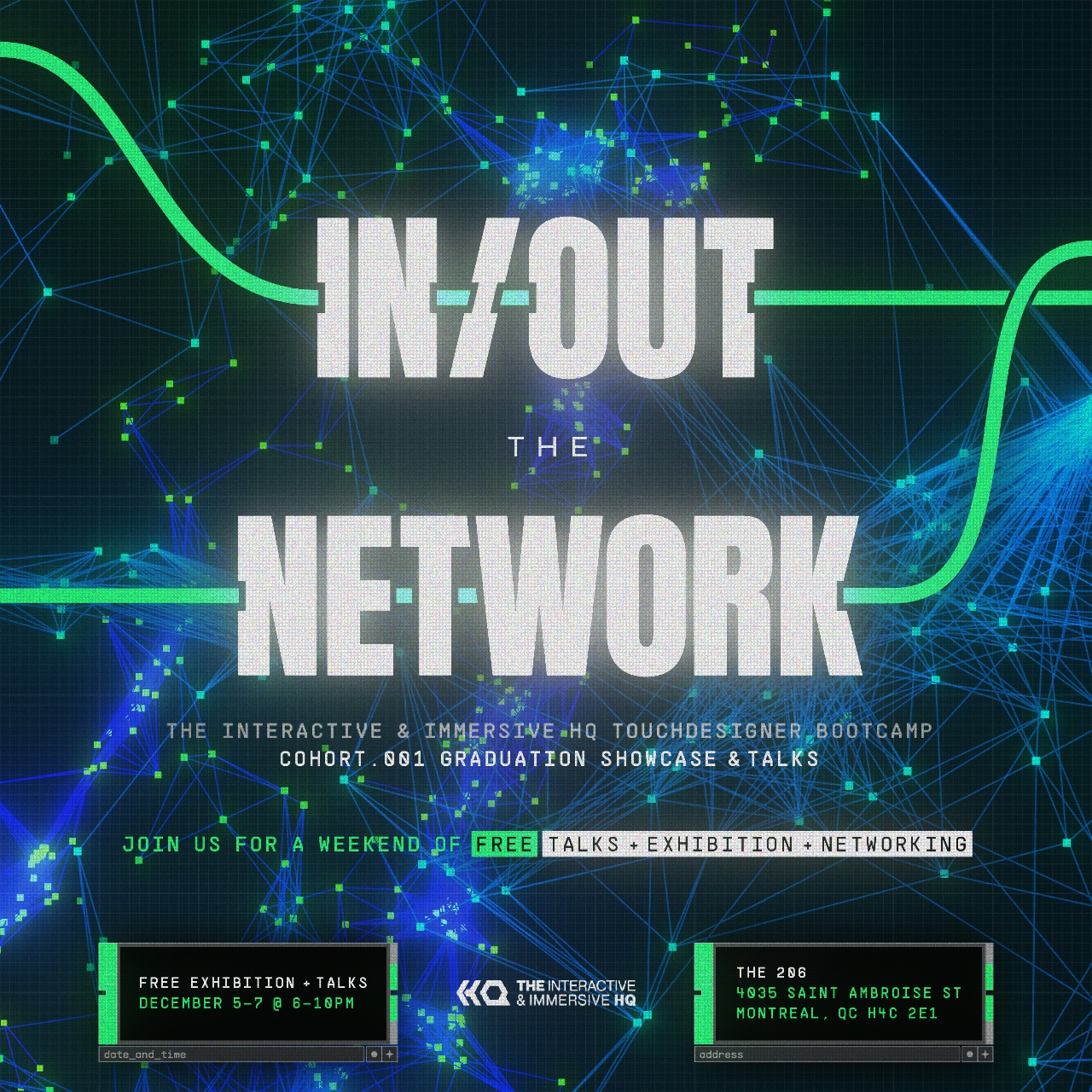
In collaboration with Andrew Butcher, a fellow member of The Interactive & Immersive HQ TouchDesigner Bootcamp's first cohort, we created the In/Out the Network exhibition's overall branding and event graphic used for its promotion.
Roles
Andrew Butcher
POPs Network Plexus Background
Pierre Nguyen
Typography & Compositing
Software & Tools Used
Illustrator
TouchDesigner
Exhibition Title Cards
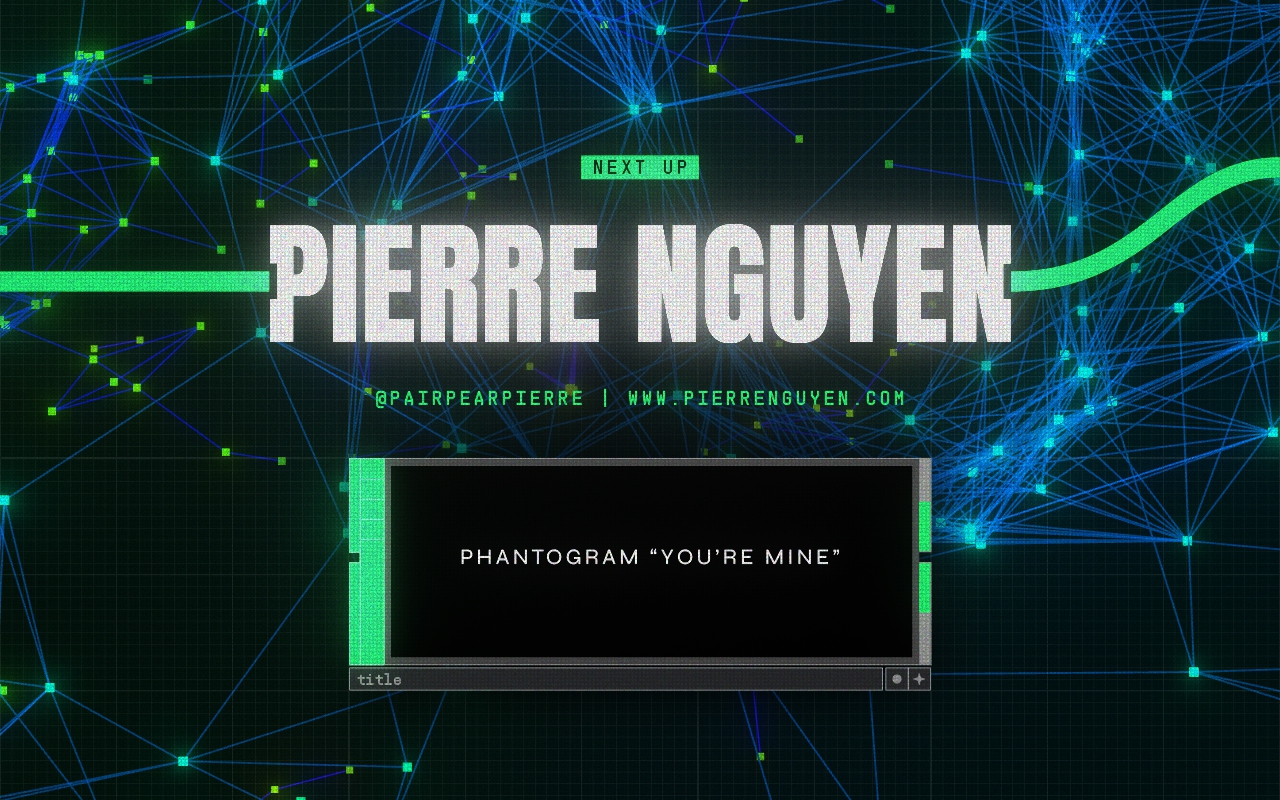
The branding design and generative connected POPs plexus network element was carried through to the design of all the title cards used before each project during the show.
Point Cloud Morph
Interactive Experiment
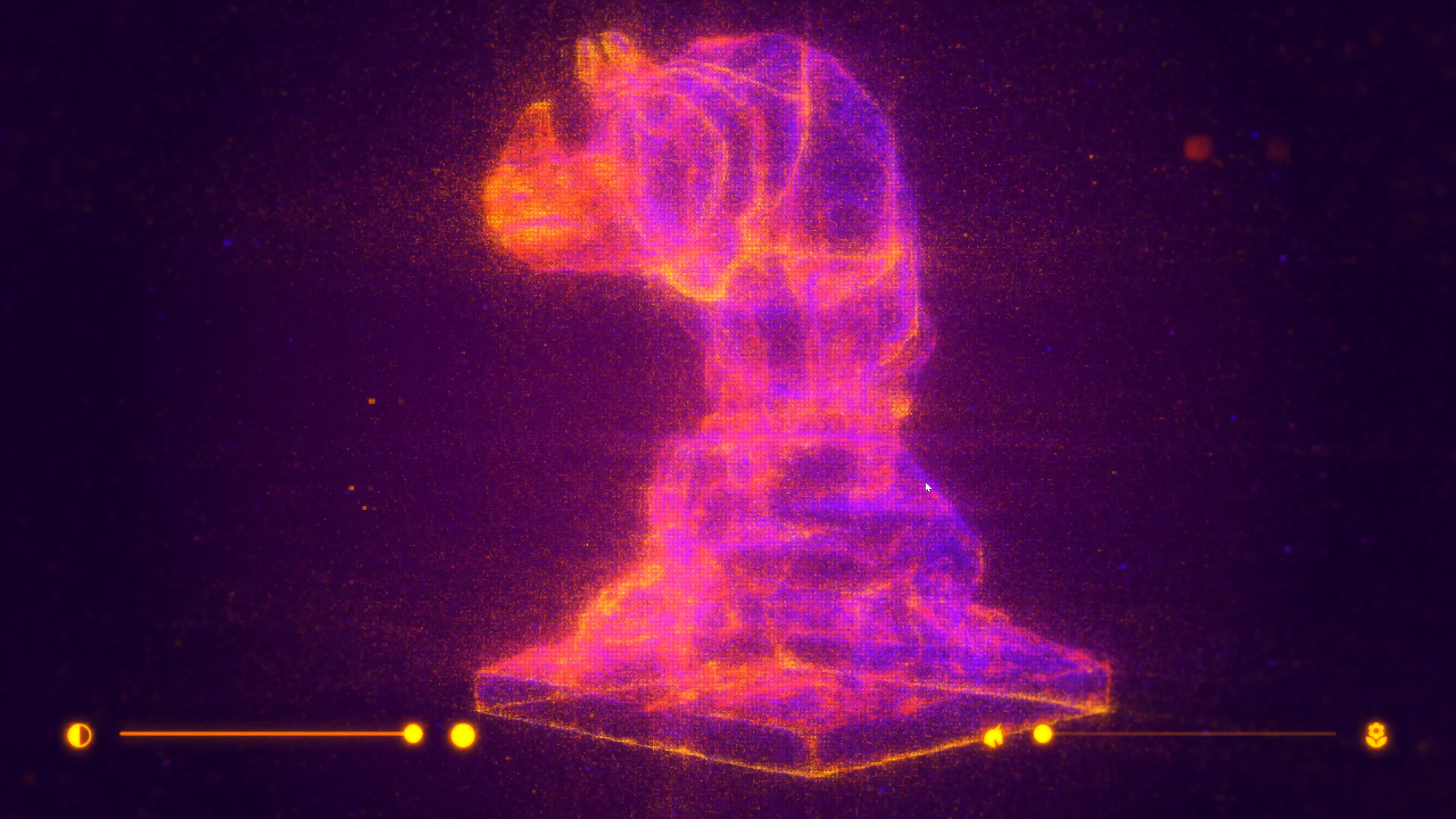
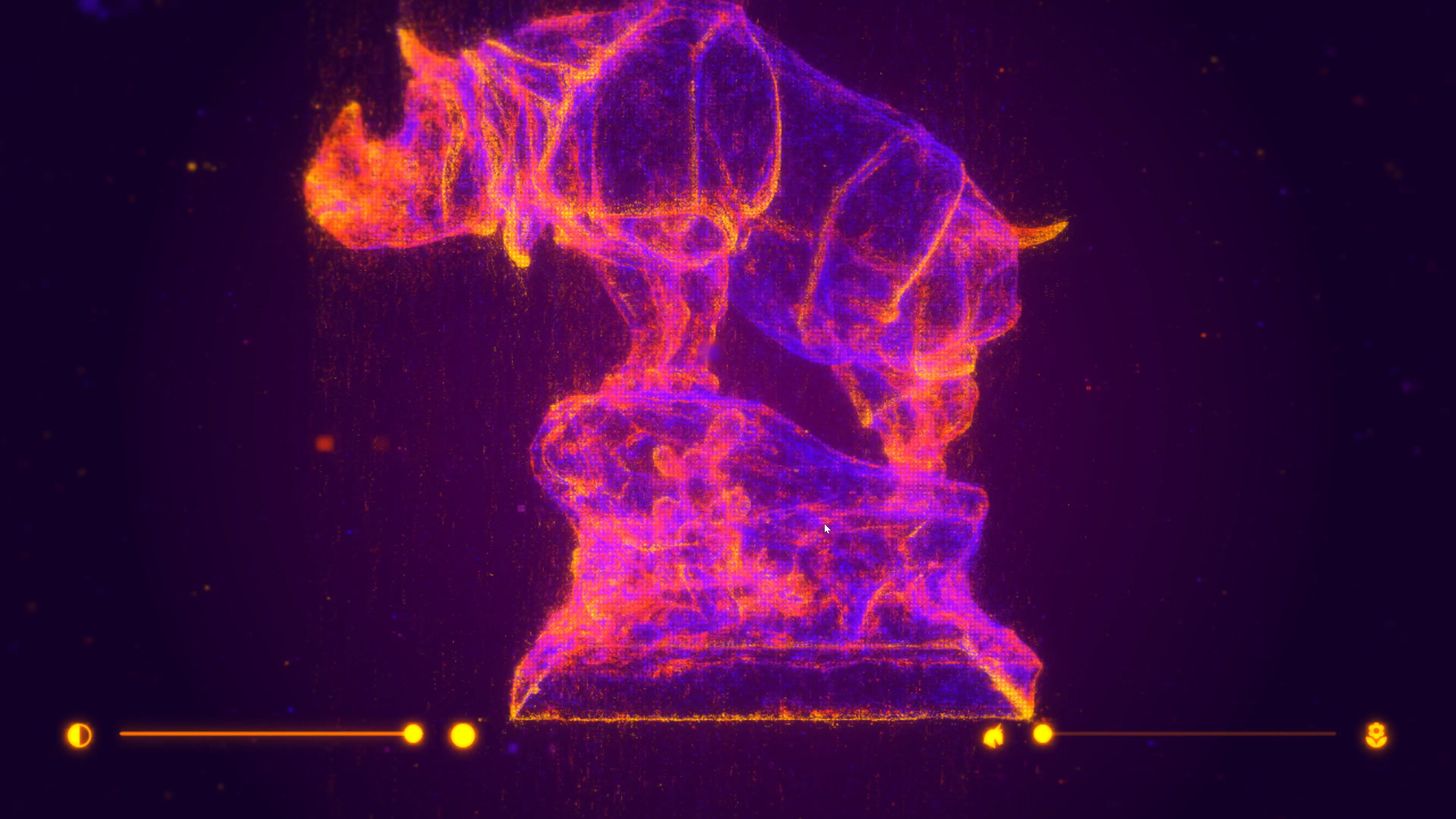
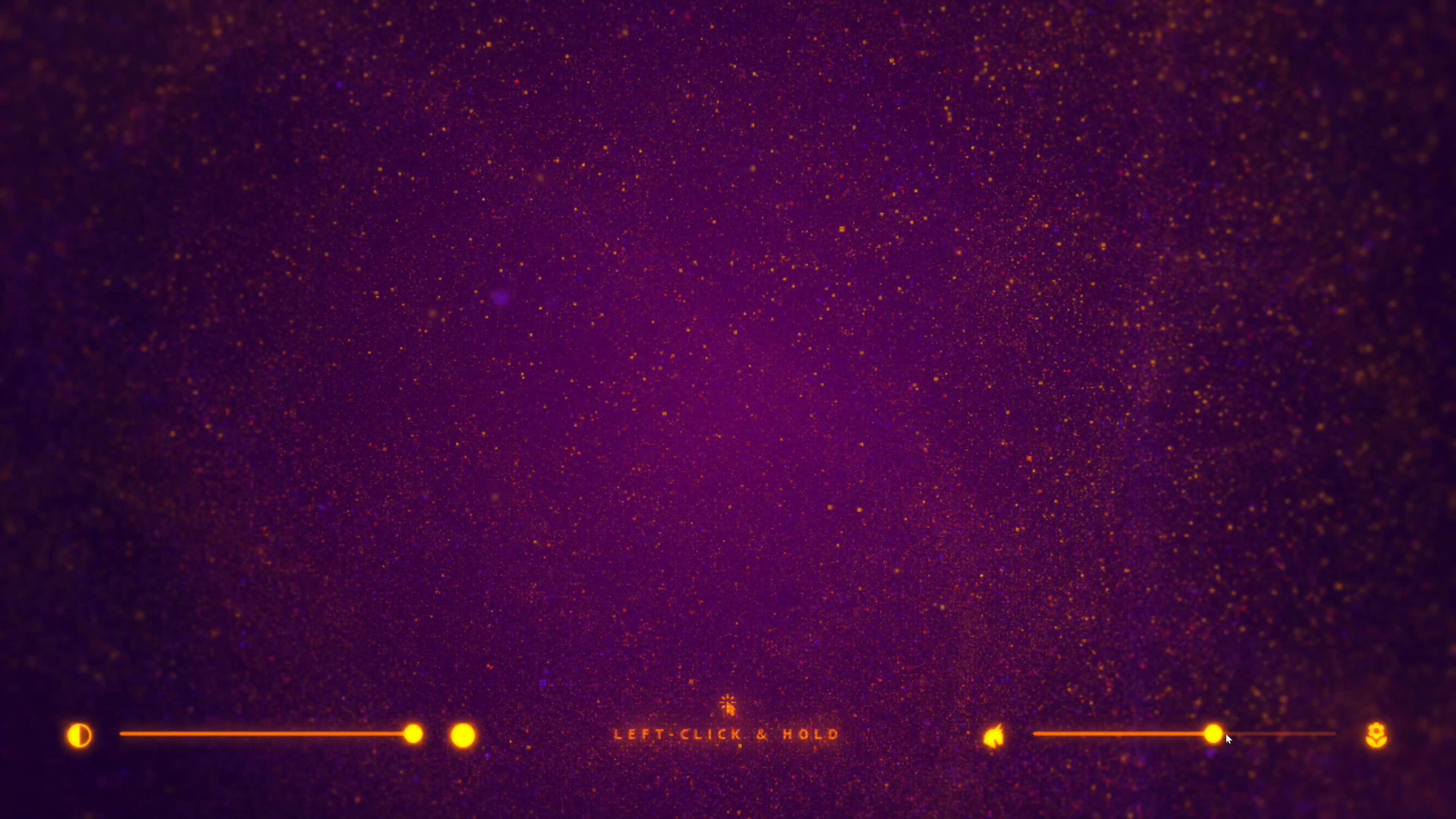
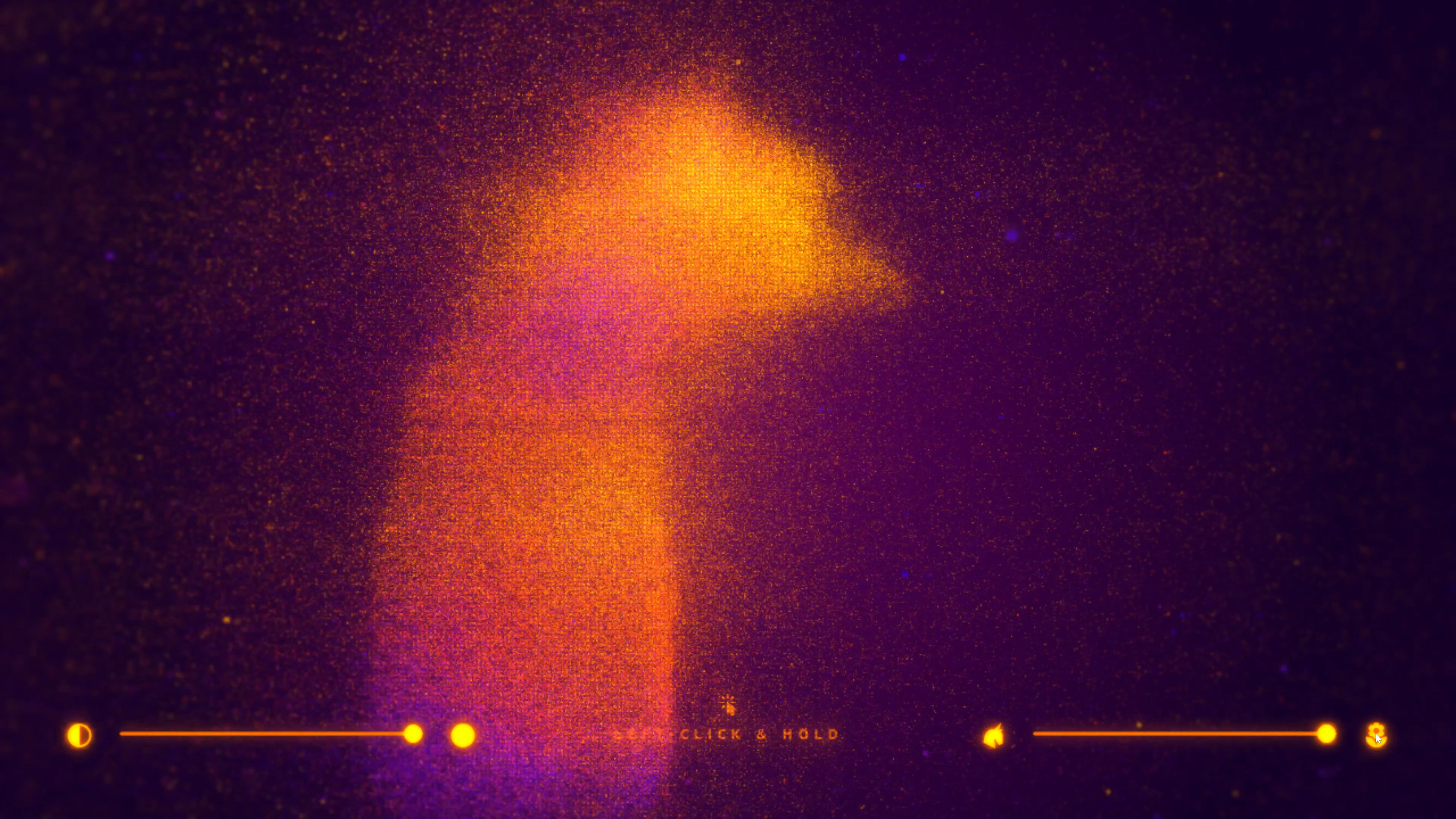
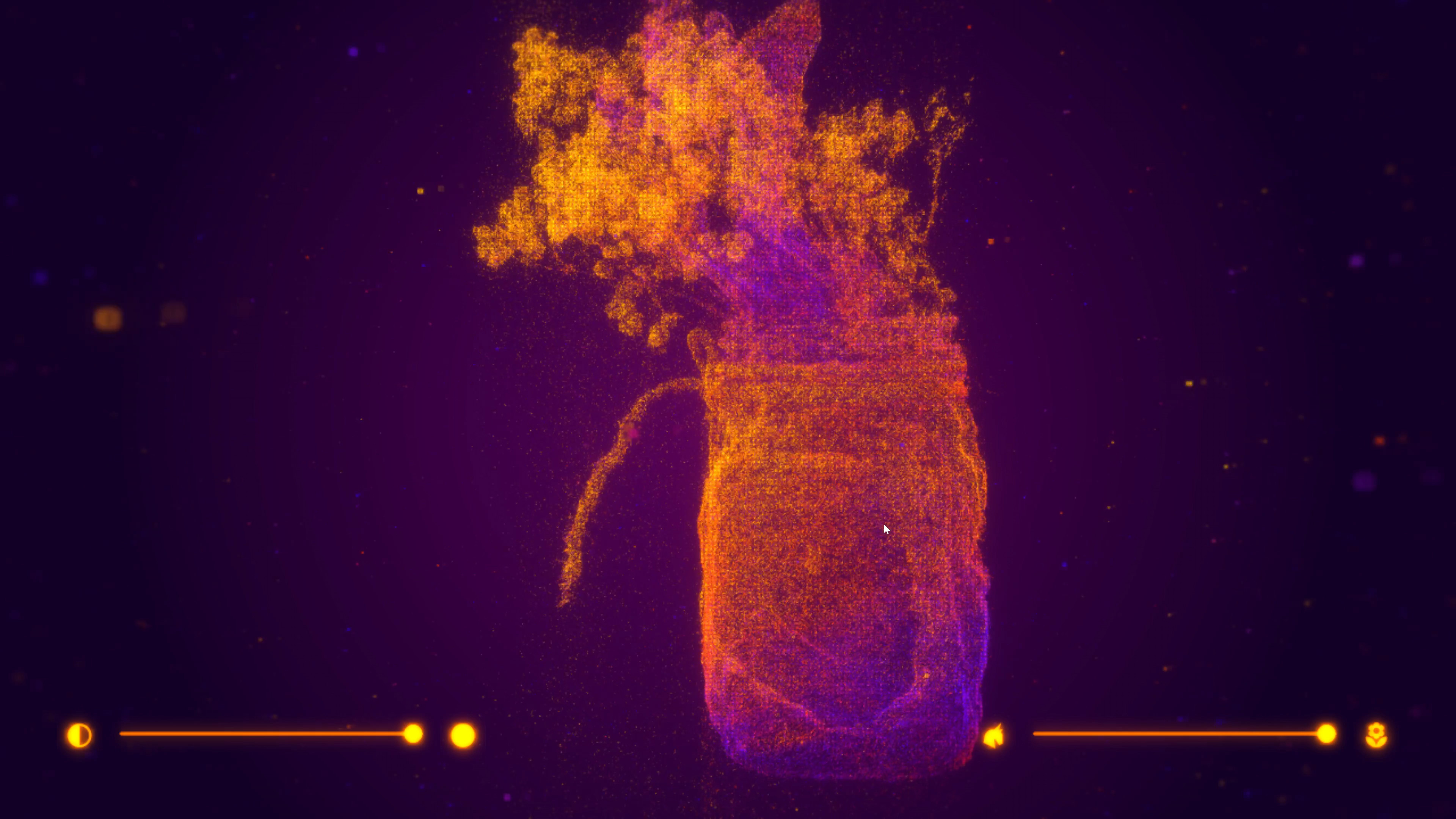
An interactive TouchDesigner experiment ultilizing TOPs Point Cloud workflow to morph between a 3D rhino model from Three D Scans and a 3D-scanned flower vase.
Role
Designer & Developer
Software & Tools Used
TouchDesigner



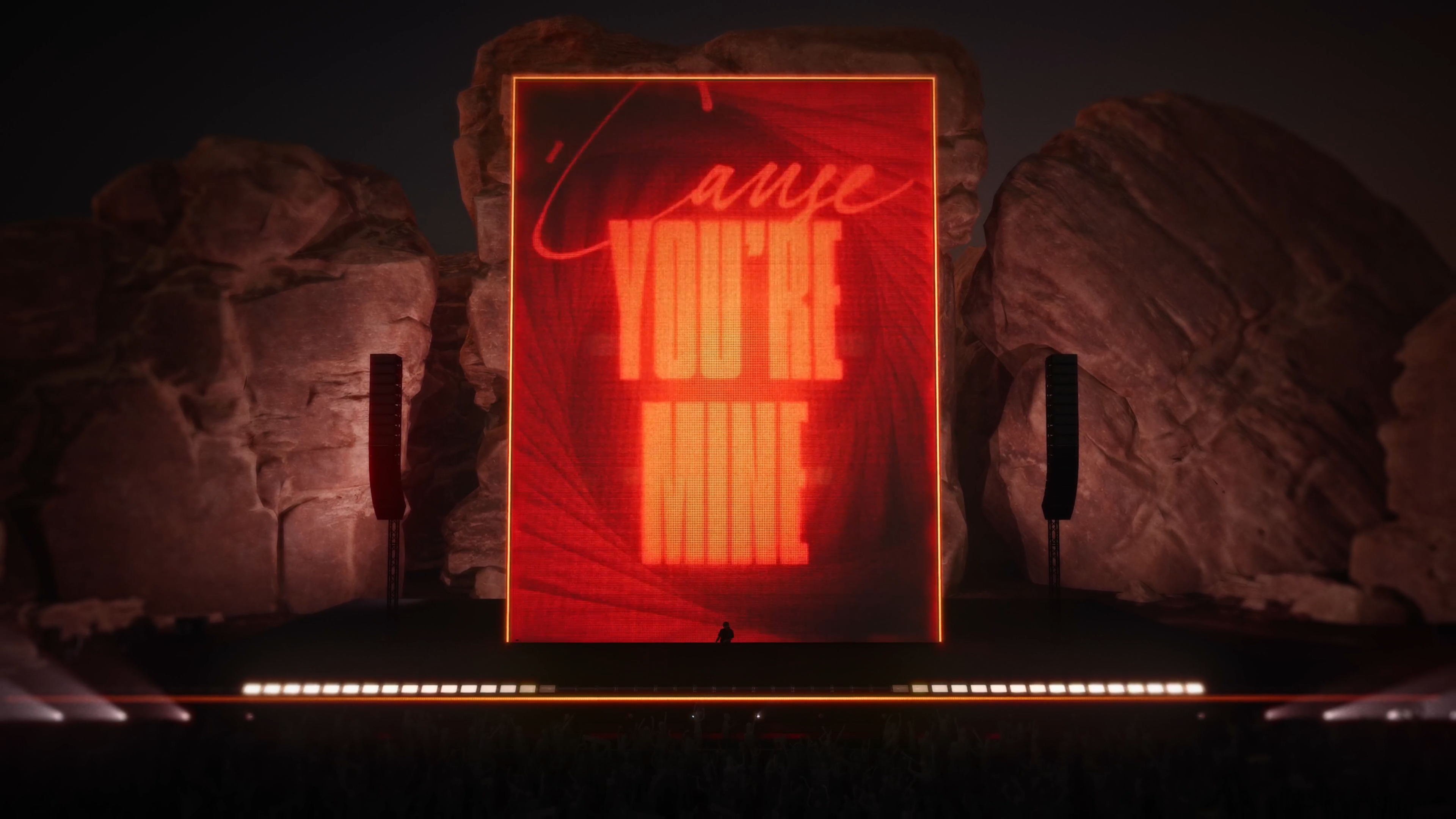
Phantogram: "You're Mine"
Audio-Reactive Concert Visuals
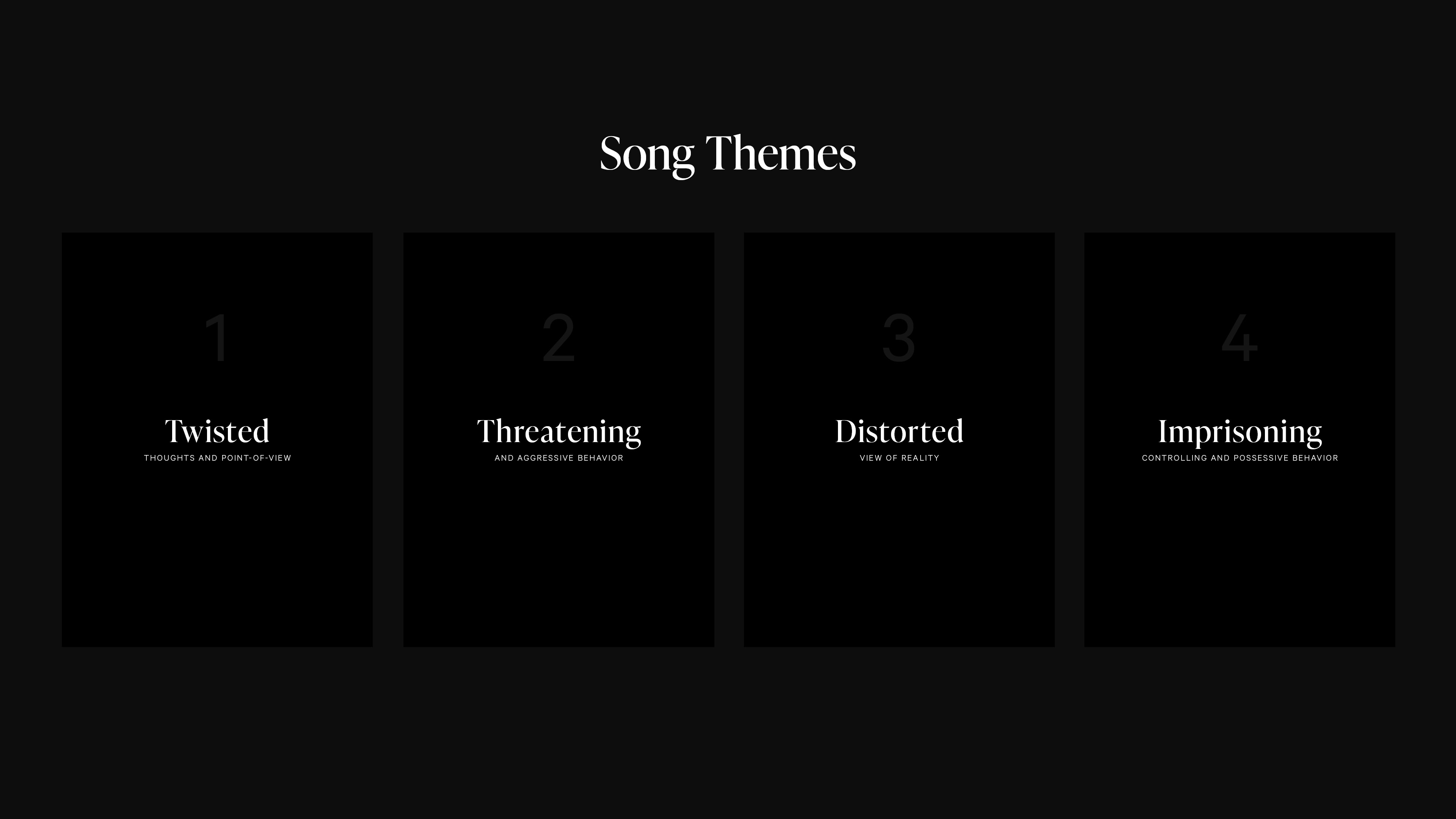
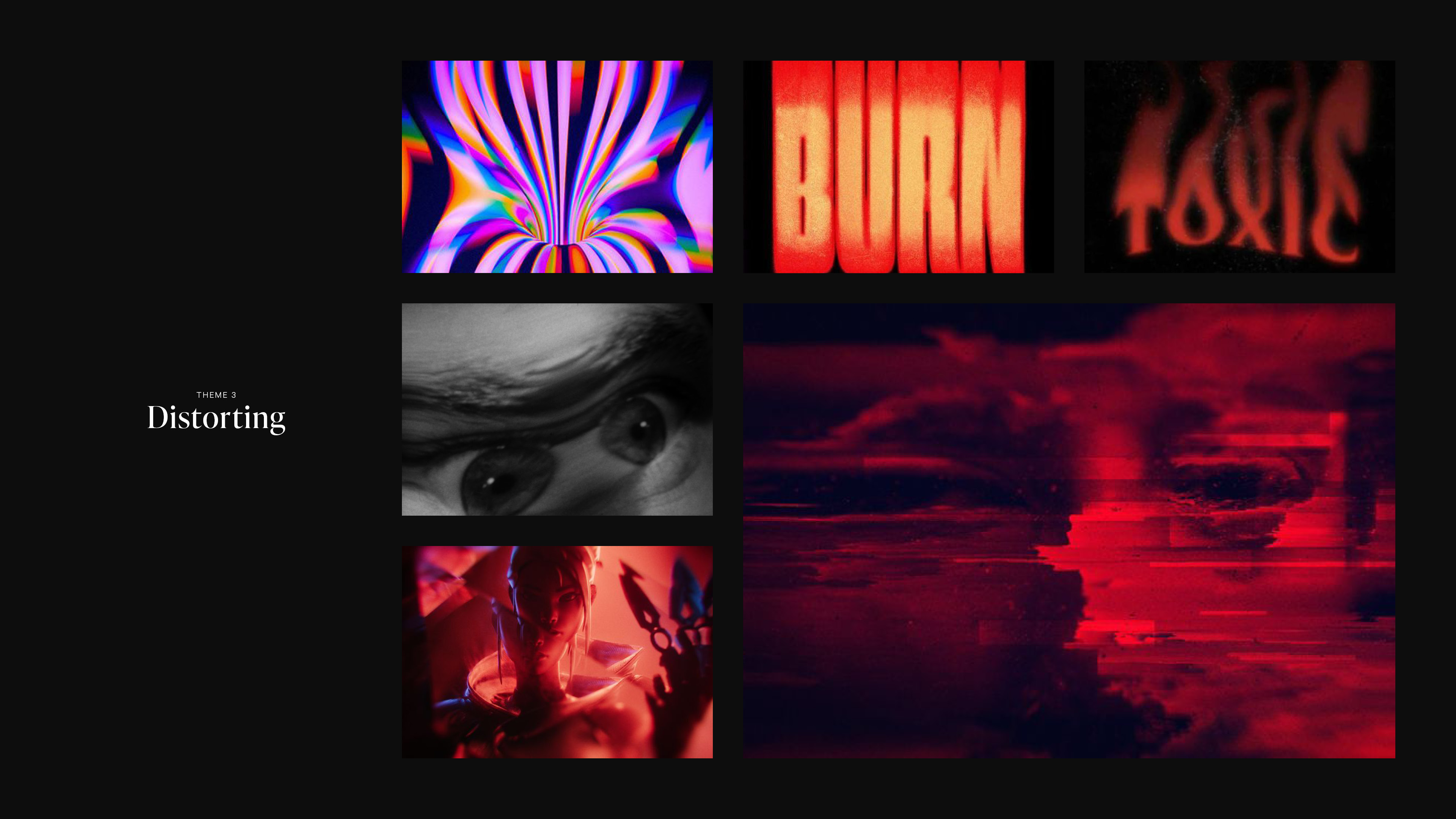
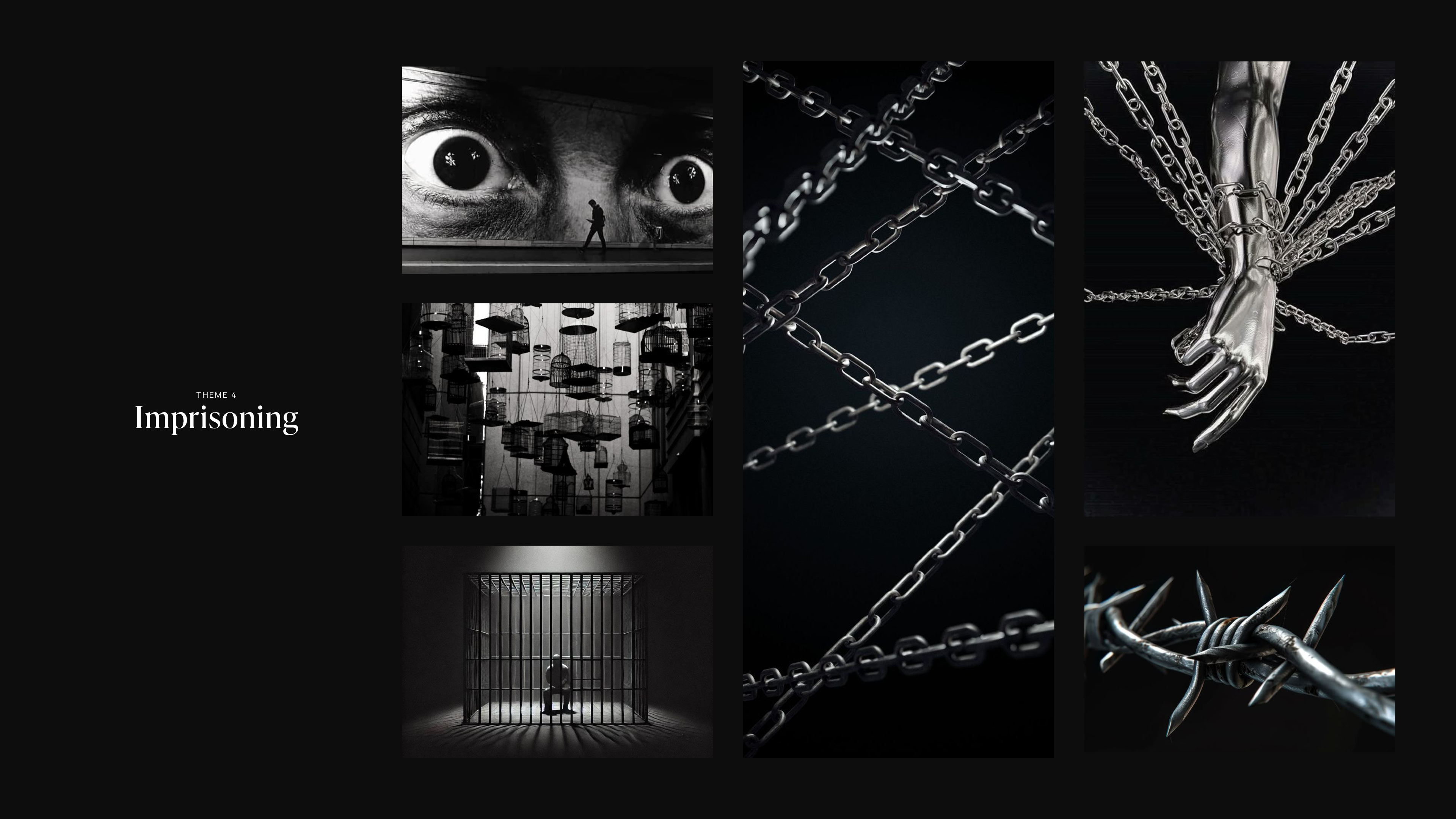
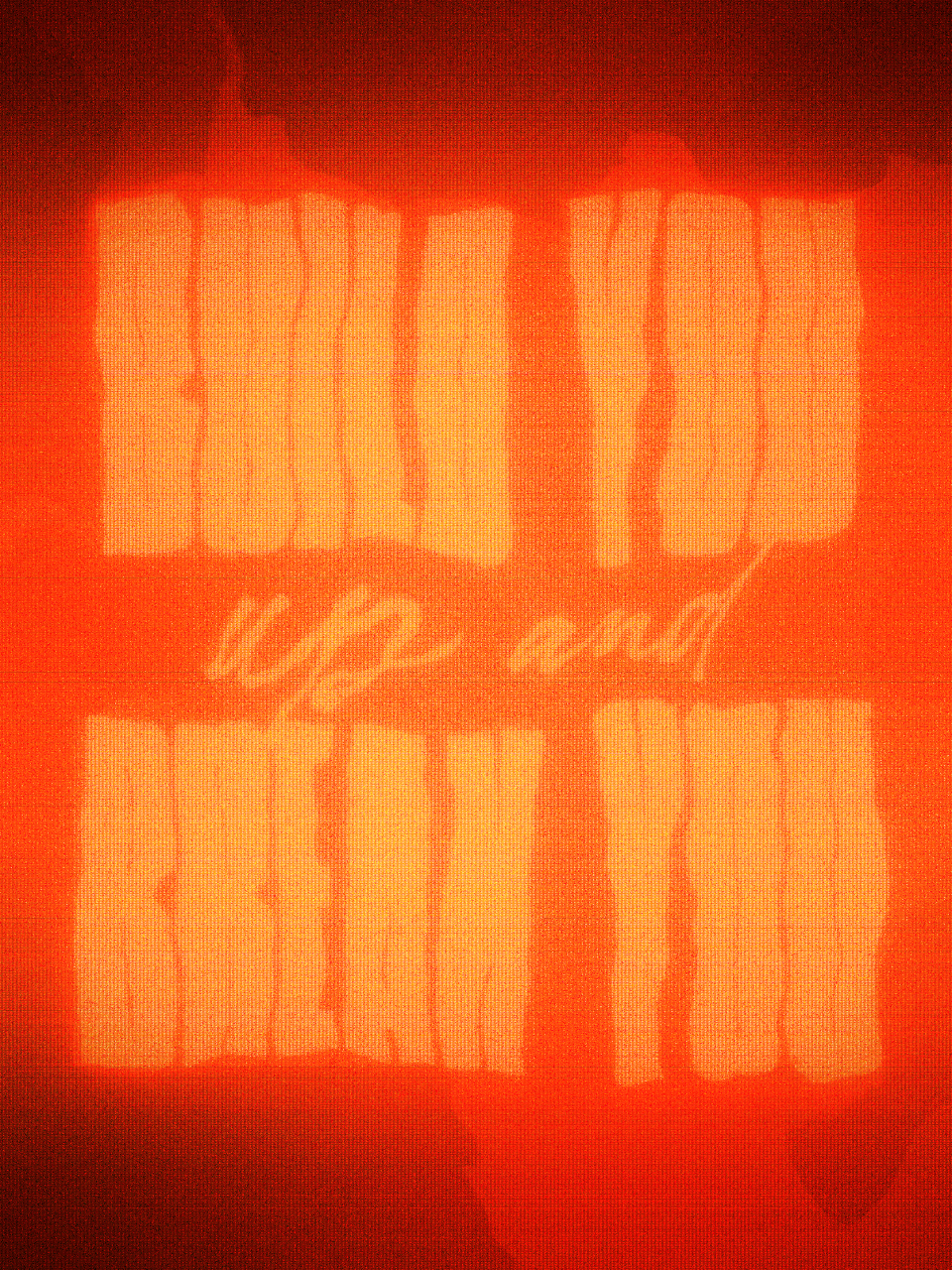
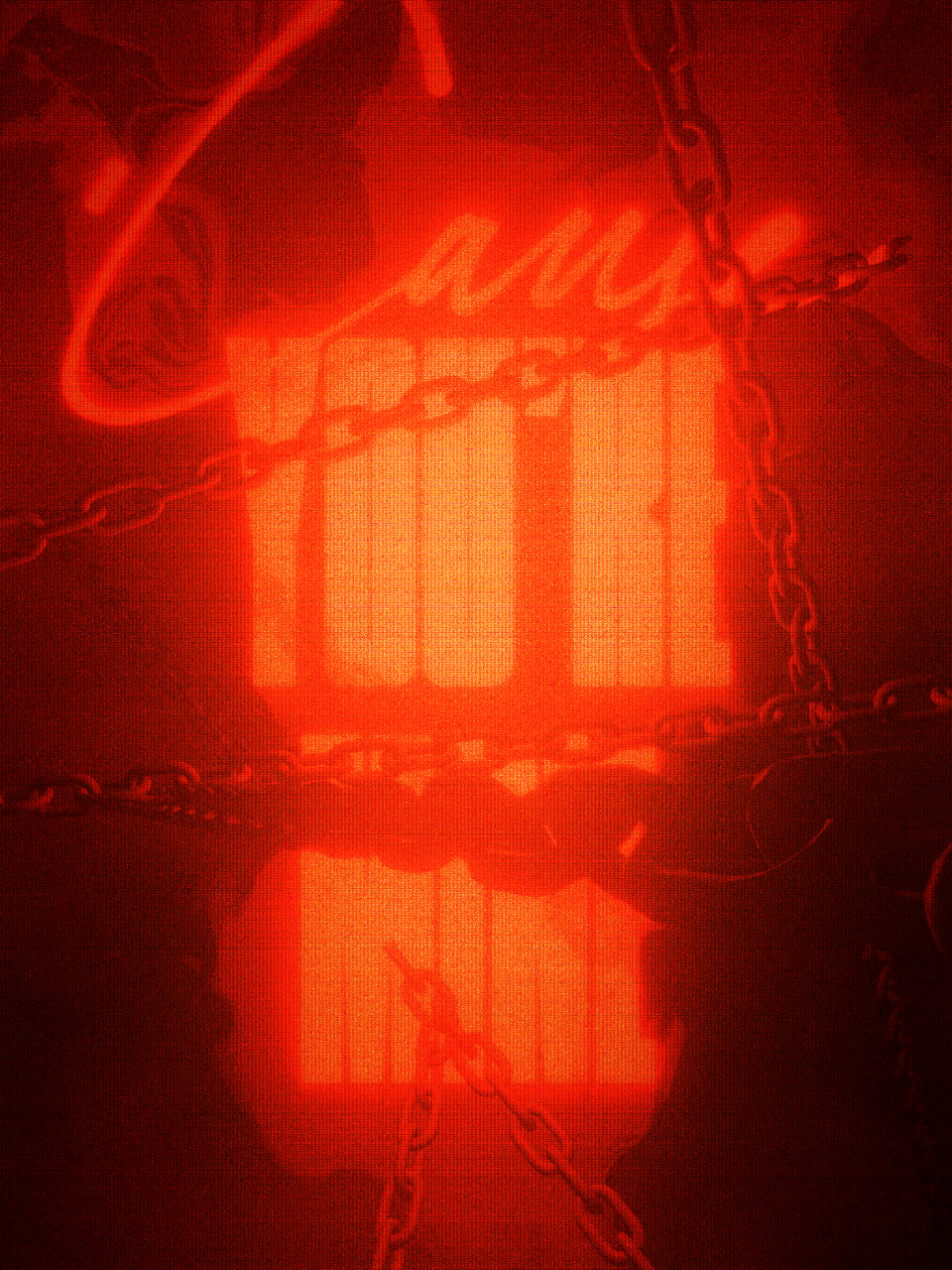
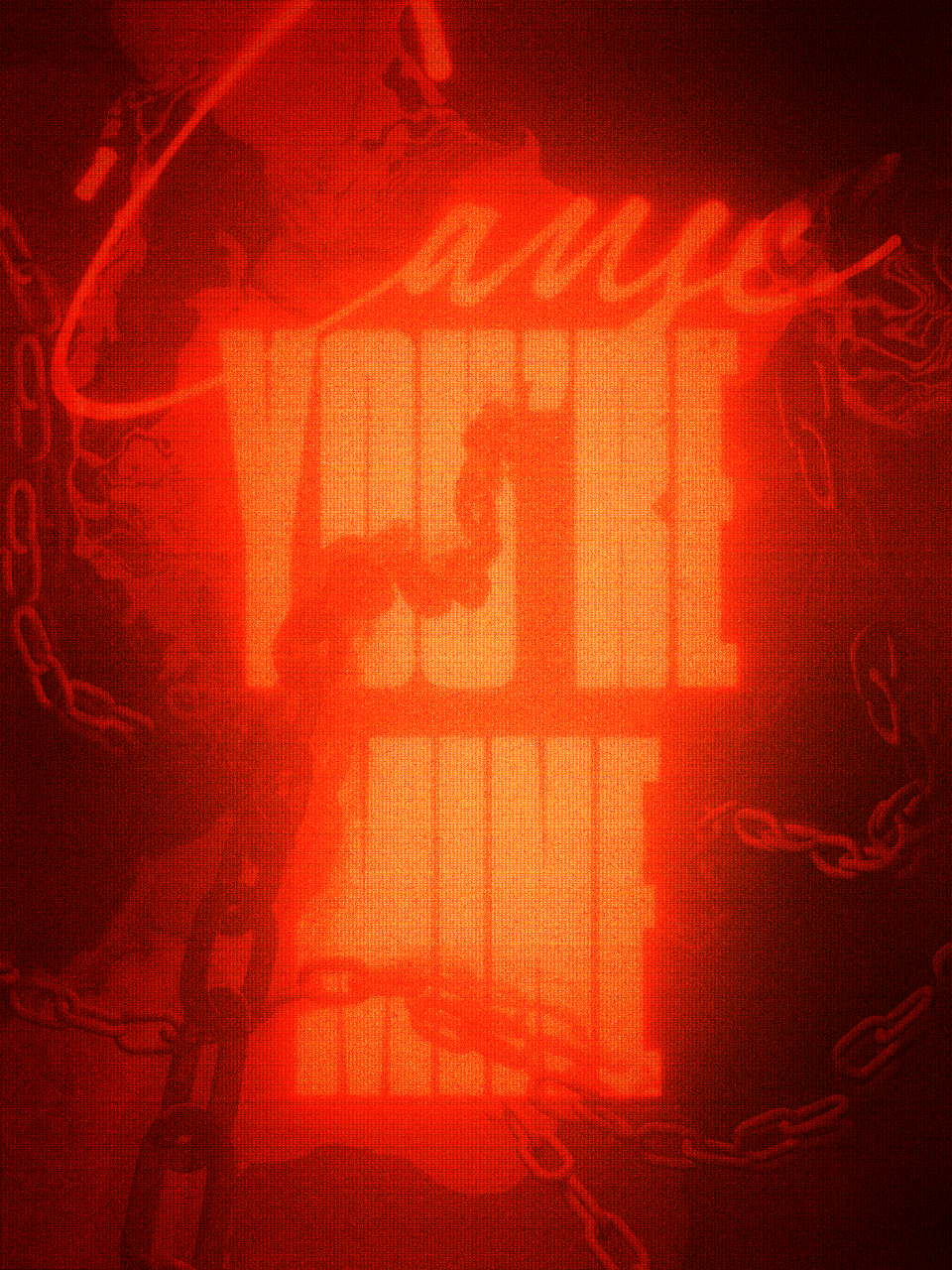
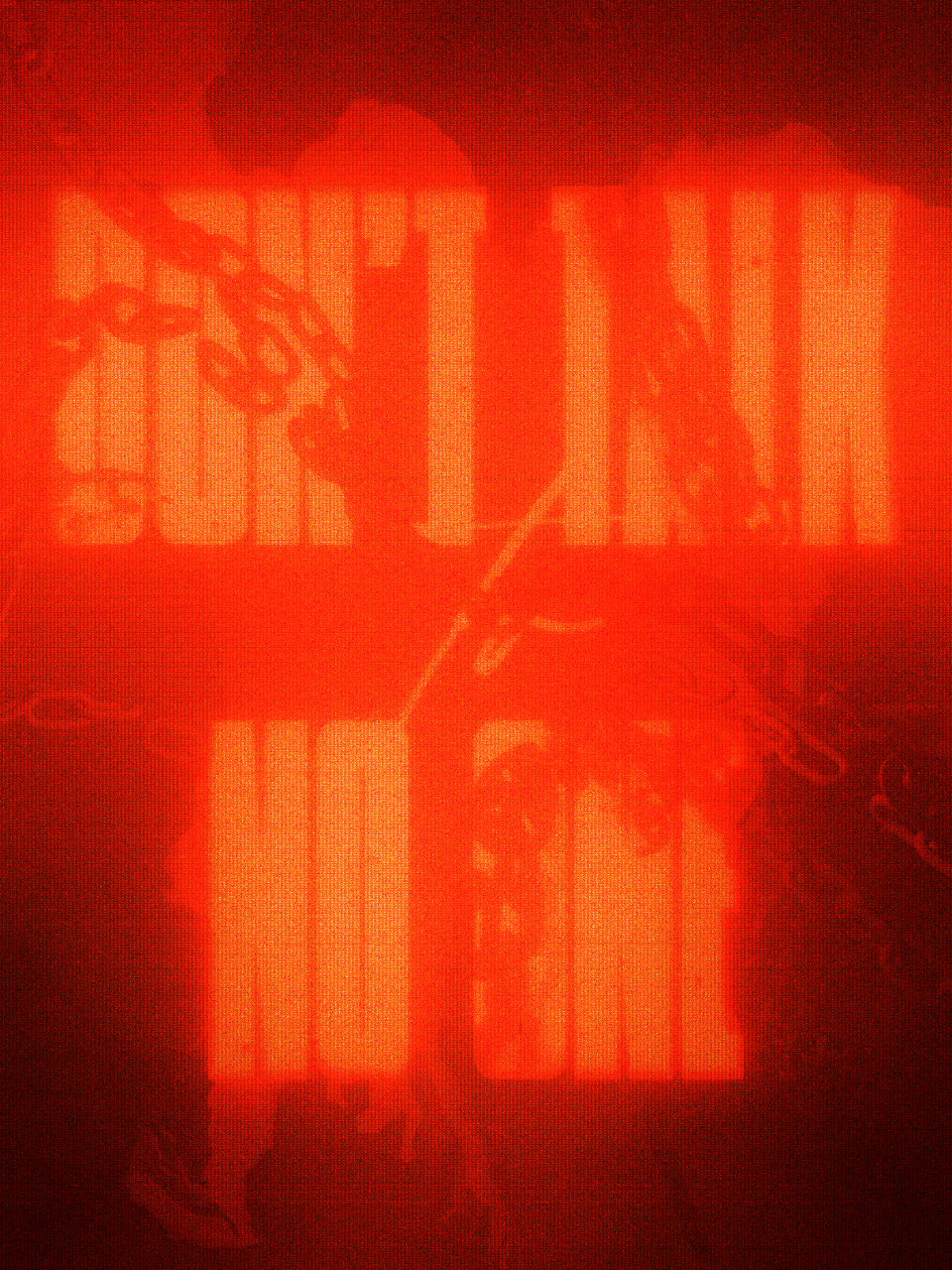
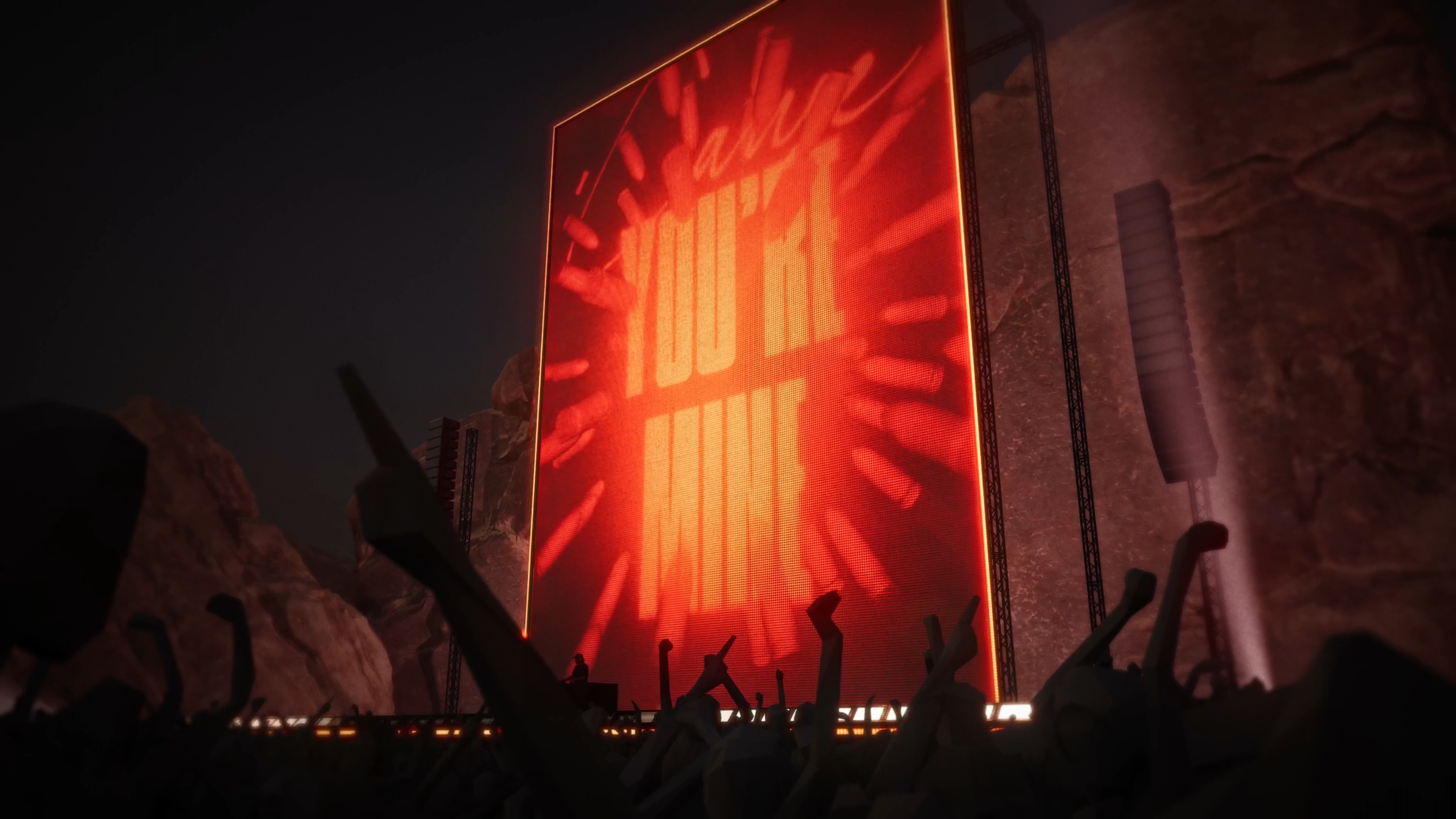
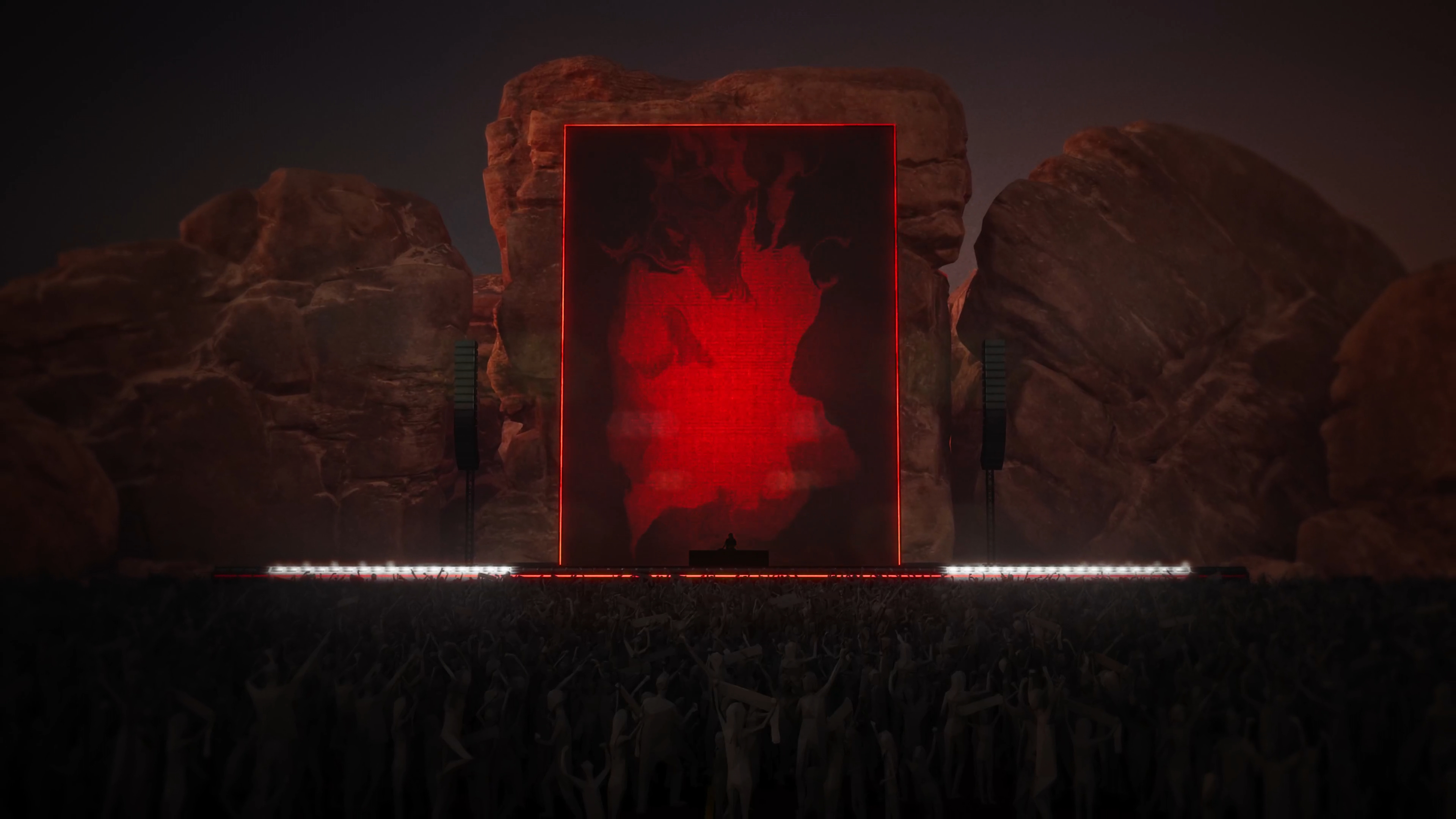
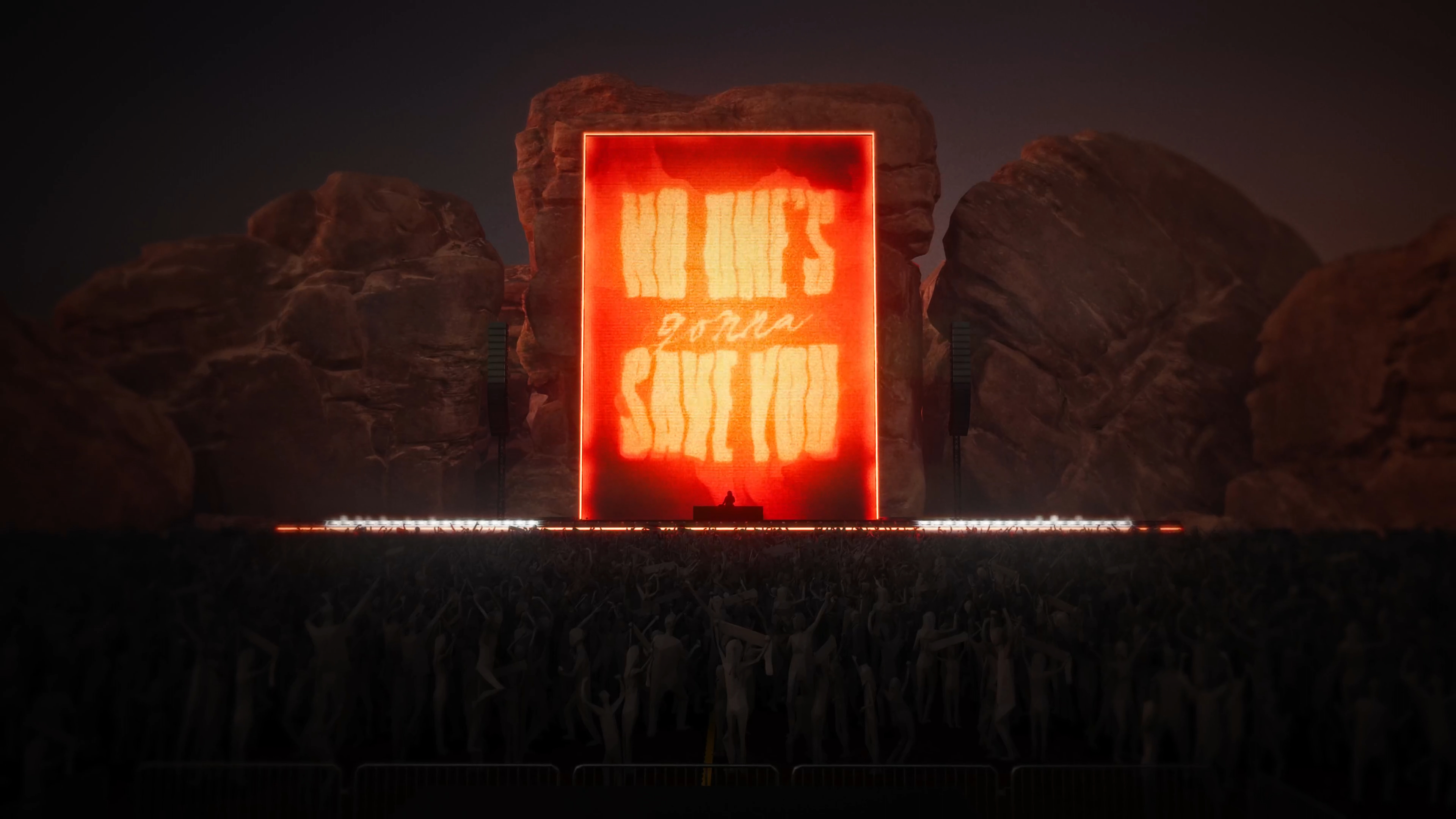
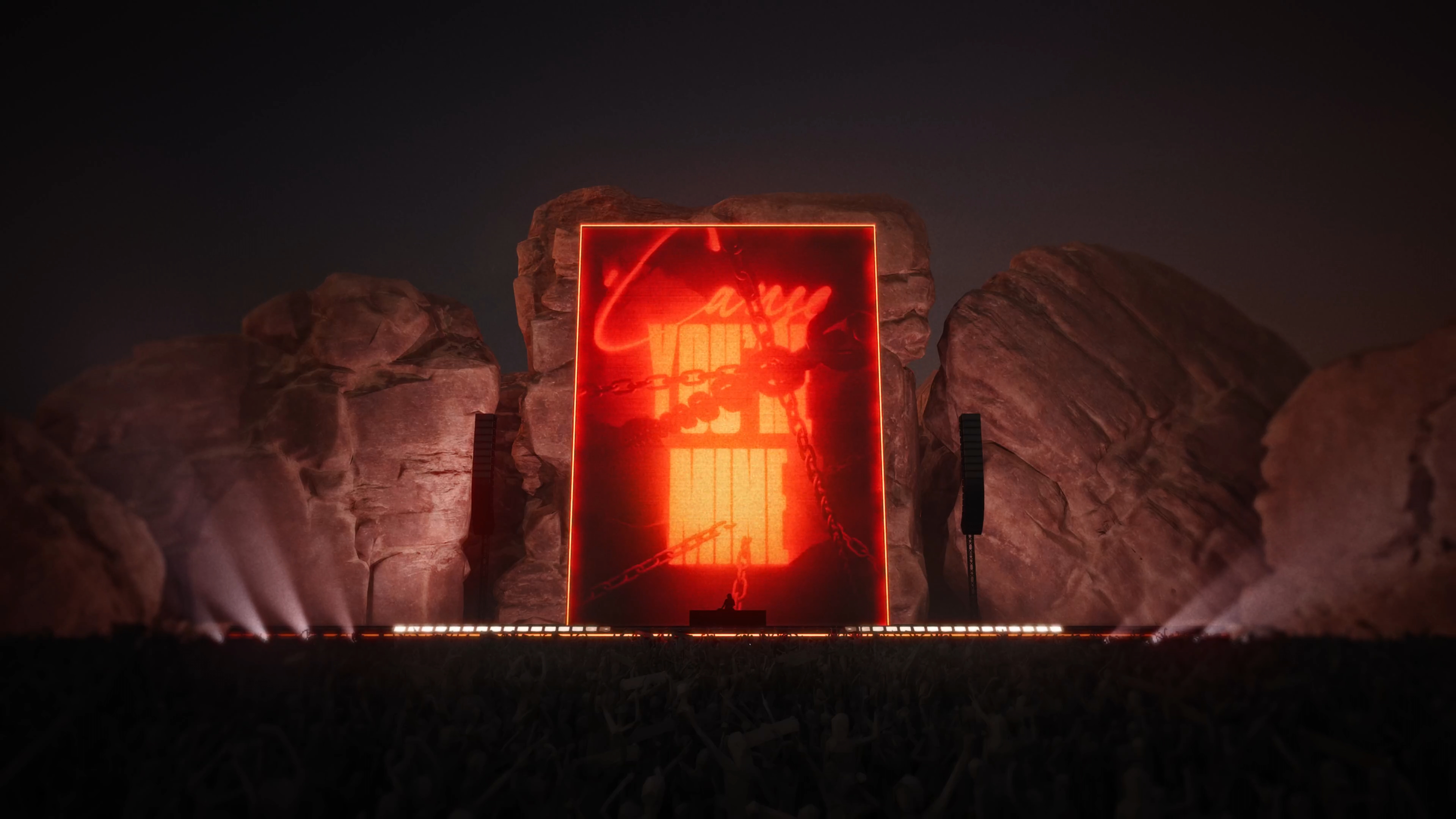
For our very first portfolio project in The Interactive & Immersive HQ TouchDesigner Bootcamp, I chose to create audio reactive concert visuals for “You’re Mine” by Phantogram, an intense electronic rock song depicting an abusive and toxic love between insecure and possessive people. The song explores twisted, distorted thoughts and perspectives on reality and relationships while trying to balance love and personal insecurities.
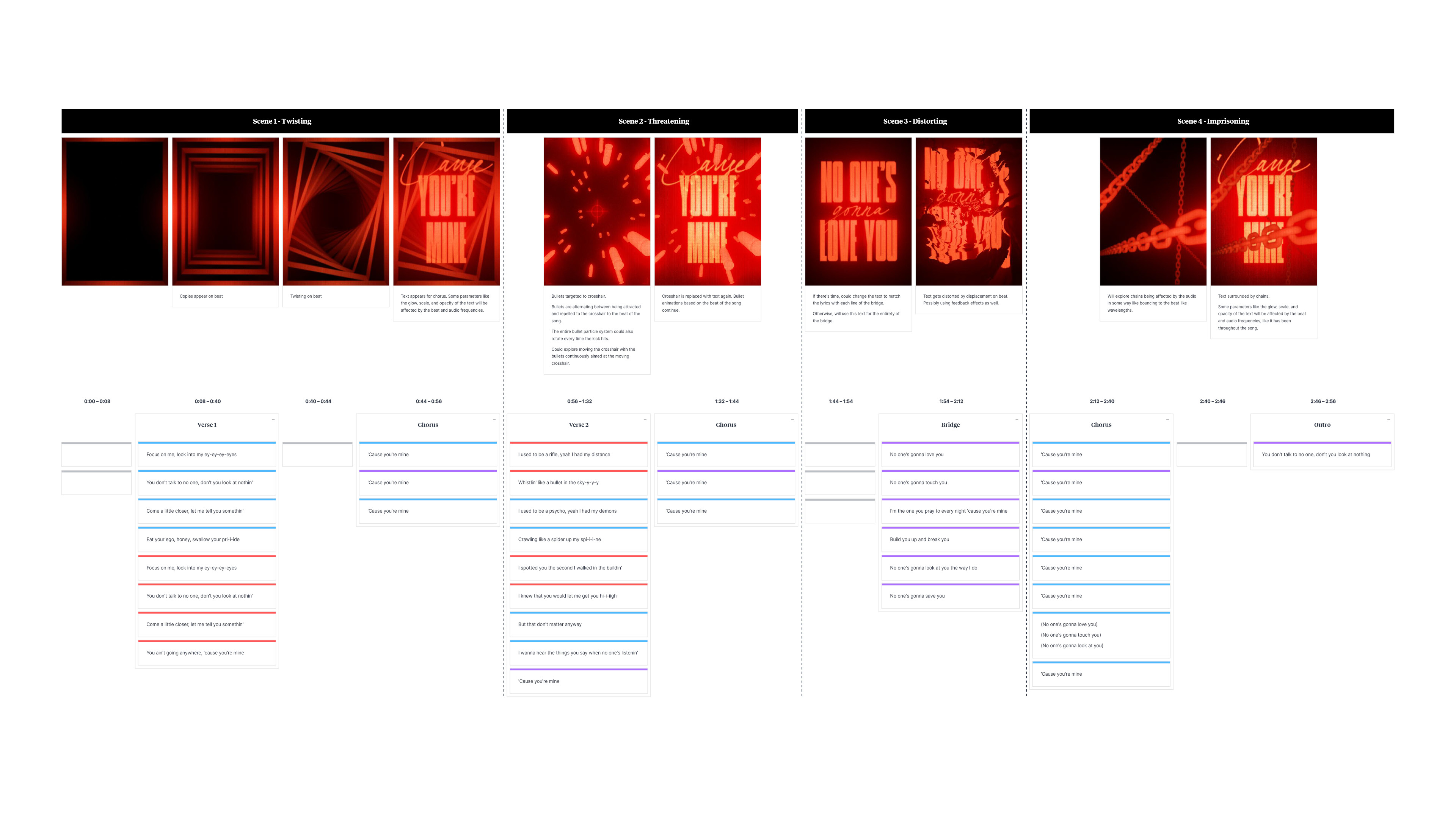
The goal of this project was to put into practice what we’ve learned about proper clean project architecture and translate the chosen song’s sounds and themes visually and symbolically through procedural audio reactive TouchDesigner animation techniques that result in polished, intentionally structured concert visuals appropriate for the band on a large stage.
Note: This is a personal project and not an official client project.
Role
Designer & Developer
Software & Tools Used
TouchDesigner
Song Breakdown

Moodboards


Design Frames & Storyboards
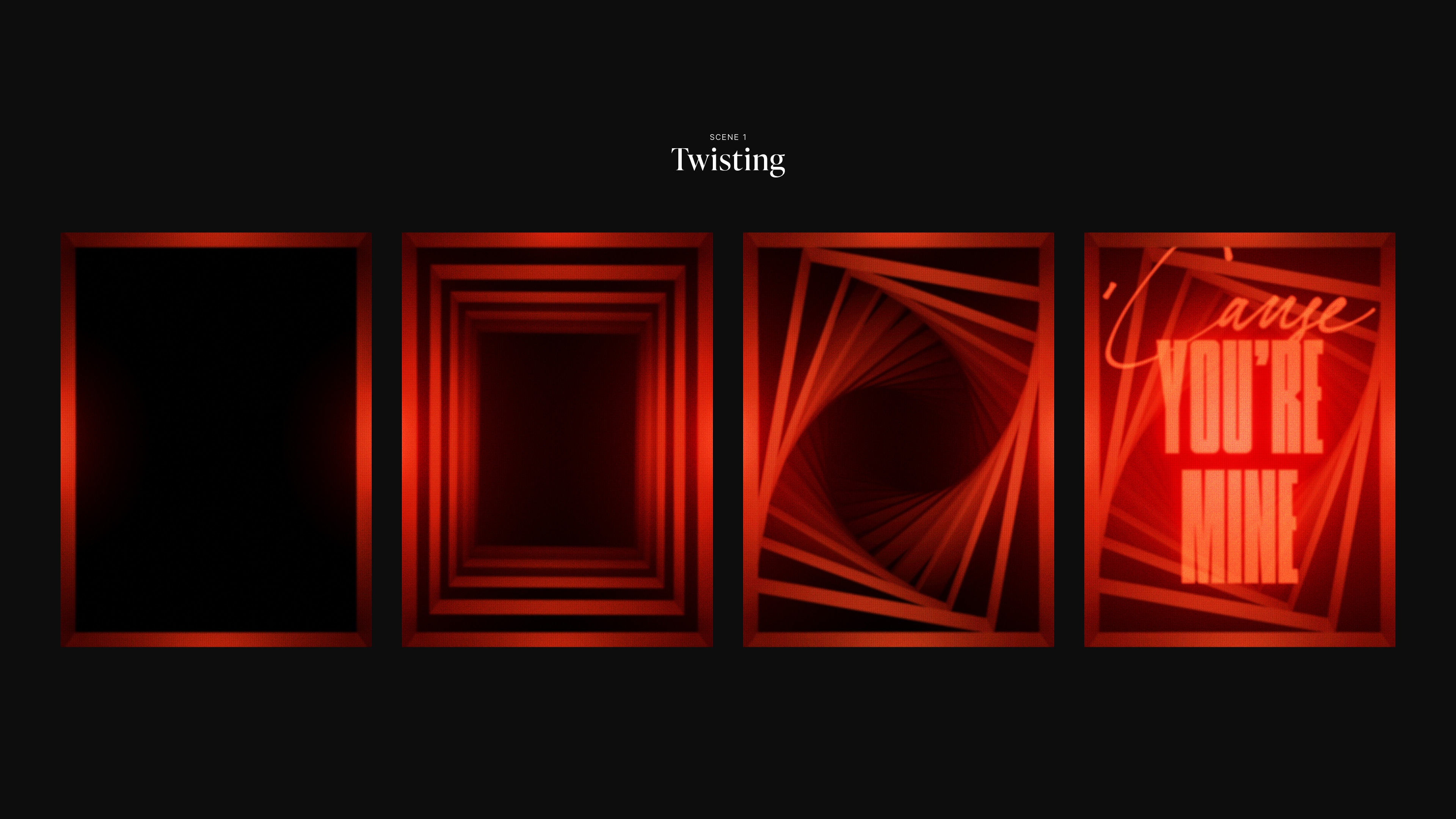
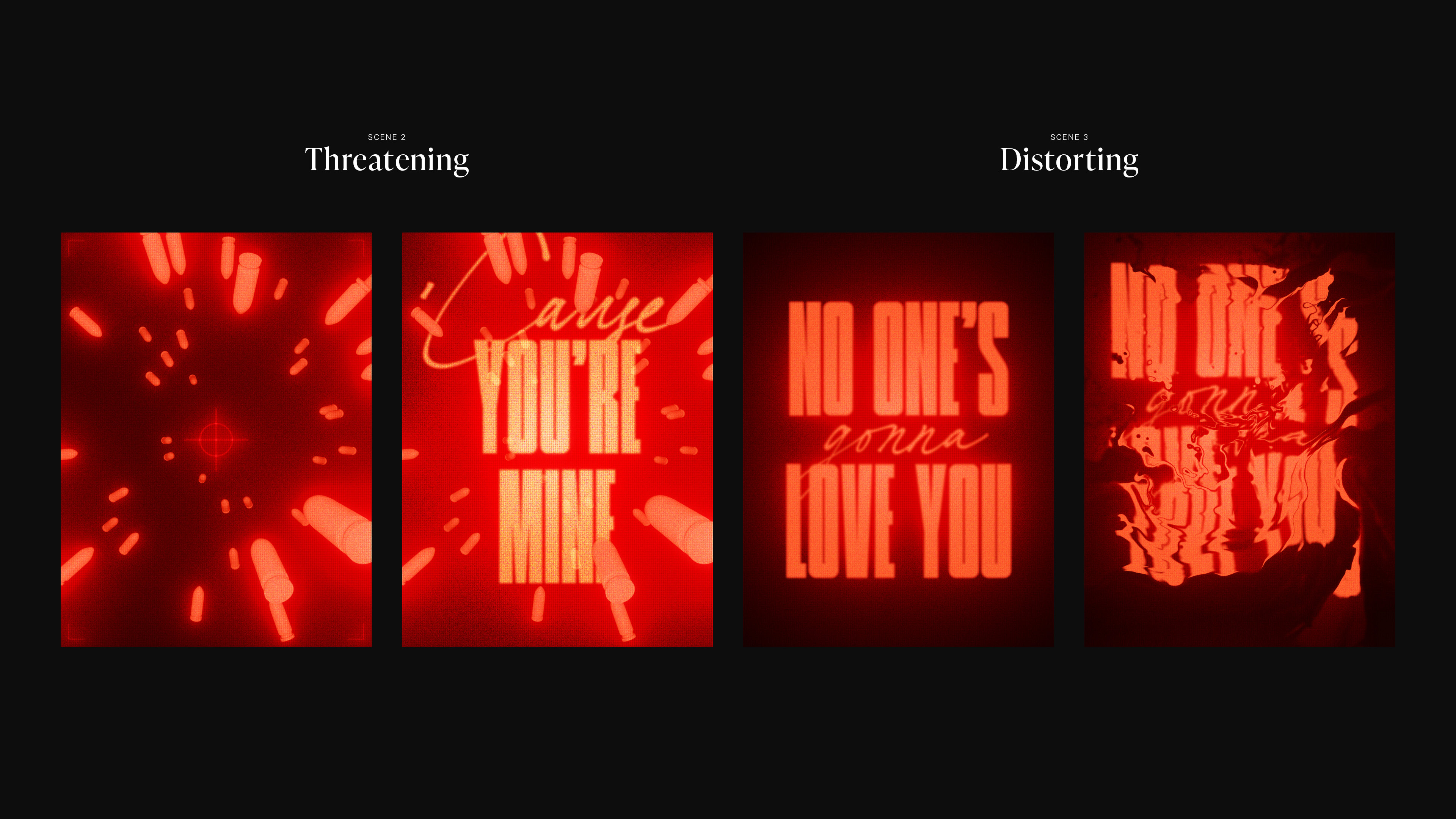

Process
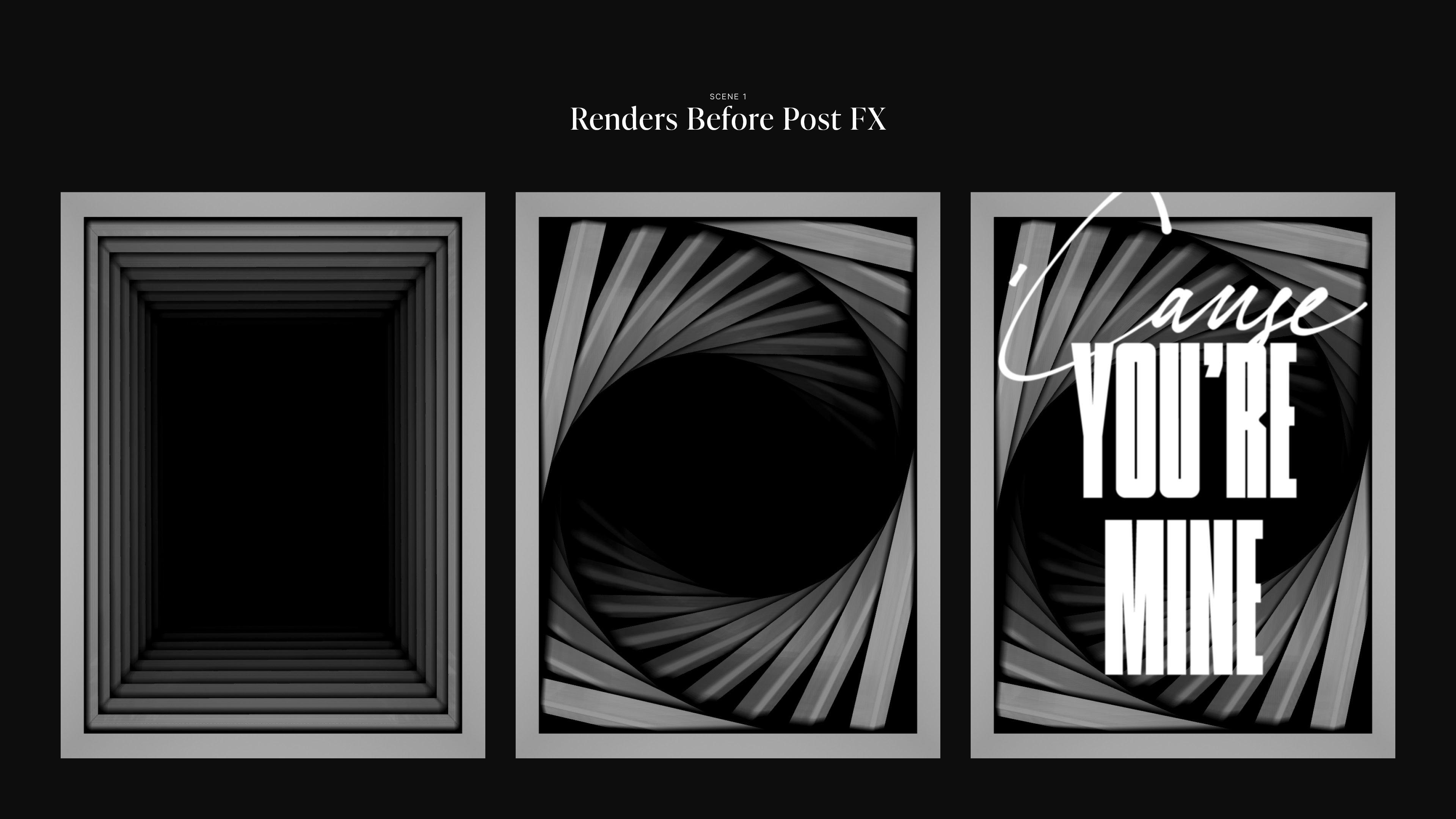
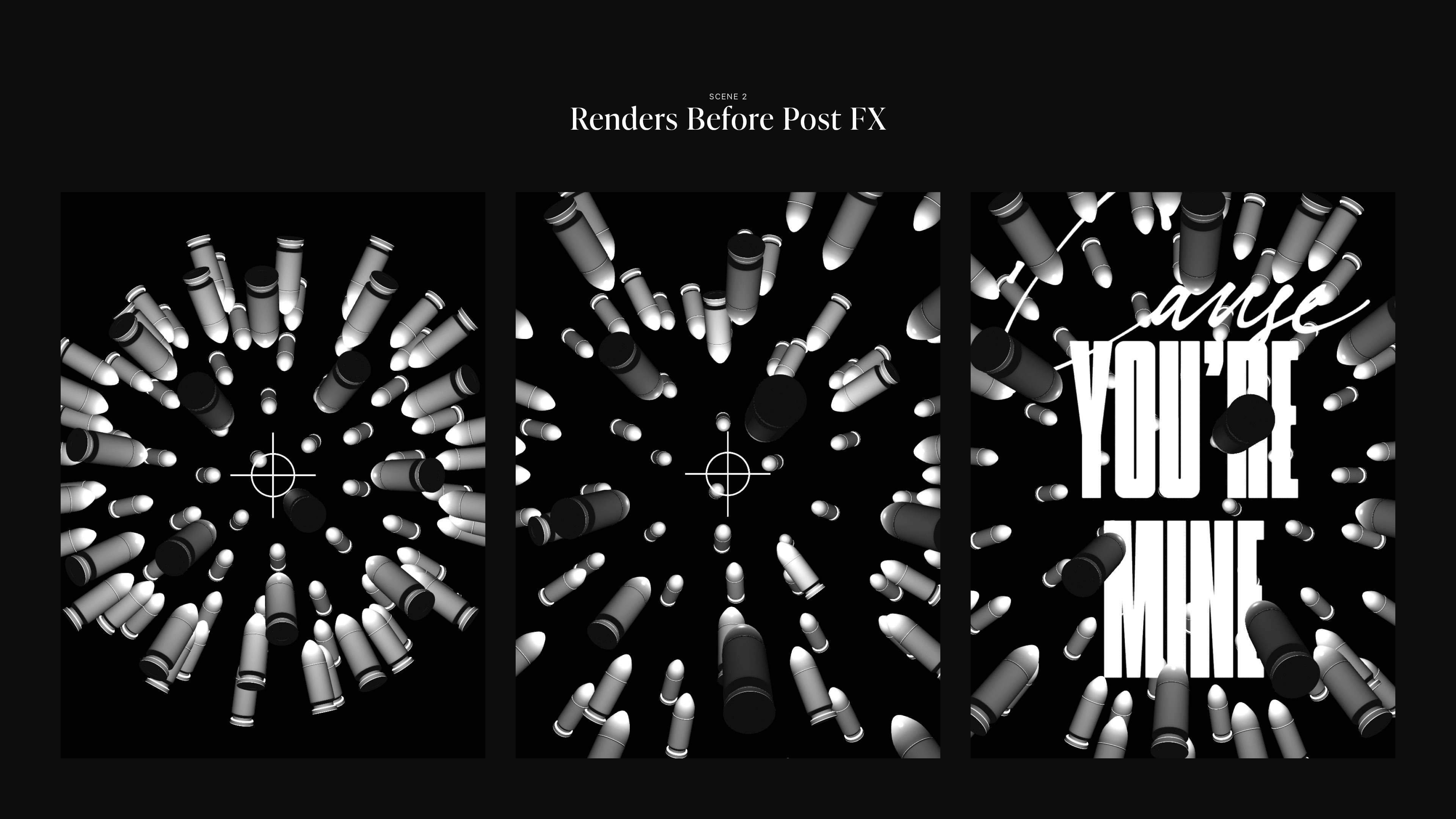


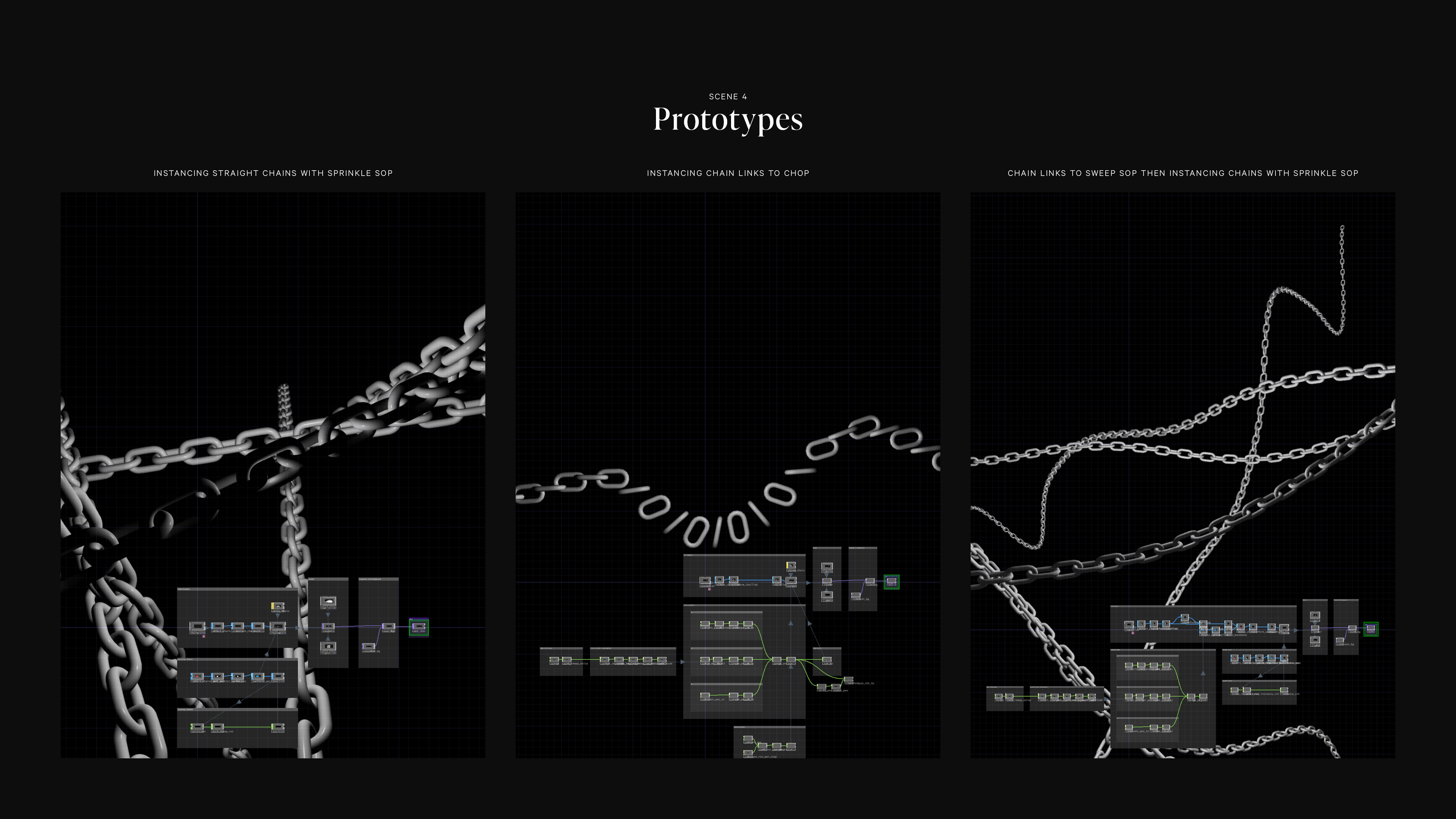

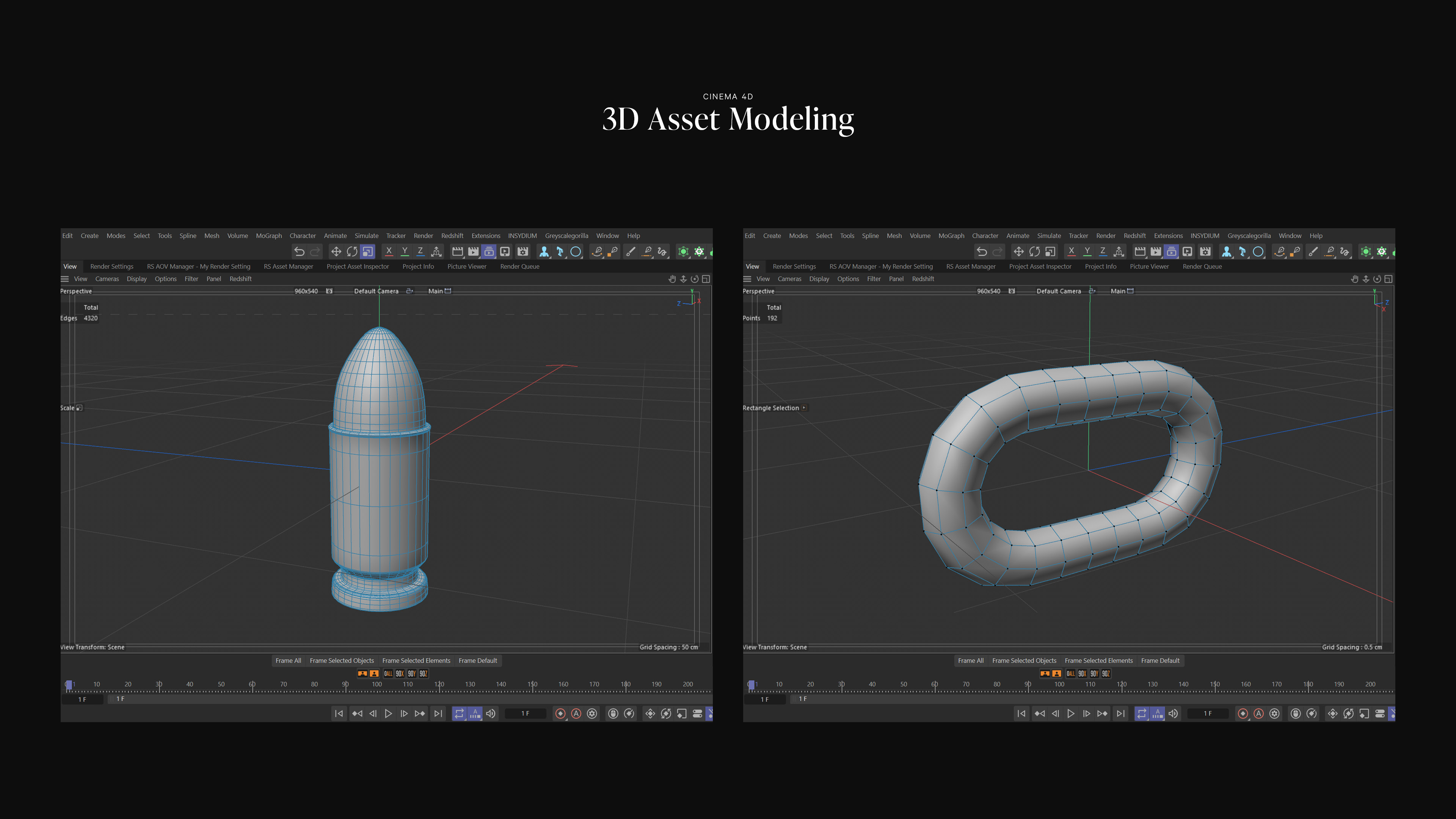

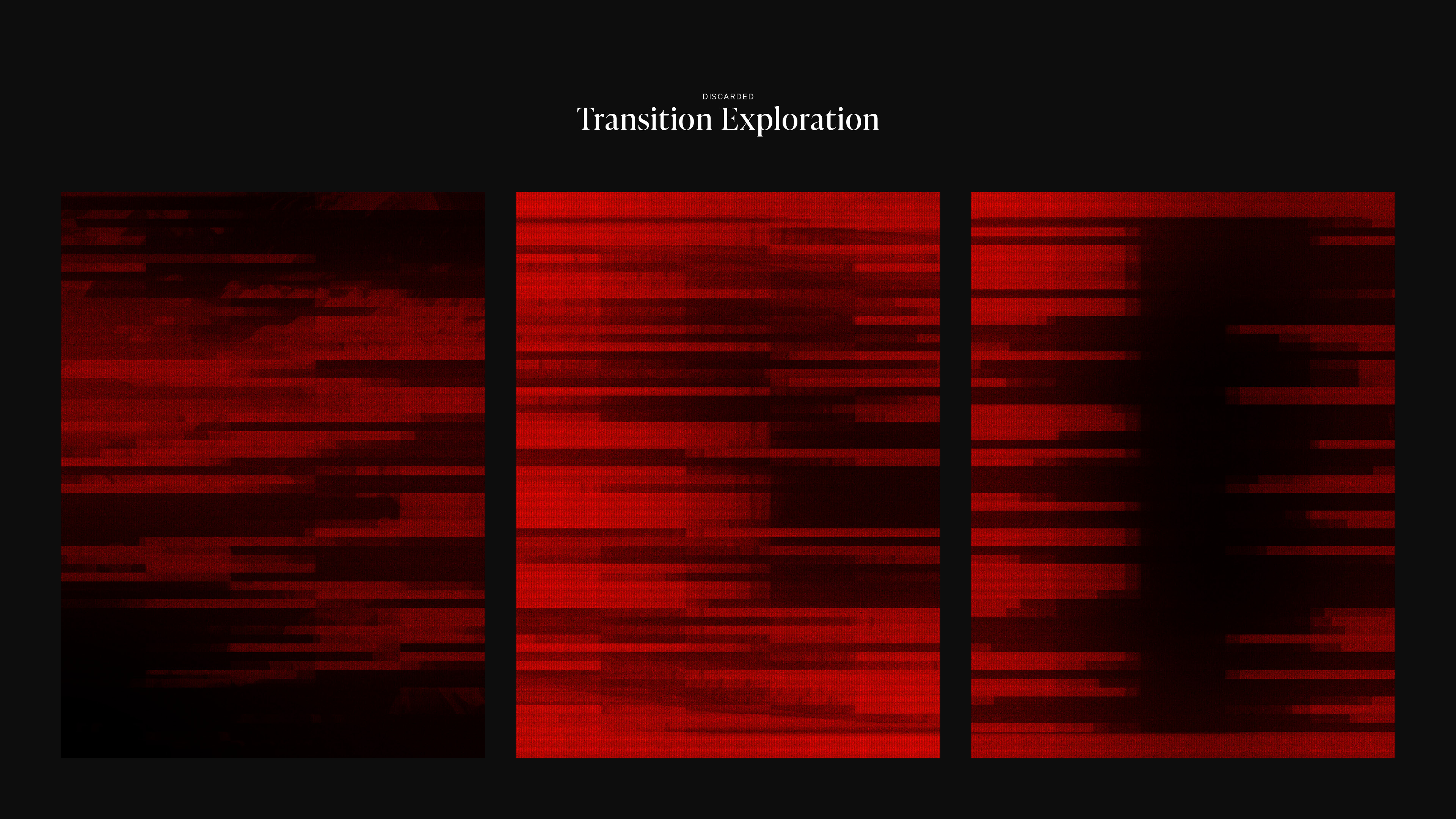
TouchDesigner Renders






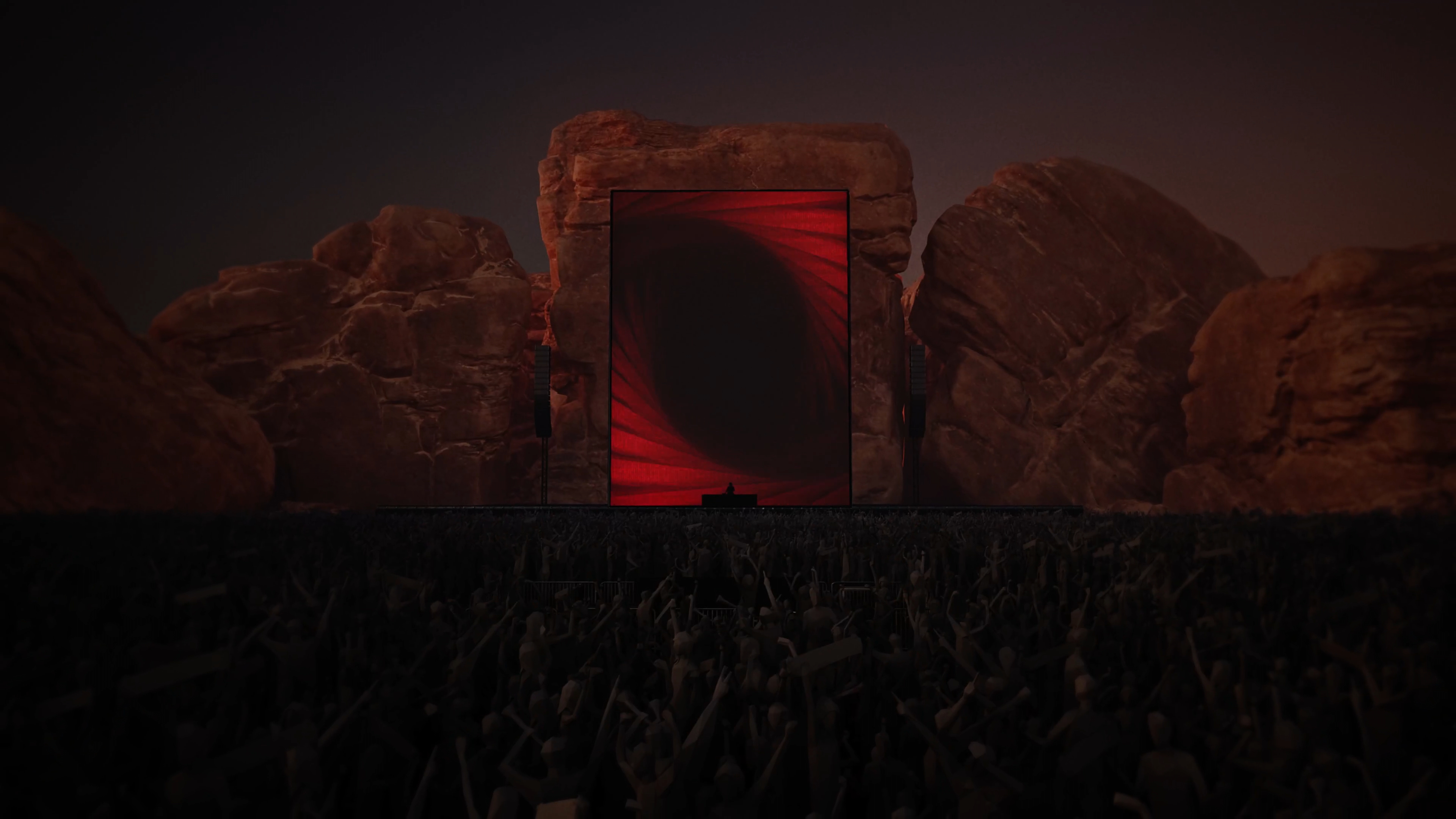
Unreal Engine Pre-viz
The Interactive & Immersive HQ TouchDesigner Bootcamp provided all of the students with Unreal Engine pre-viz environments for us to run our TouchDesigner projects in context.



Interstellar:
"Cornfield Chase"
Lighting Sculpture
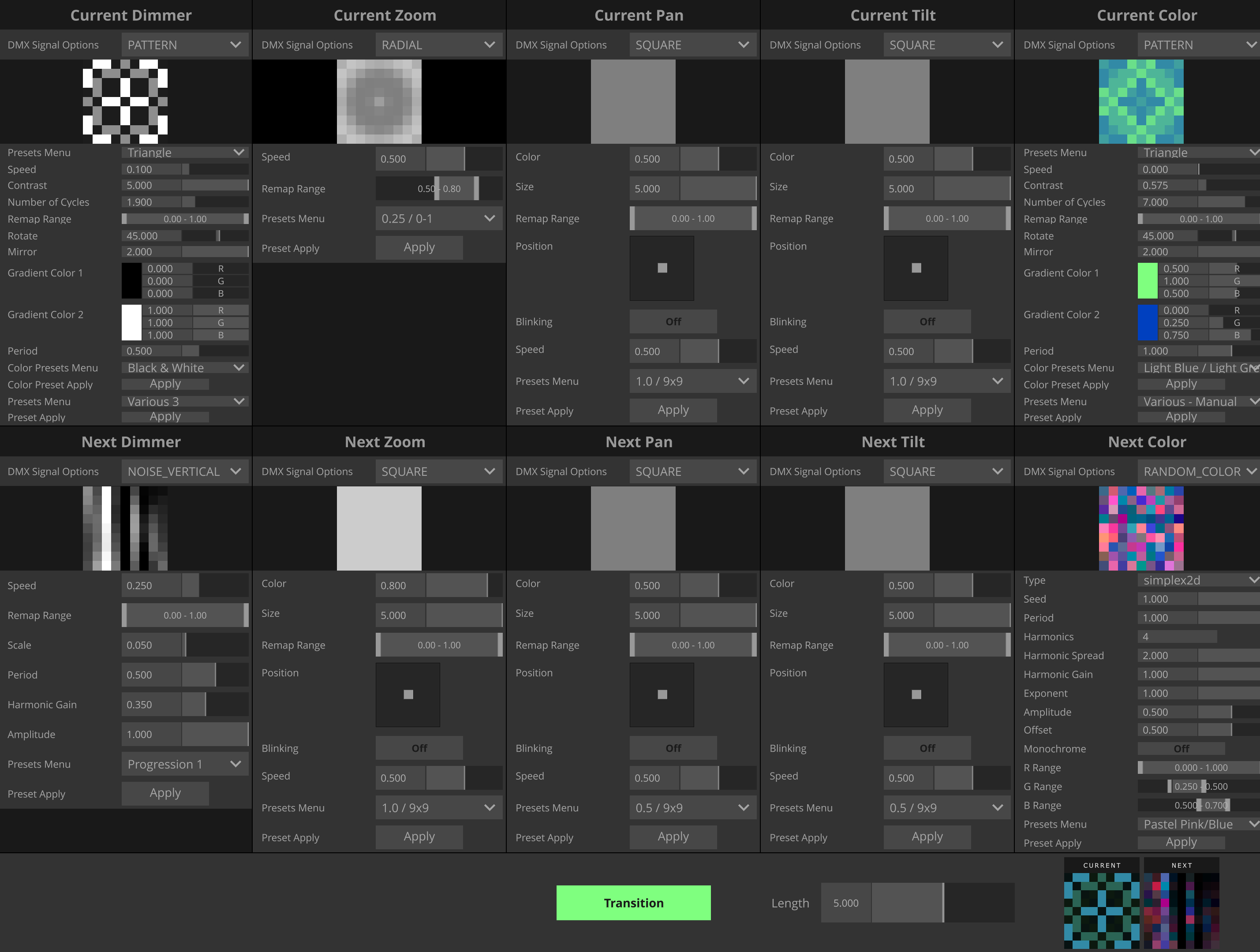
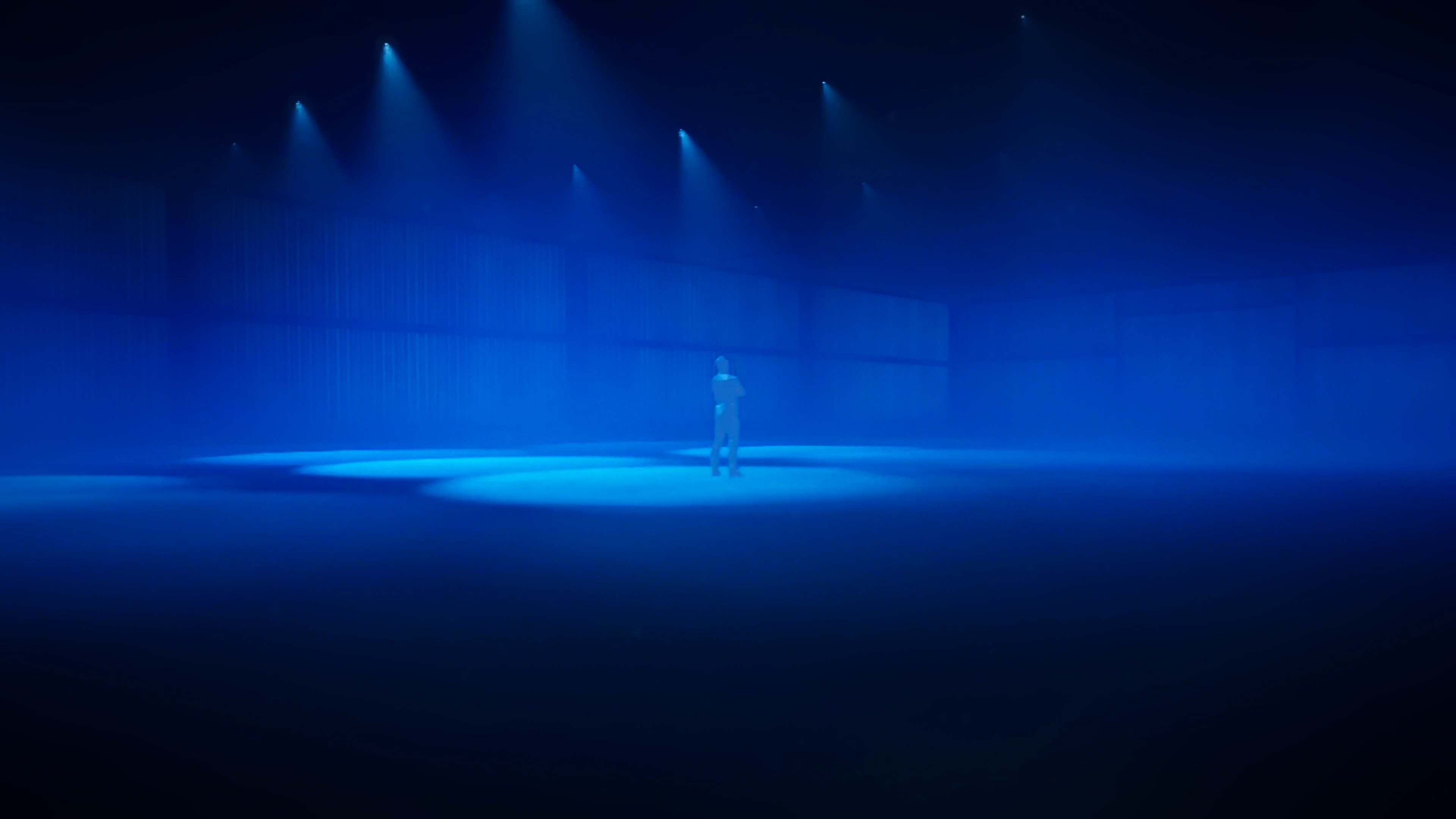
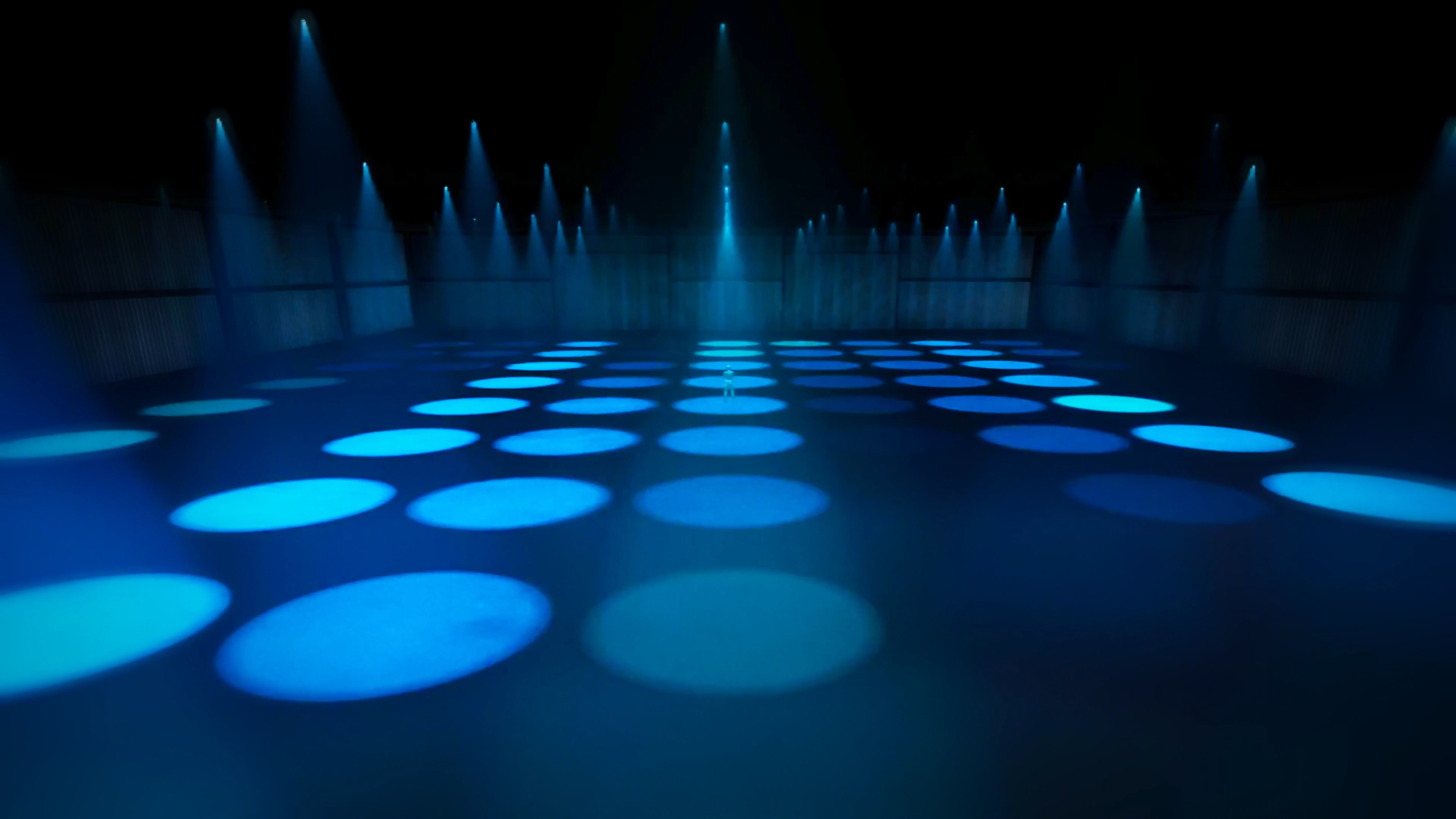
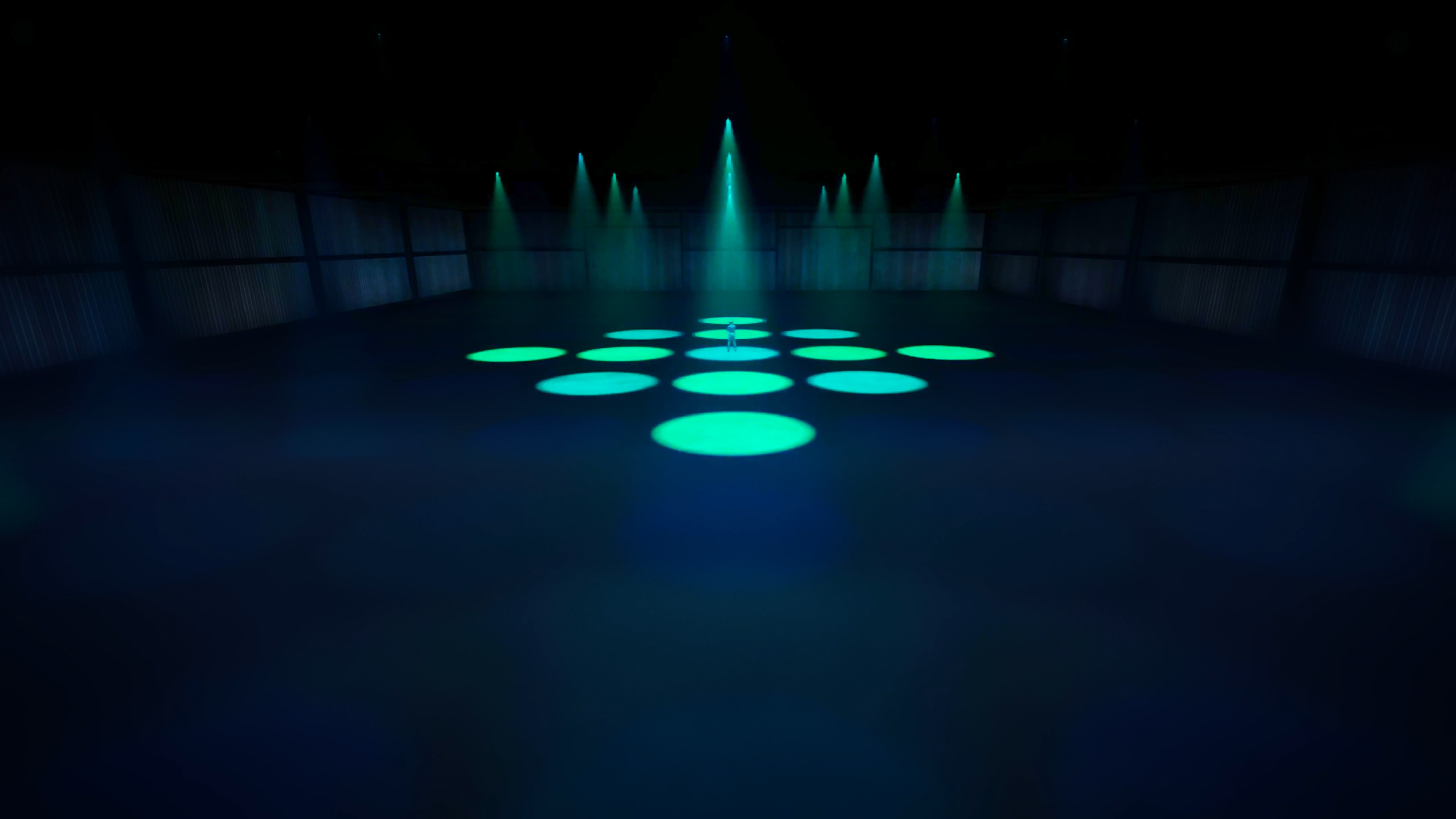
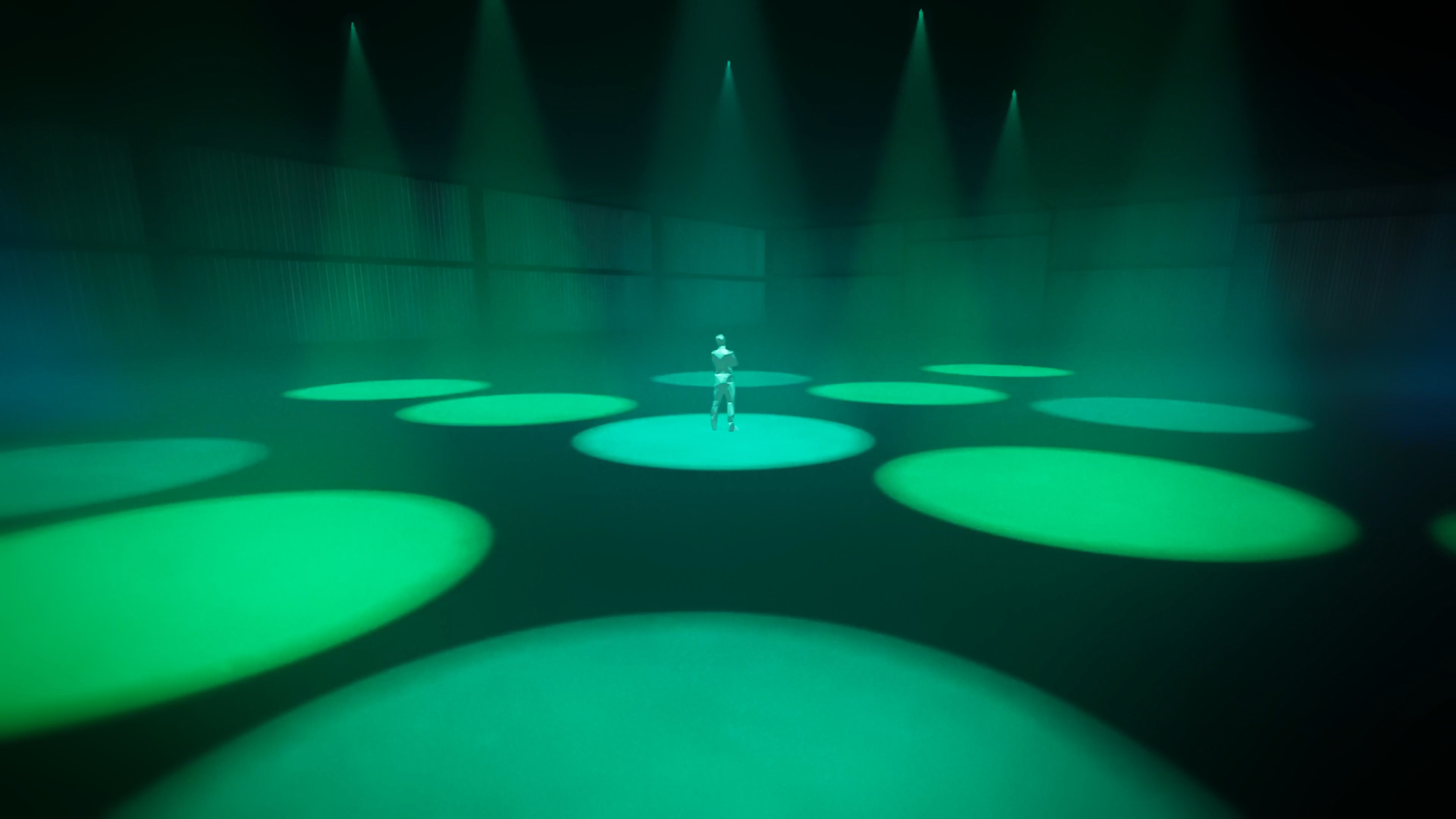
For the DMX lighting sculpture project in The Interactive & Immersive HQ TouchDesigner Bootcamp, my main goal was to create a flexible, modular system of generating and combining DMX signals through a user-friendly lighting console UI with adjustable parameters and presets so that anyone can explore, play, and easily piece together different experiences in real-time.
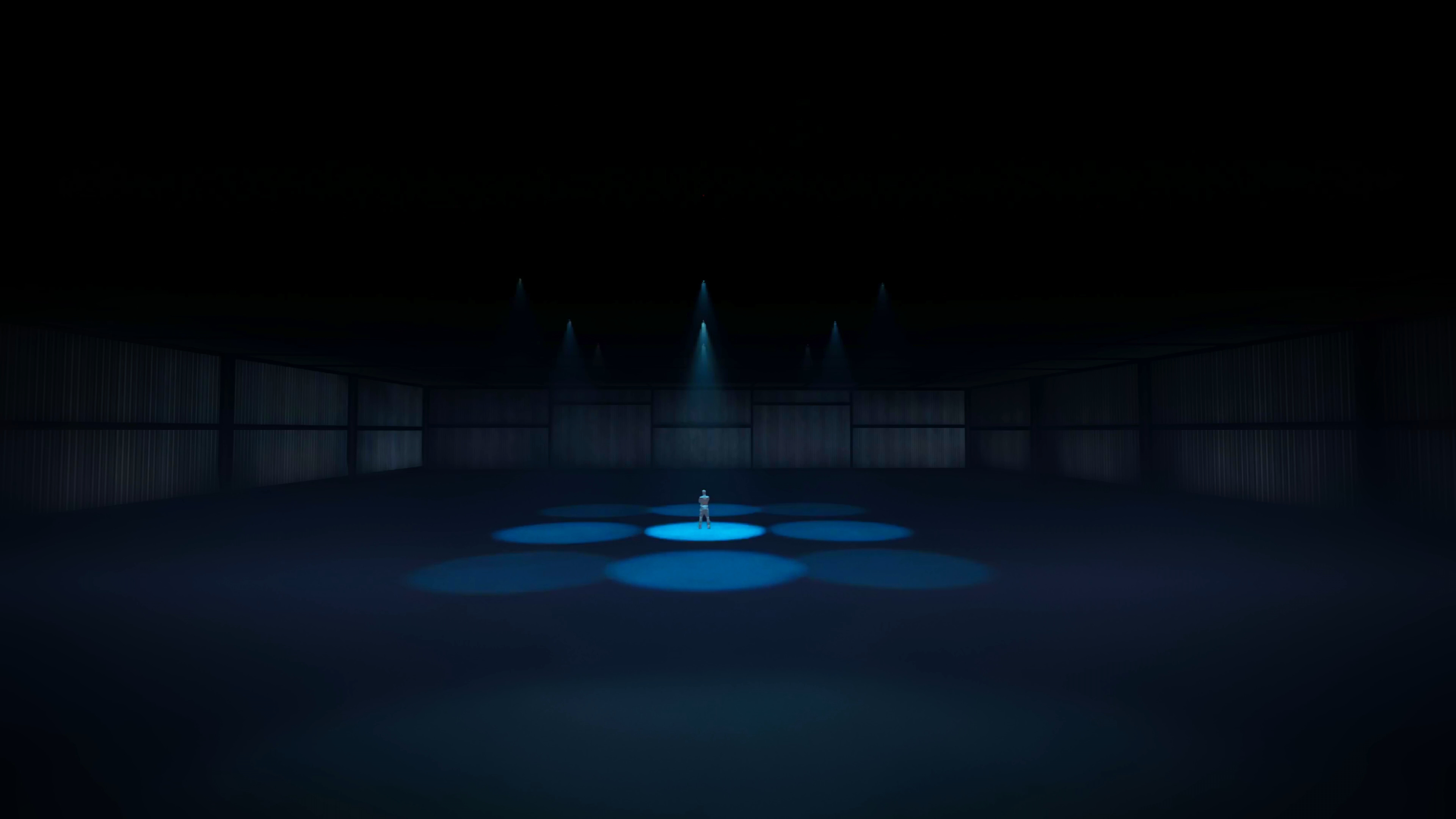
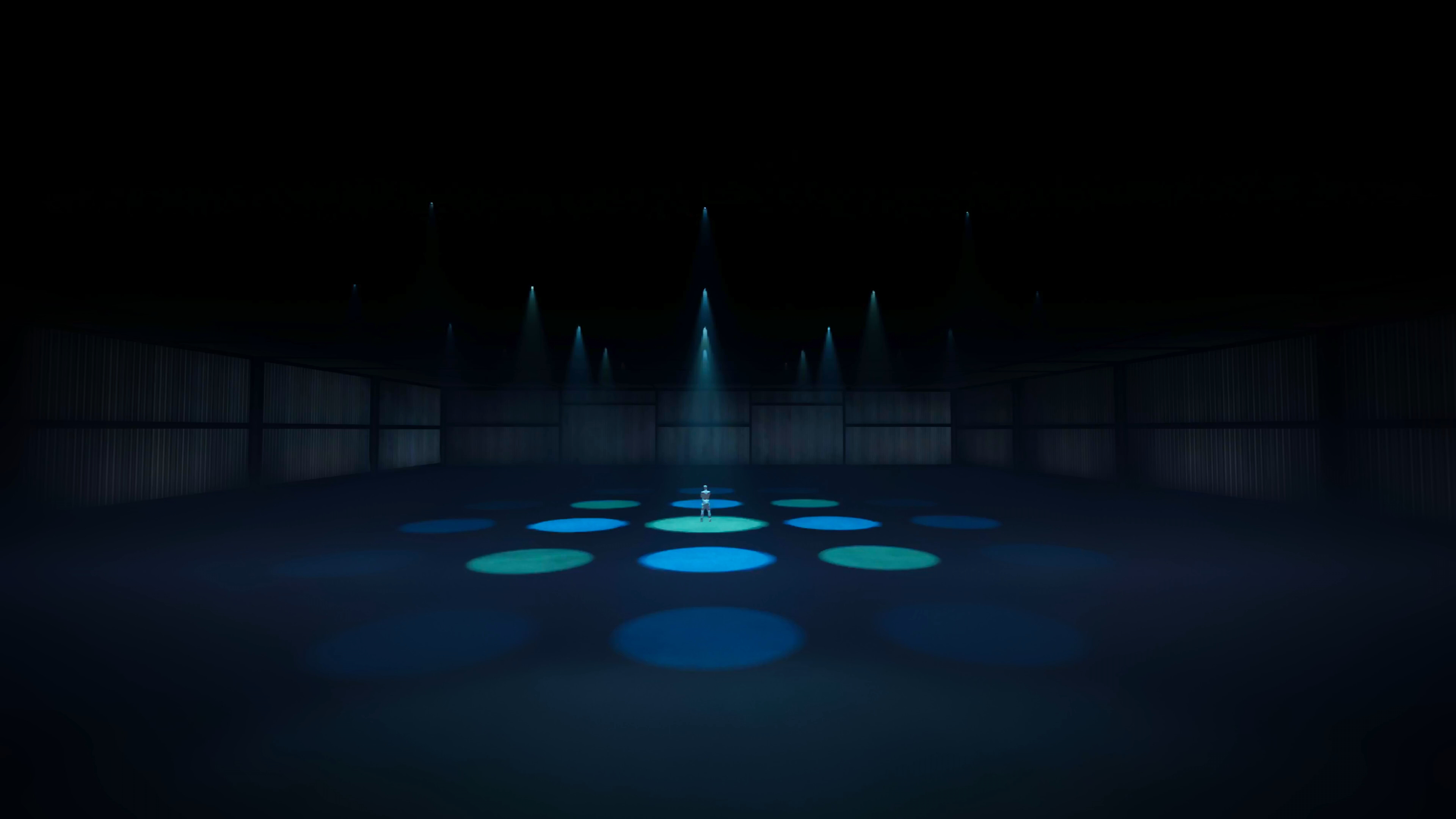
As a starting point, a couple preset loops were built to be used with Hans Zimmer’s “Cornfield Chase” from Interstellar (Original Motion Picture Soundtrack) as the immersive audio, but the goal is that the system and animation presets are flexible enough to adapt to other songs on the film soundtrack or a range of any other music and experiences as well.
Note: This is a personal project and not an official client project.
Role
Designer & Developer
Software & Tools Used
TouchDesigner
User Interface & Modularity
Creativity thrives most when there’s space to play and explore within a structured system.
So, both the behind-the-scenes project structure and the user-facing UI were built around the idea of modularity to allow for as much flexibility to play and explore with as little friction as possible.
Rather than having restrictive pre-built presets with minimal parameters, this user interface was designed to plug in any procedurally animated texture into any DMX signal output (dimmer, zoom, pan, tilt, and color) and customized to create endless combinations, as if they are a set of DMX Signal Legos.
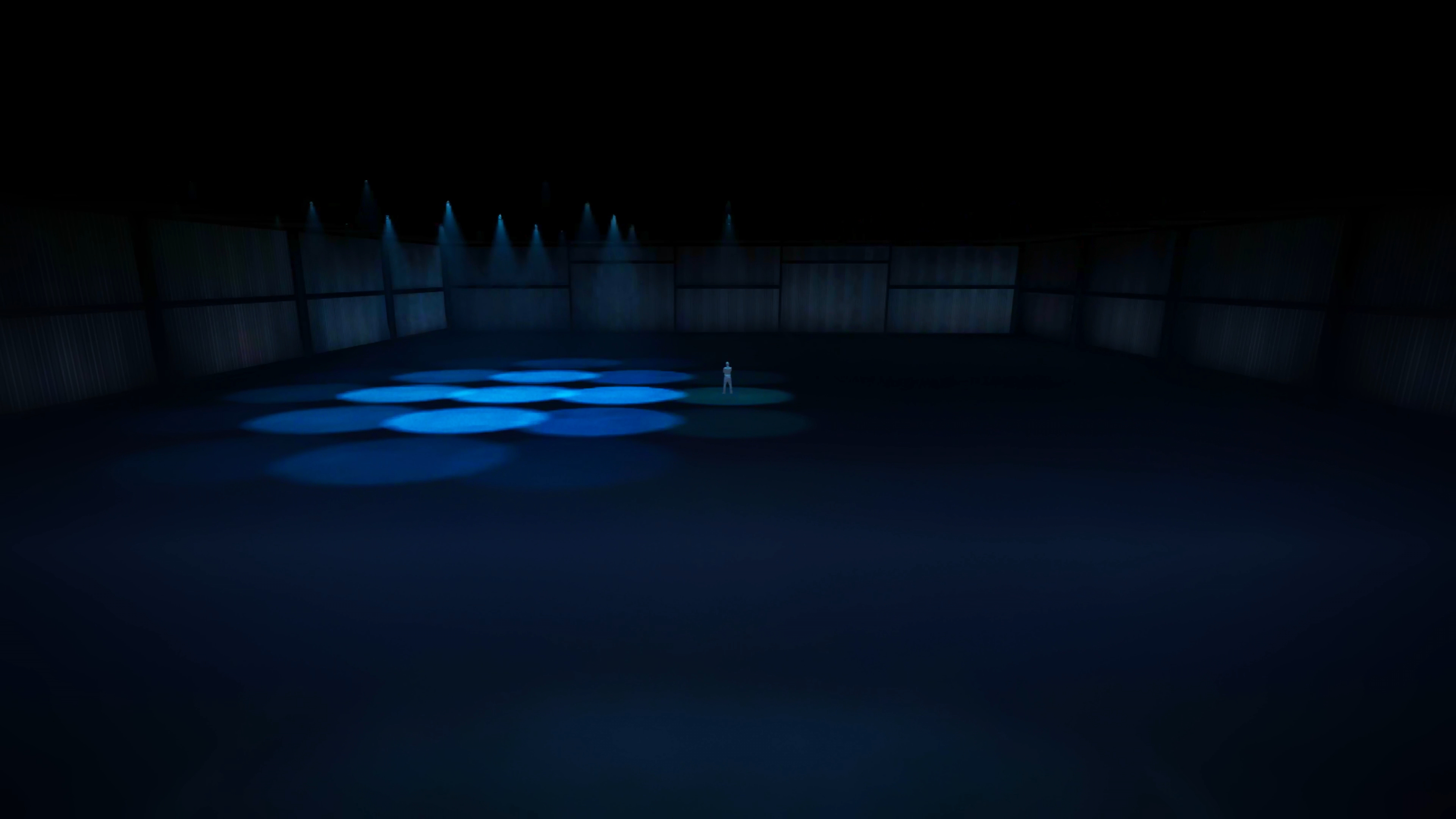
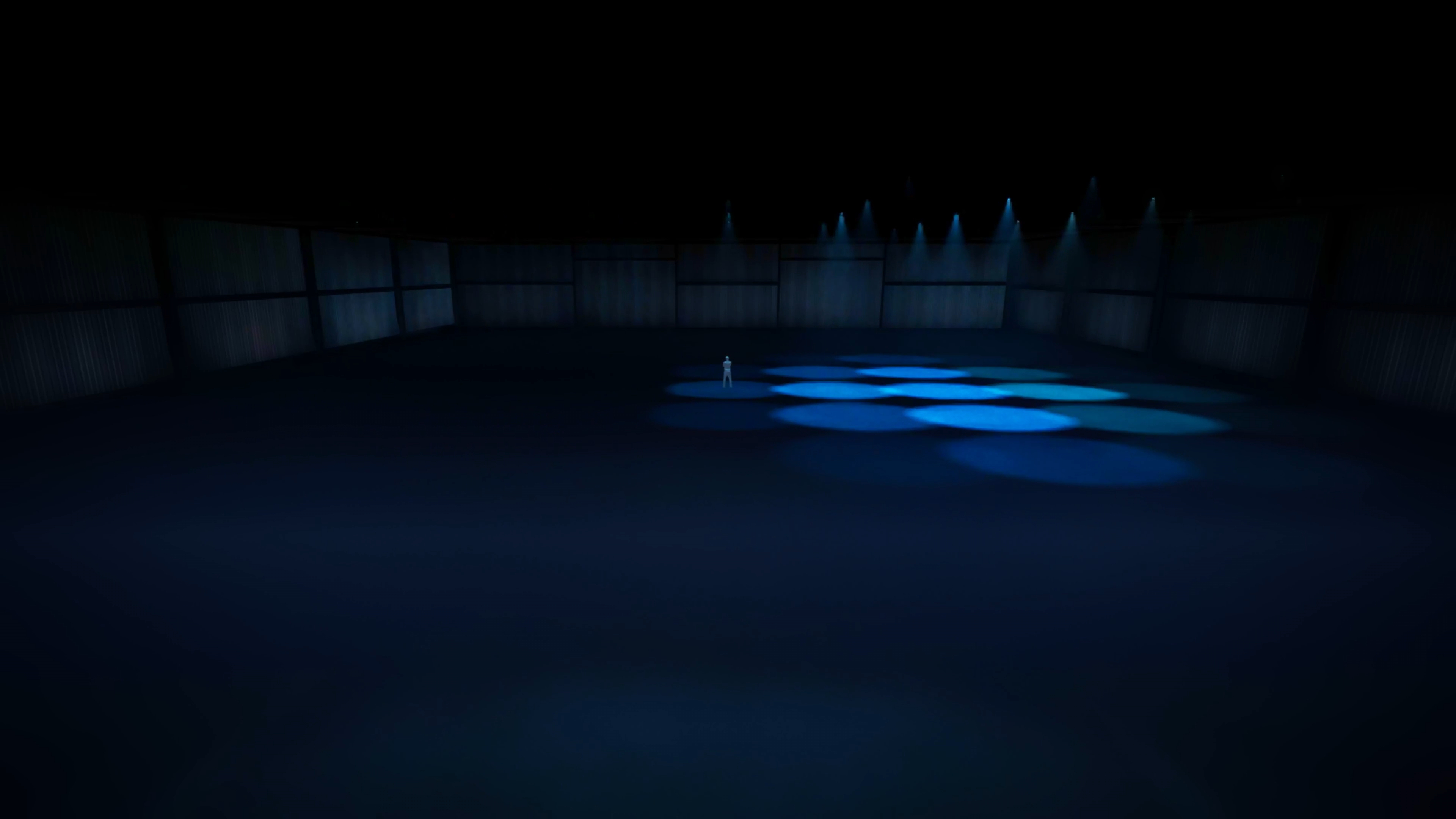
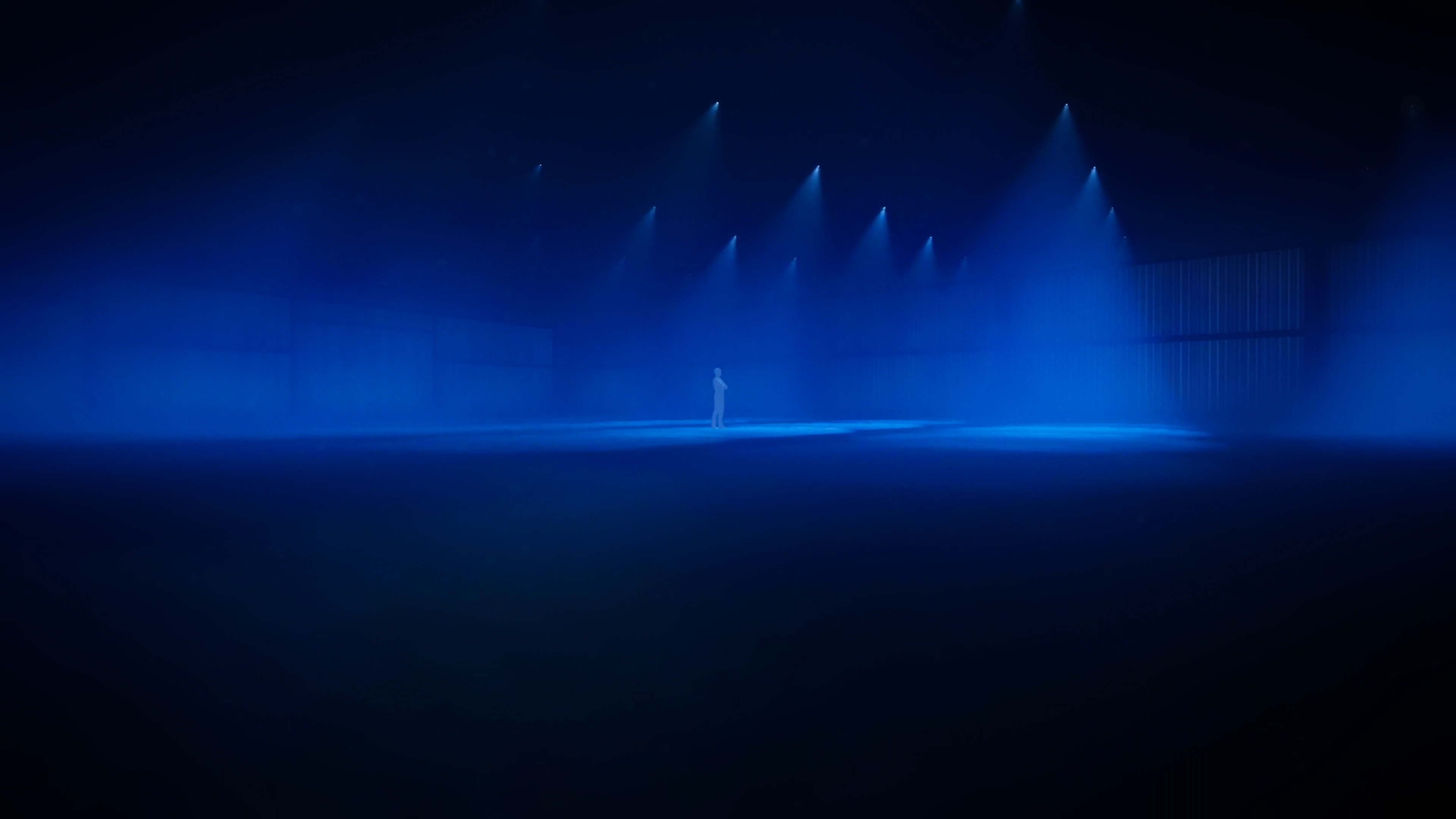
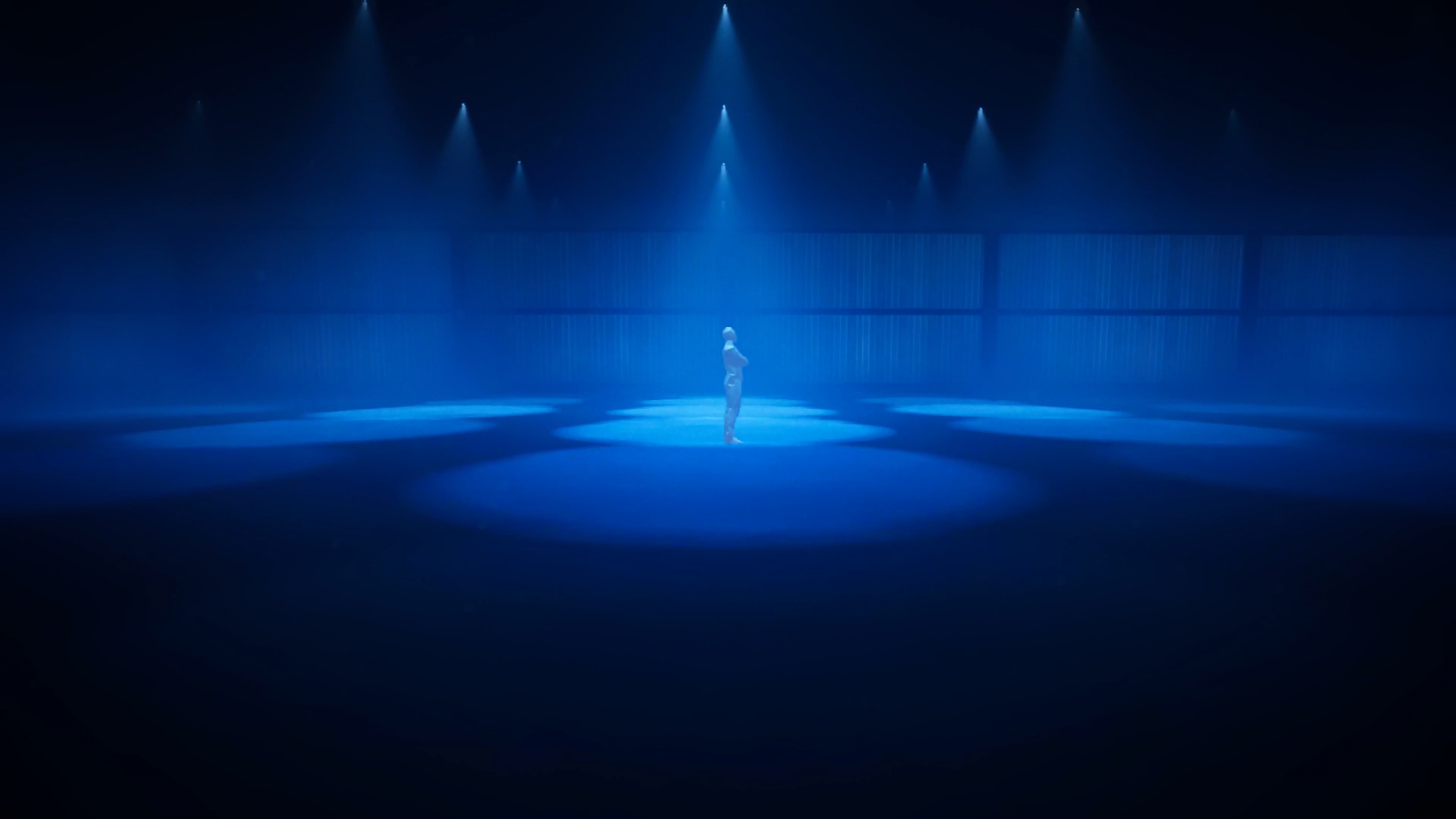
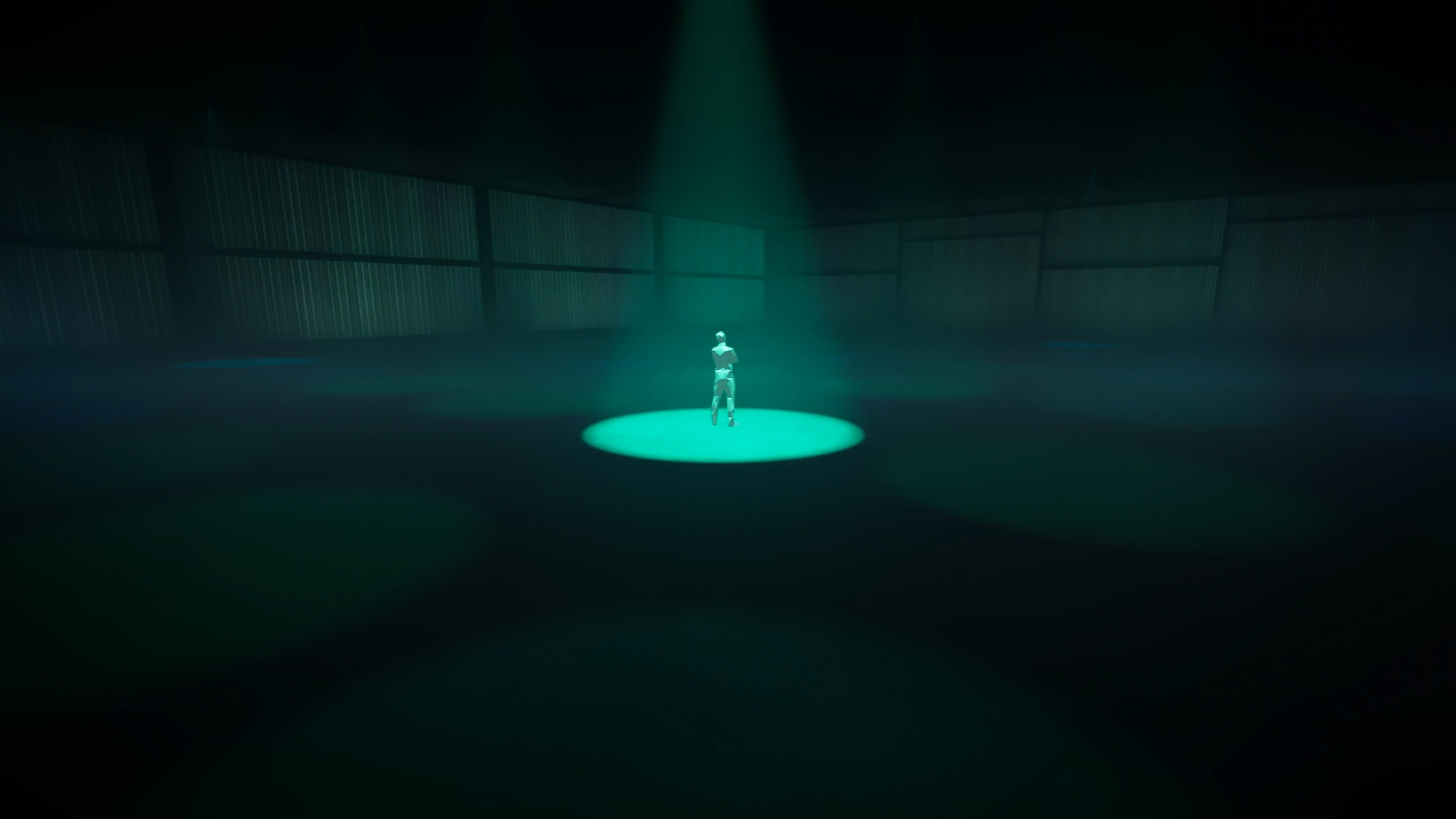
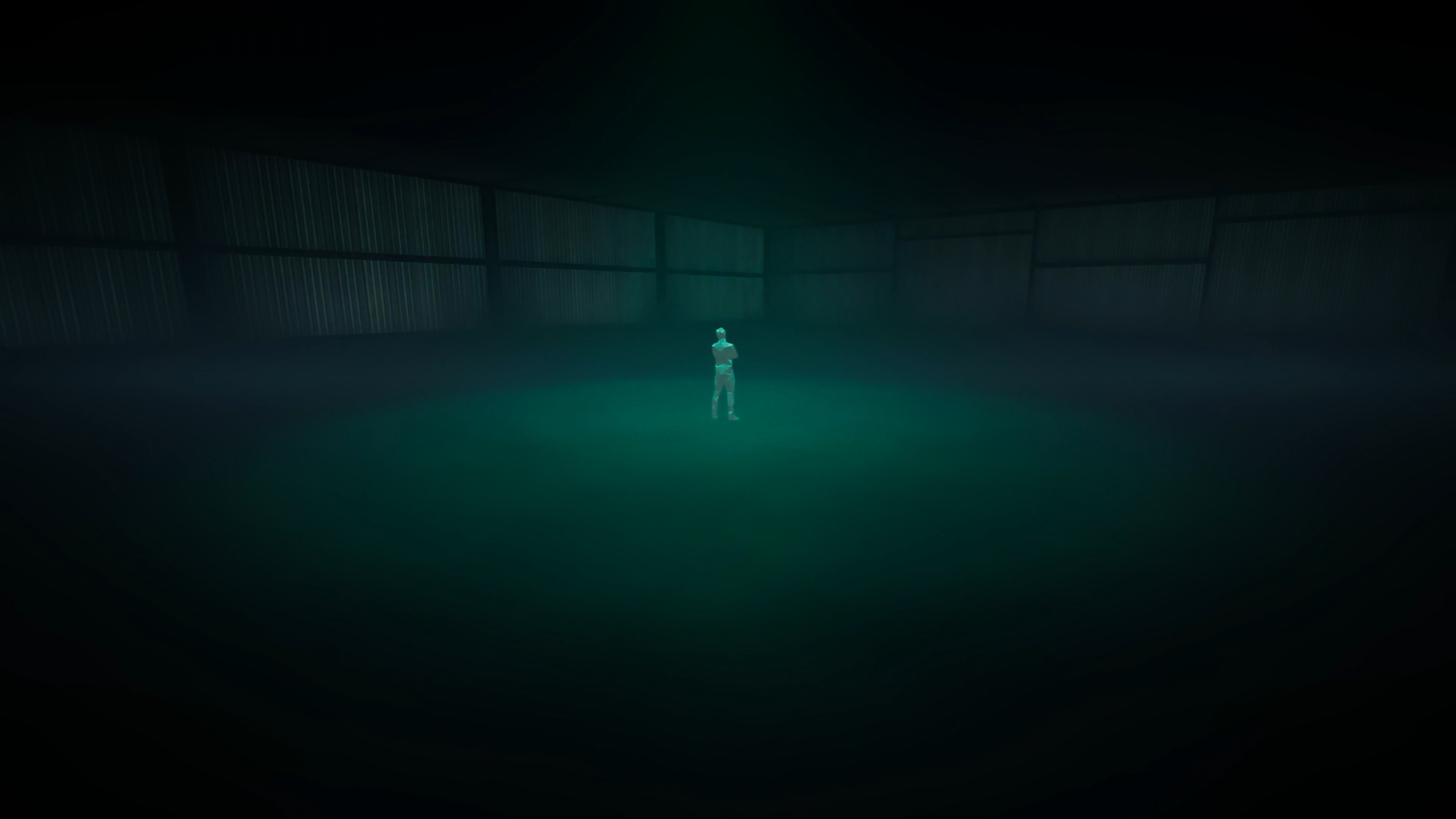
Unreal Engine Pre-viz
The Interactive & Immersive HQ TouchDesigner Bootcamp provided all of the students with Unreal Engine pre-viz environments for us to run our TouchDesigner projects in context.








Network Surviellance
Interactive Experiment
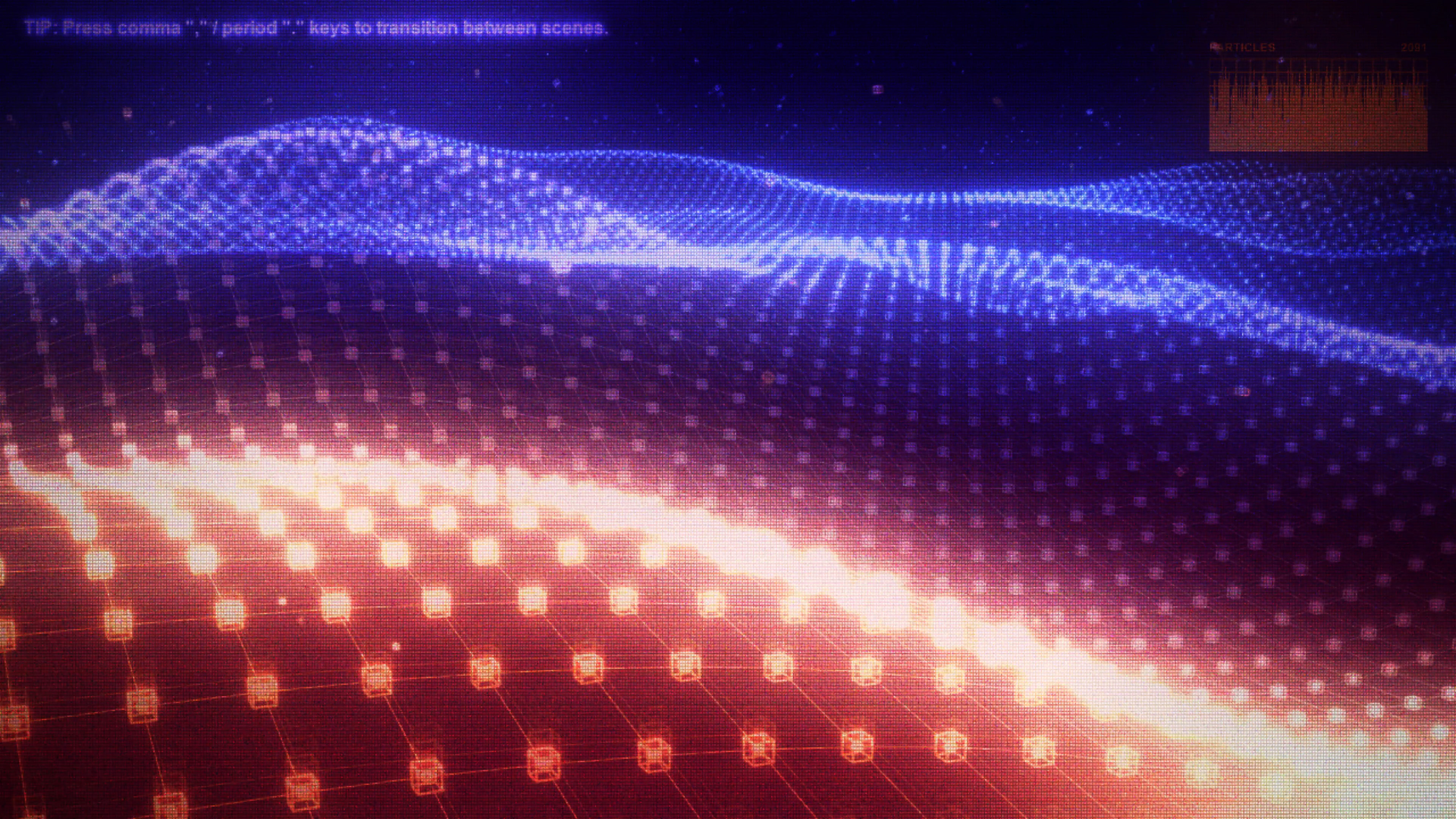
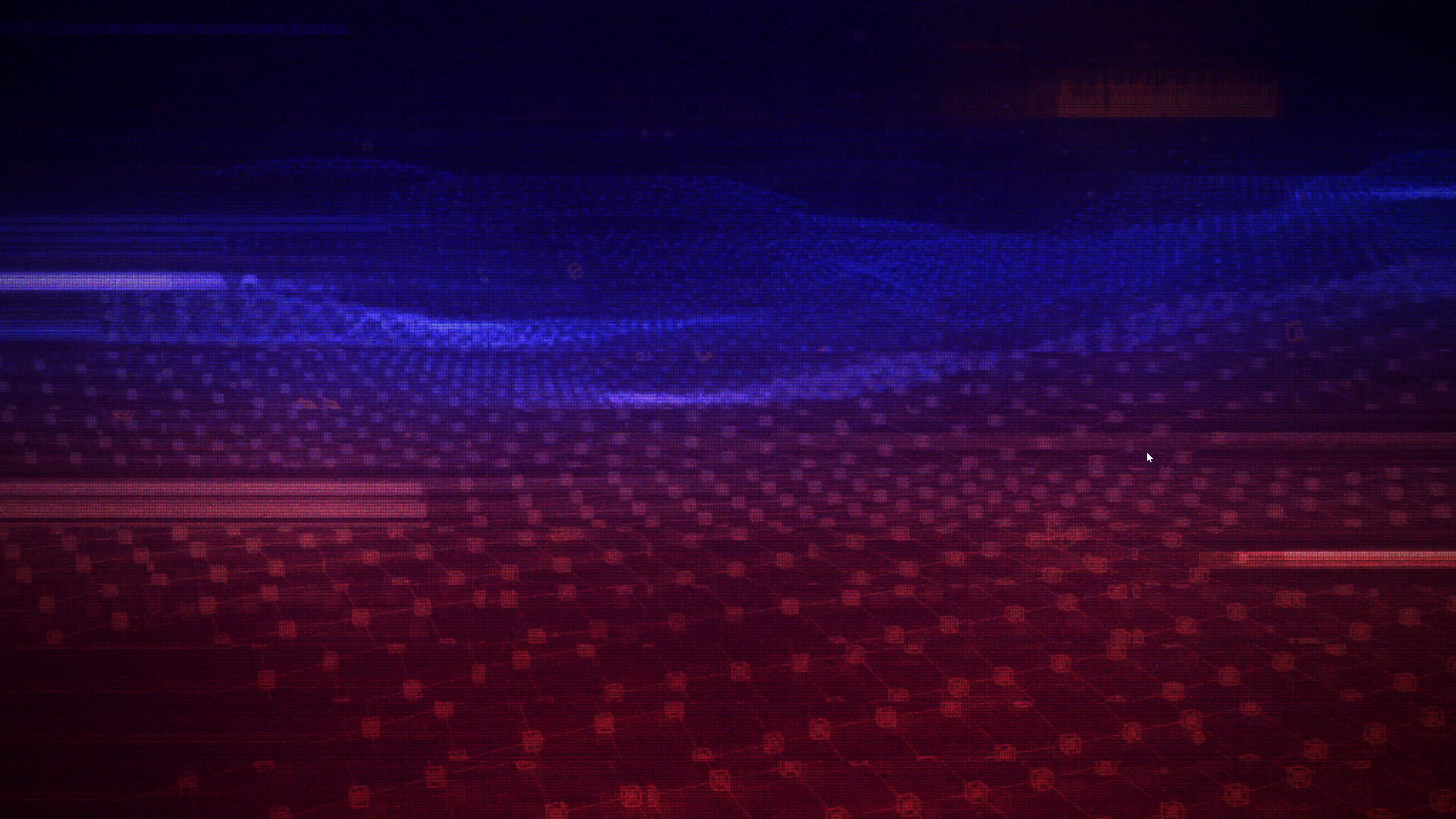
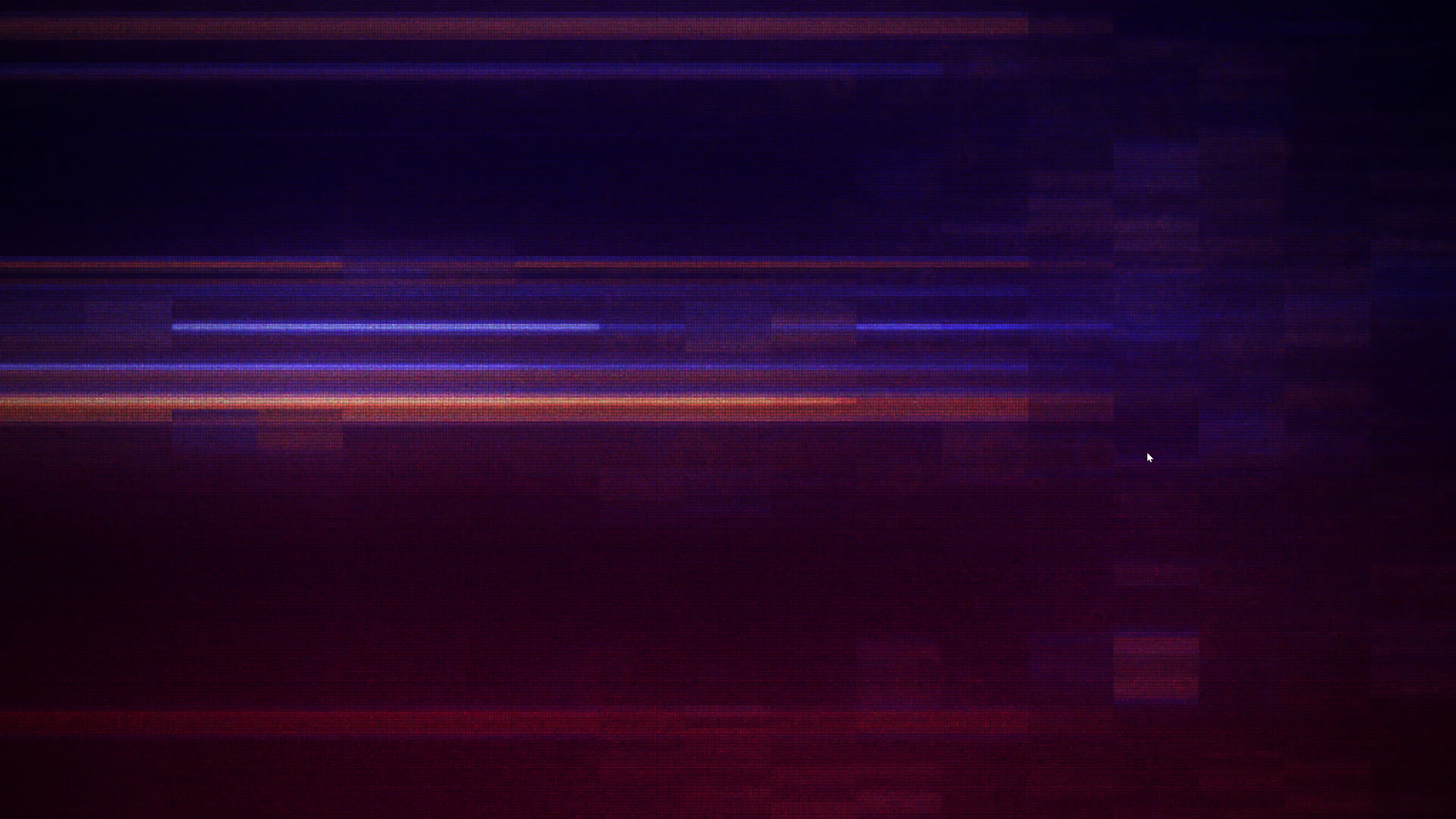
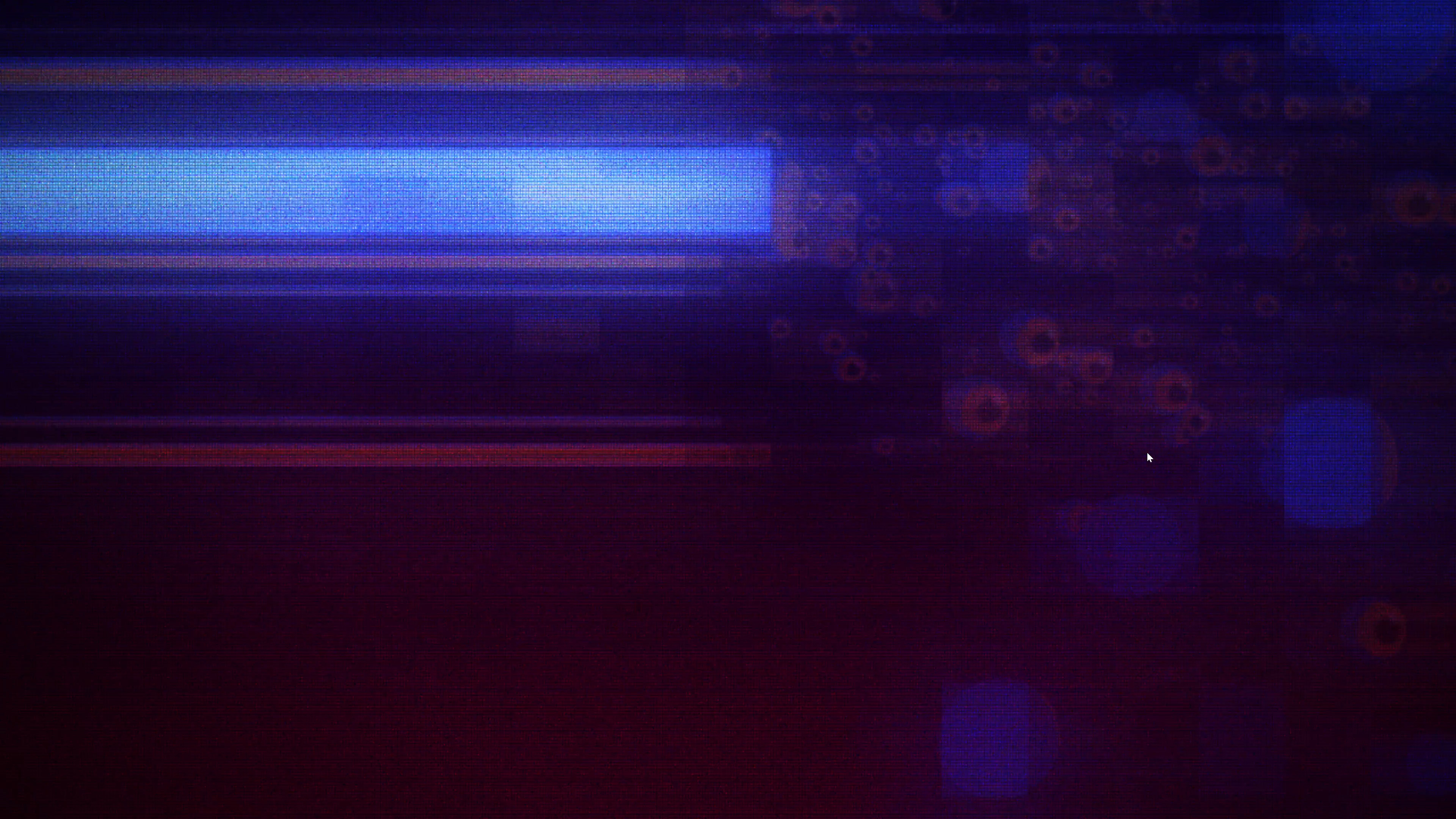
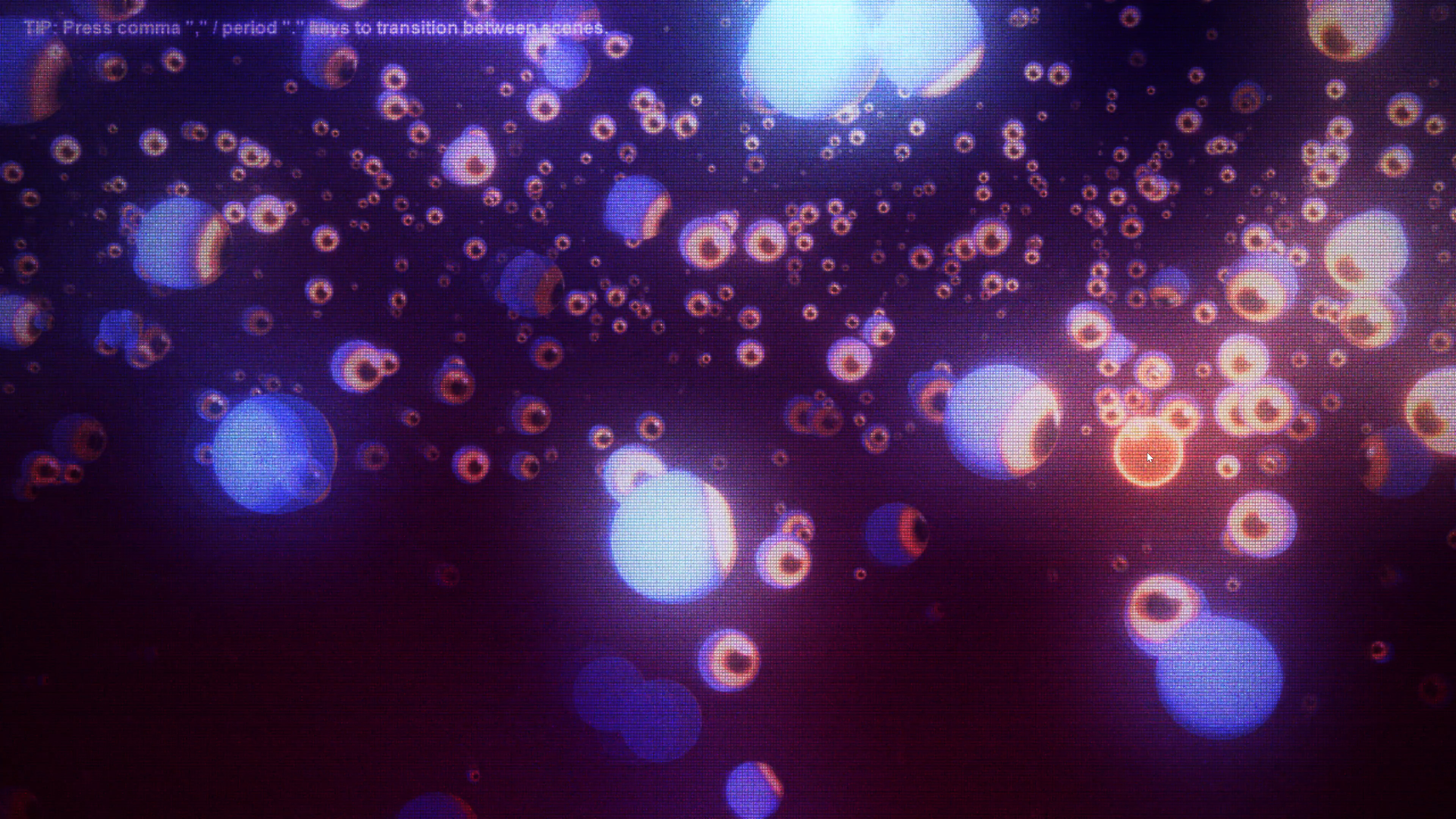
An interactive TouchDesigner experiment and visual exploration of CRT effects, glitch transitions, and interactive mouse tracking, all done from scratch in TouchDesigner.
The eyeballs look at and follow the mouse pointer where ever it moves and turns around and fly away whenever the left mouse button is clicked and held down. Since the eyeballs are floating in 3D space and the camera is also constantly moving, the mouse position, which is only moving on a flat 2D plane, had to be offset from the camera plane and compensated for in order to sell the illusion of the eyeballs following the mouse in 3D space instead of just looking straight at the camera the entire time.
Role
Designer & Developer
Software & Tools Used
TouchDesigner
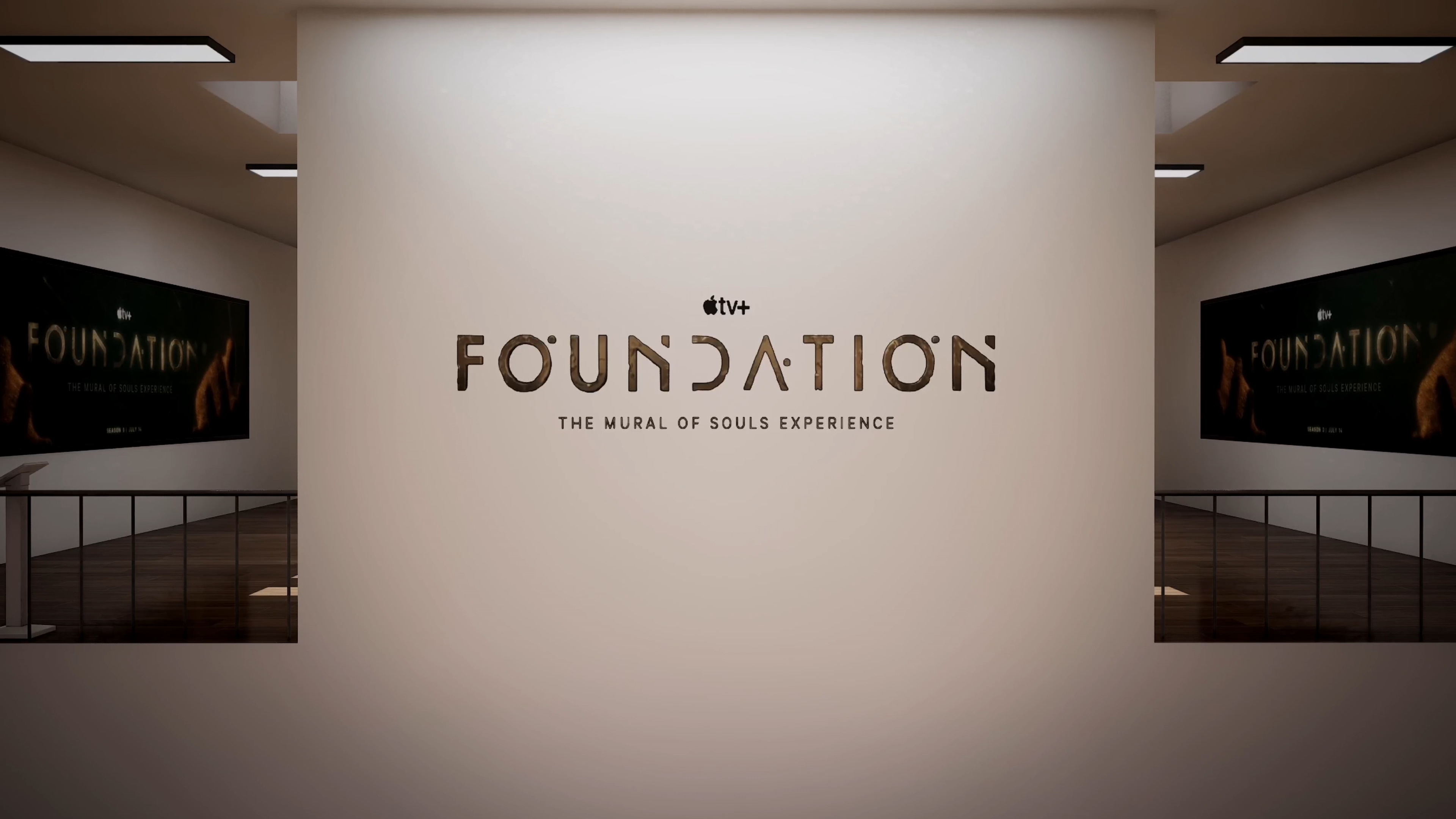
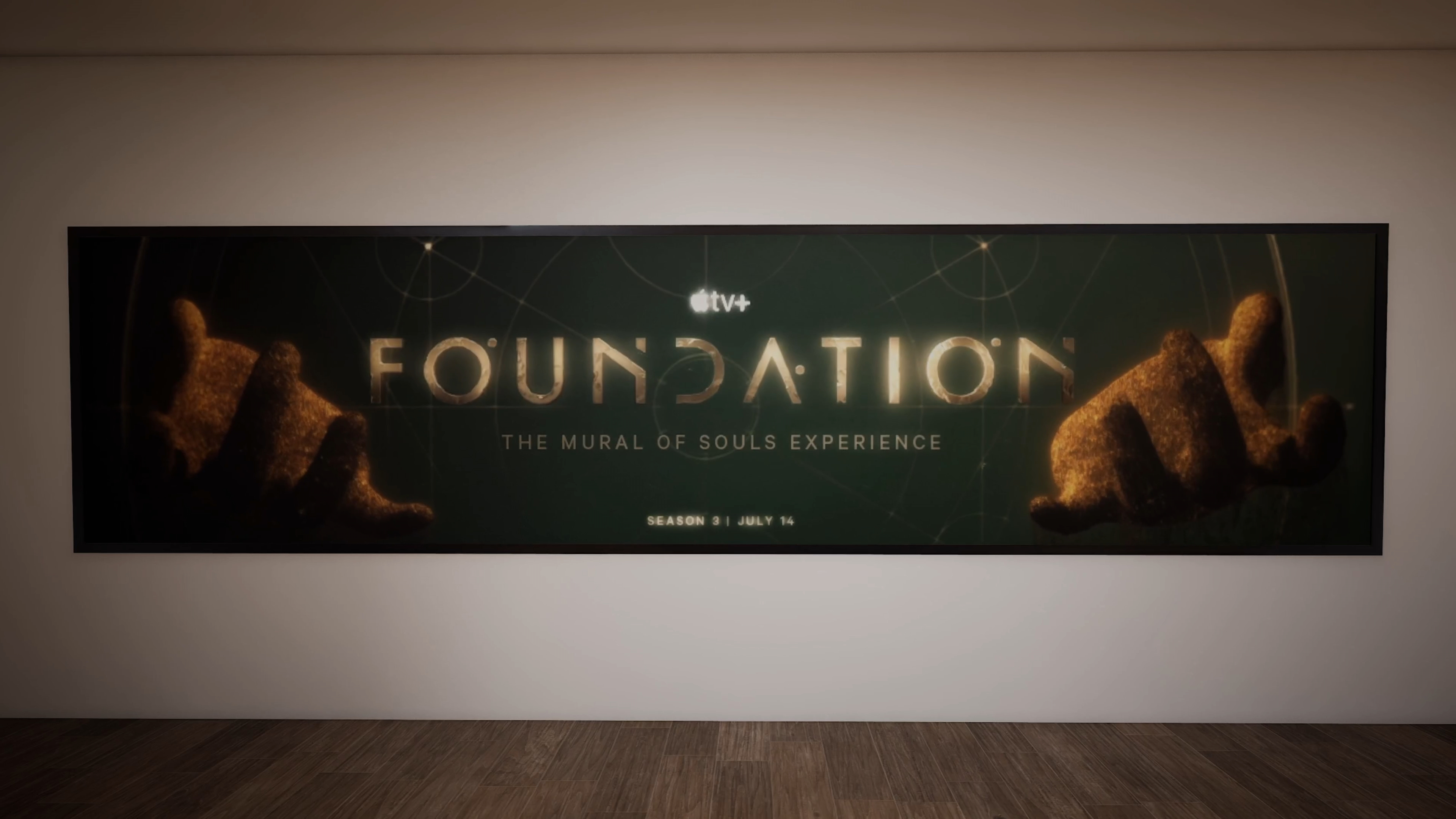
Foundation:
The Mural
of Souls Experience
Interactive Experience
For one of our projects in The Interactive & Immersive HQ TouchDesigner Bootcamp,
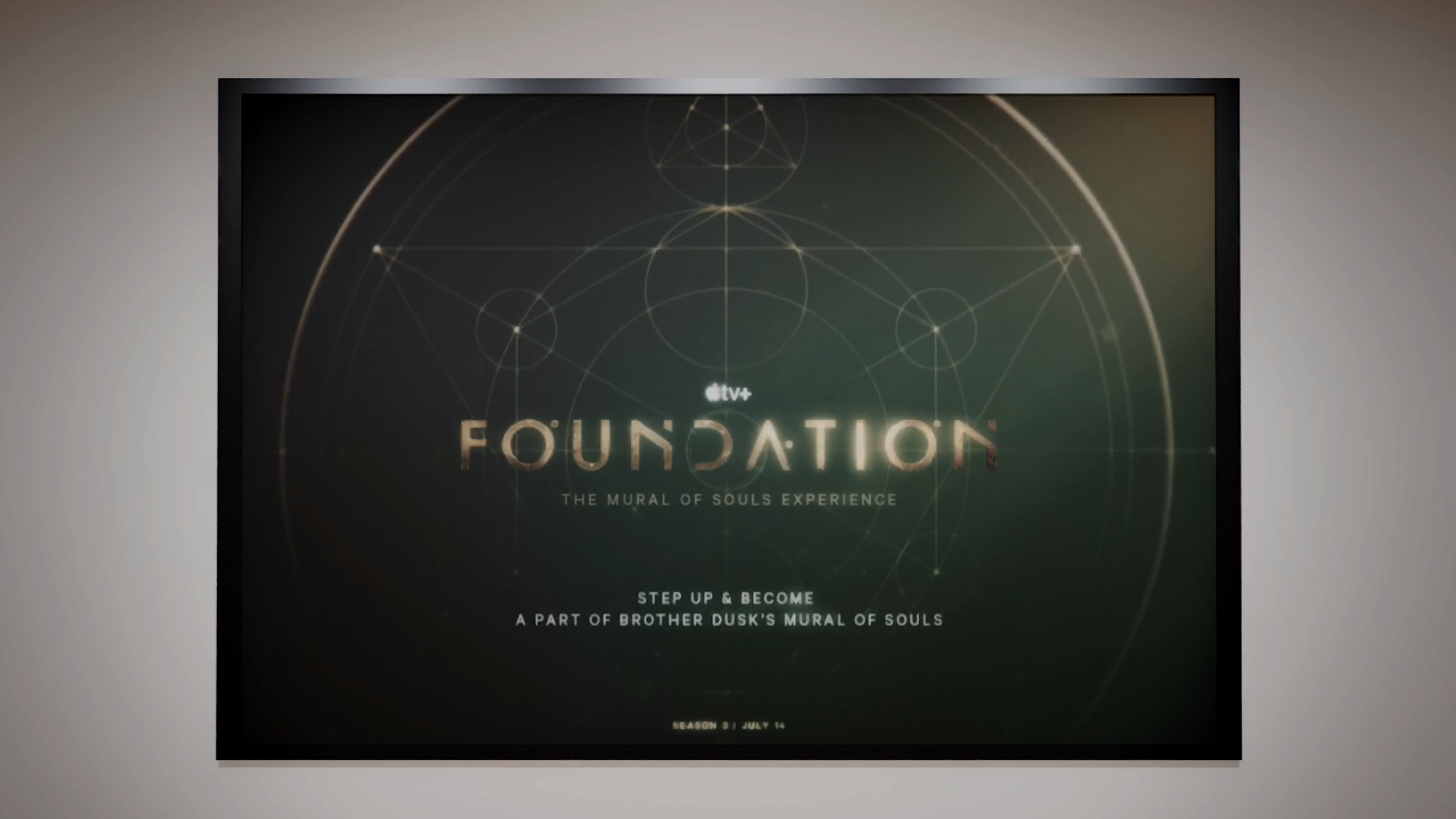
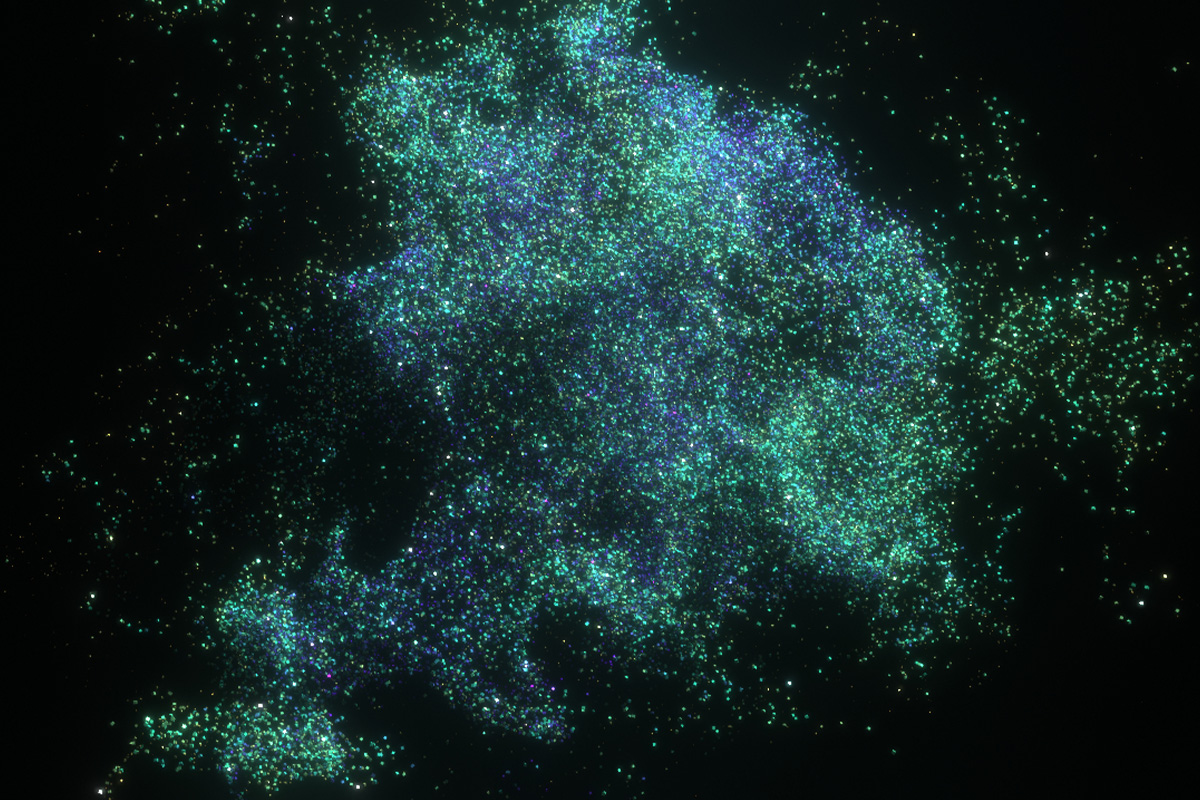
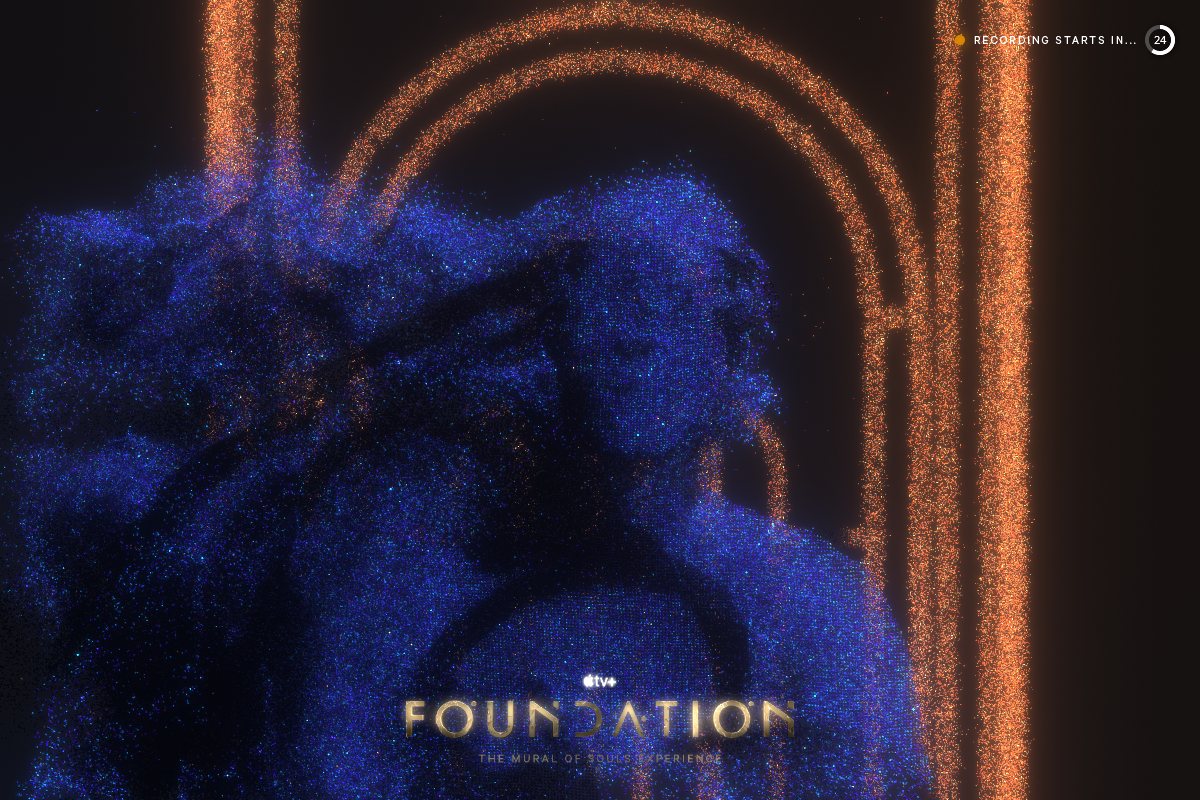
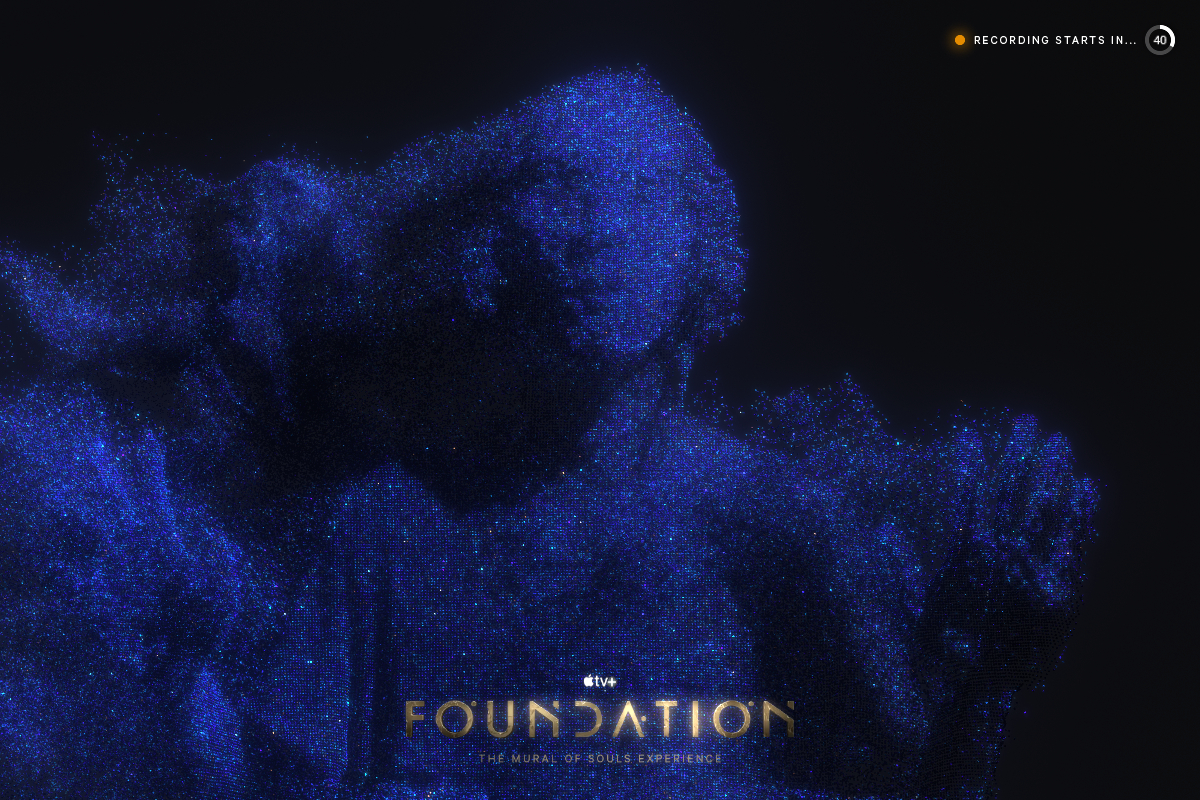
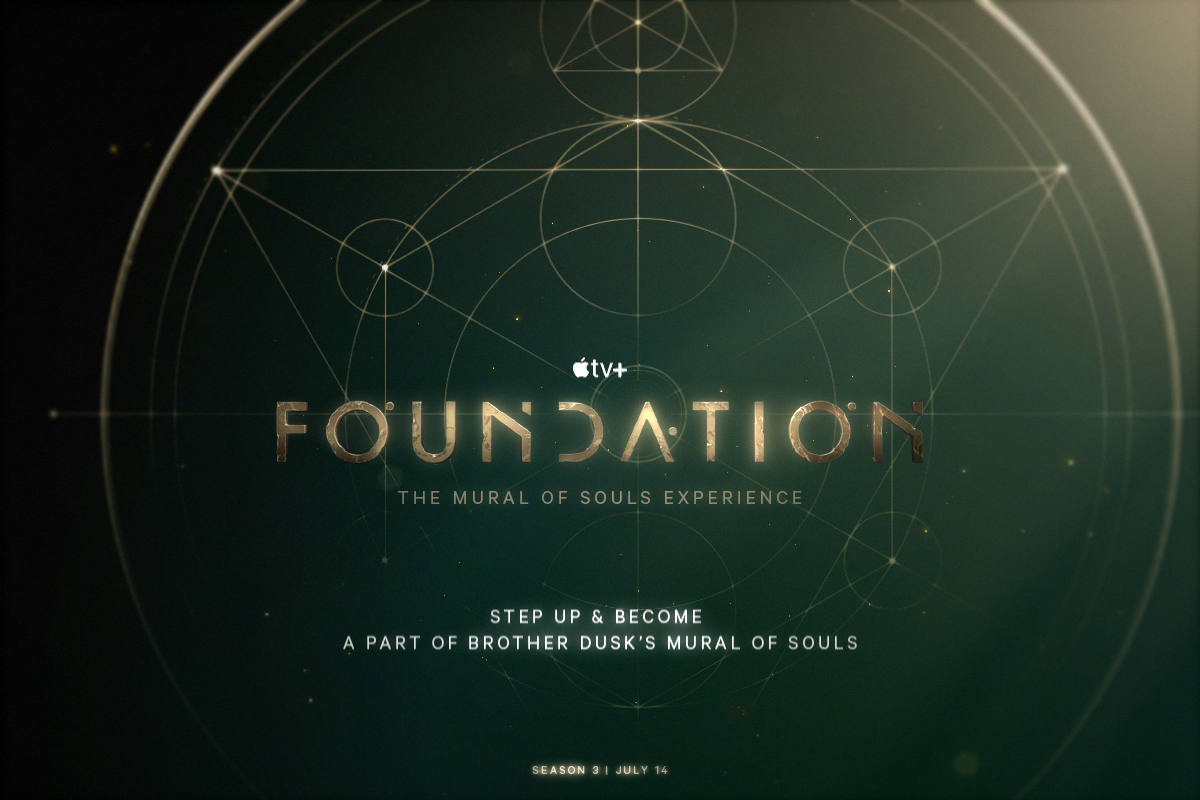
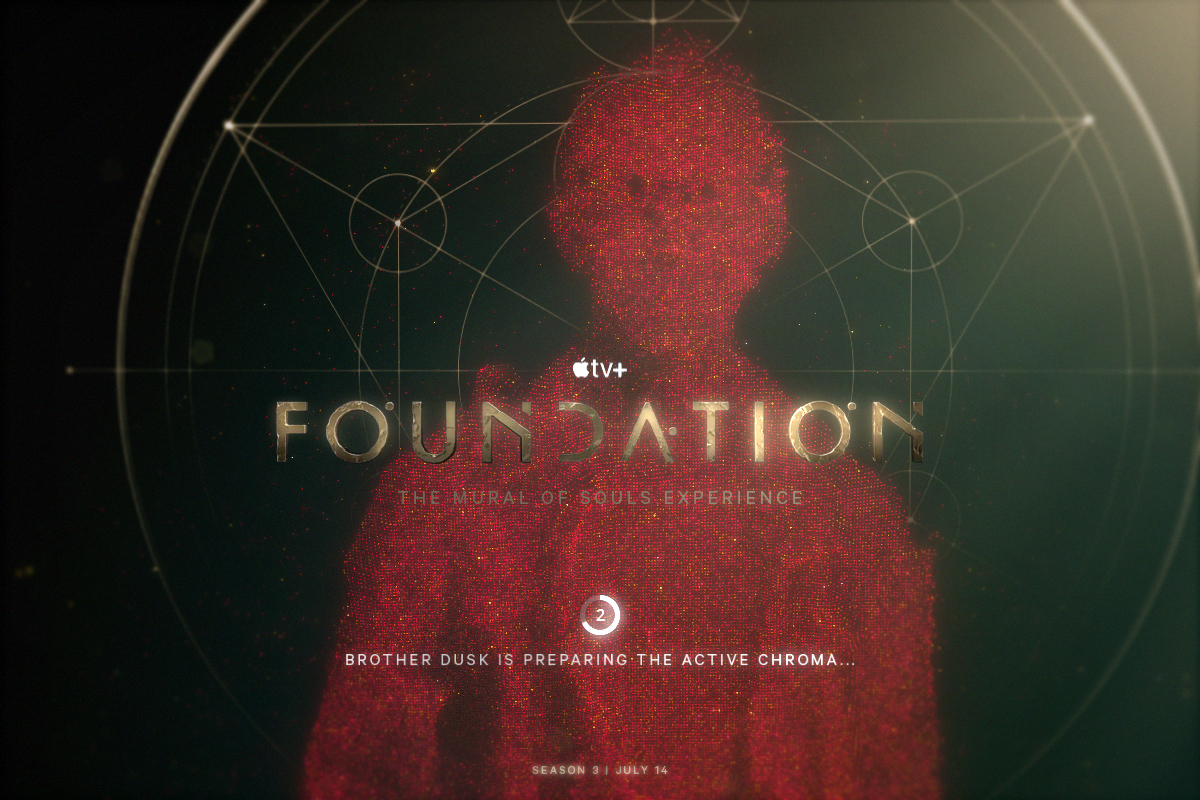
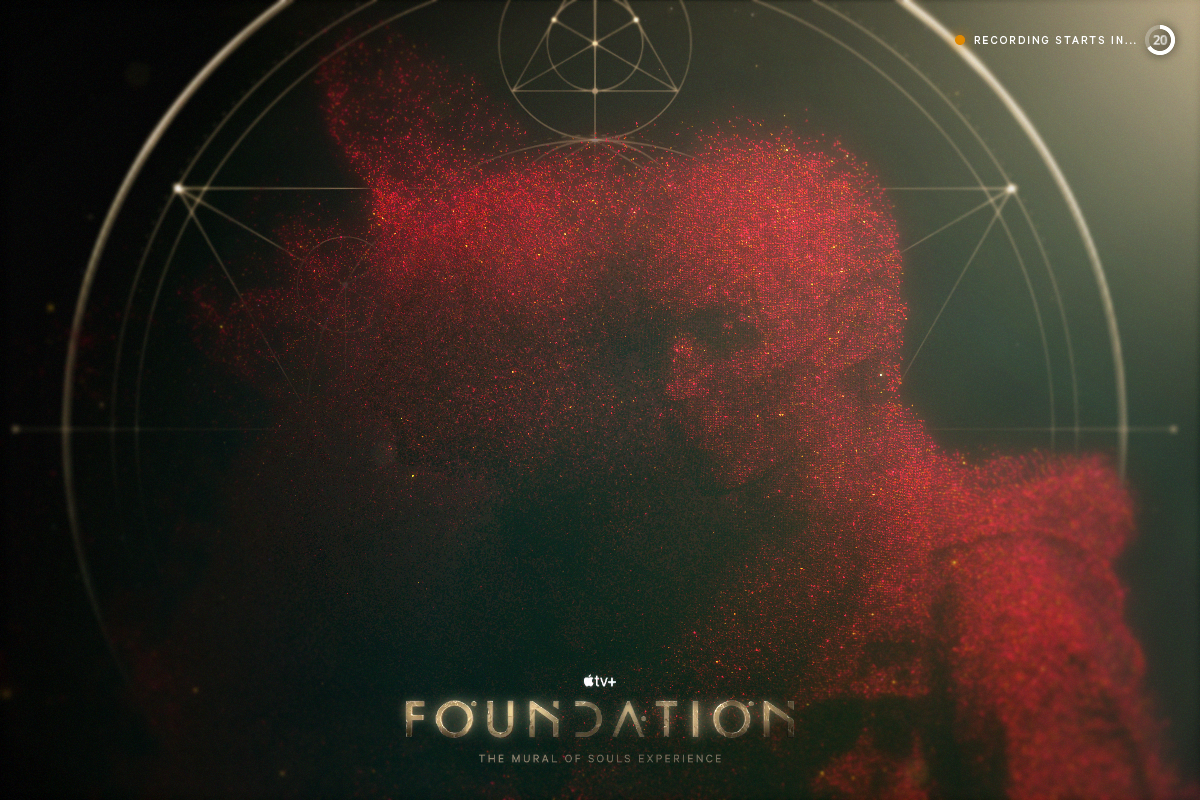
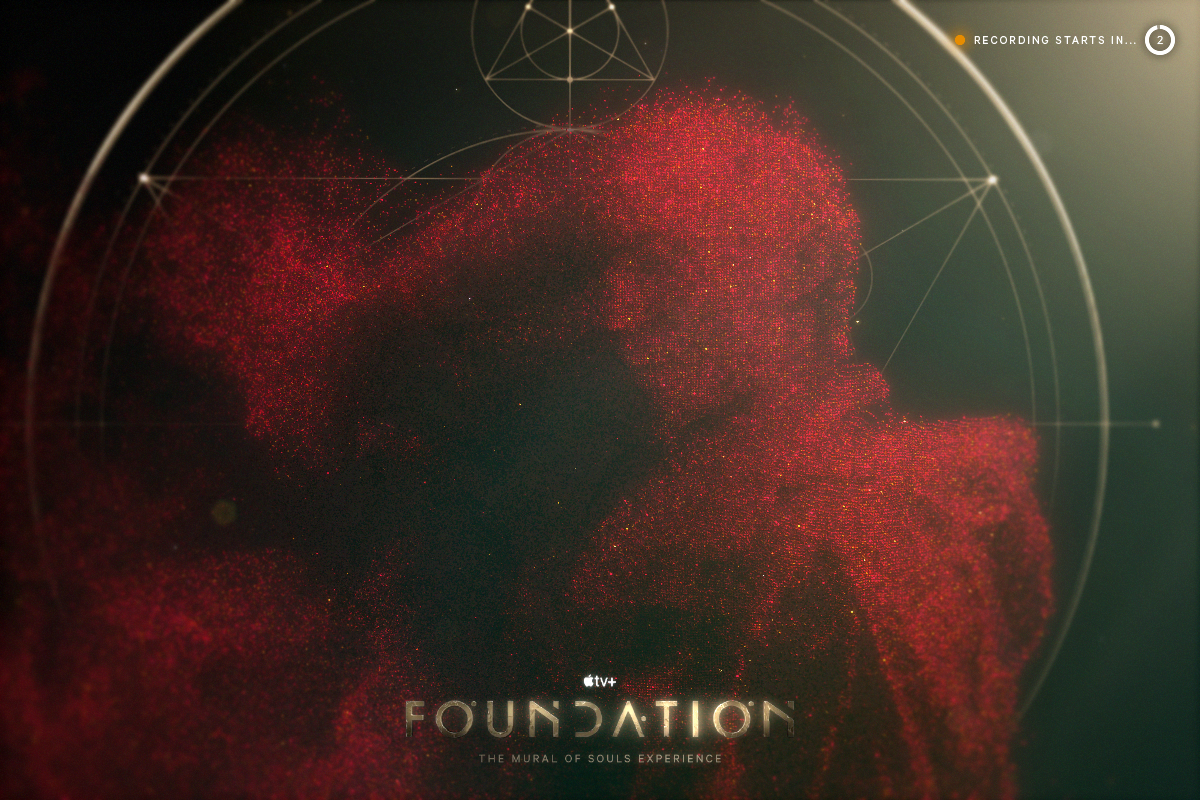
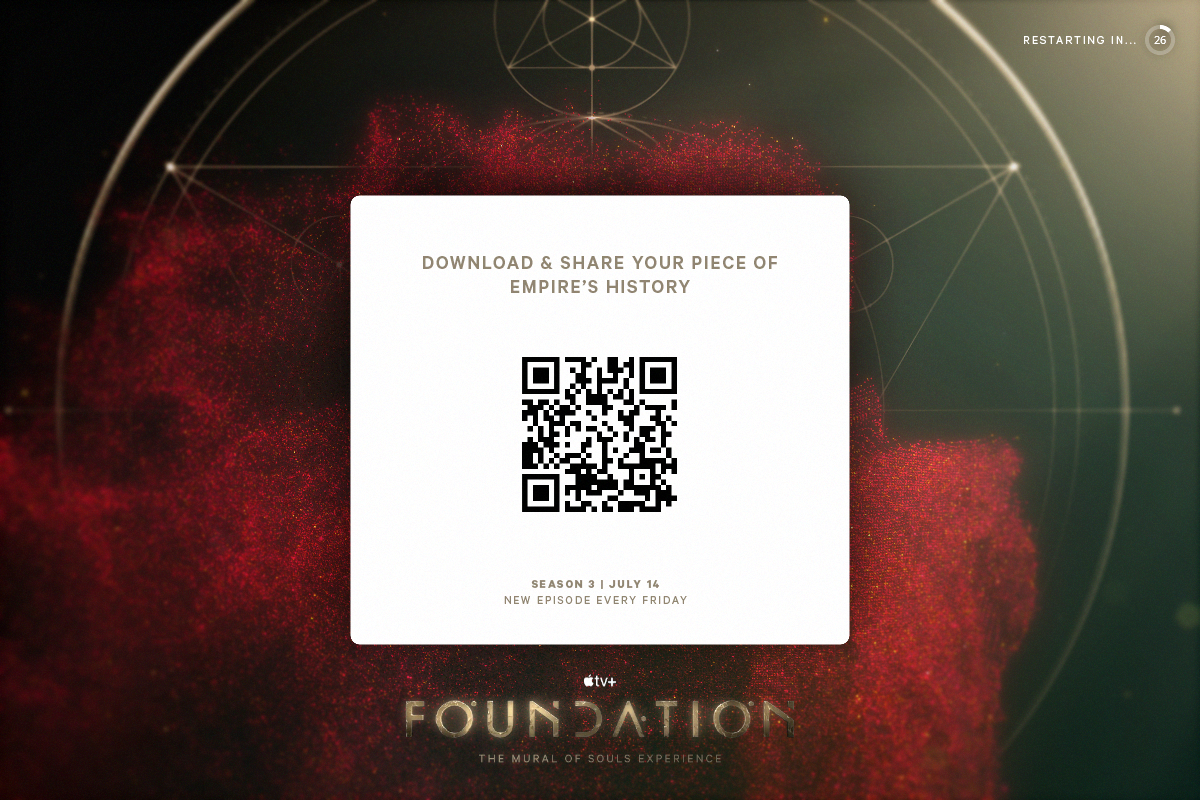
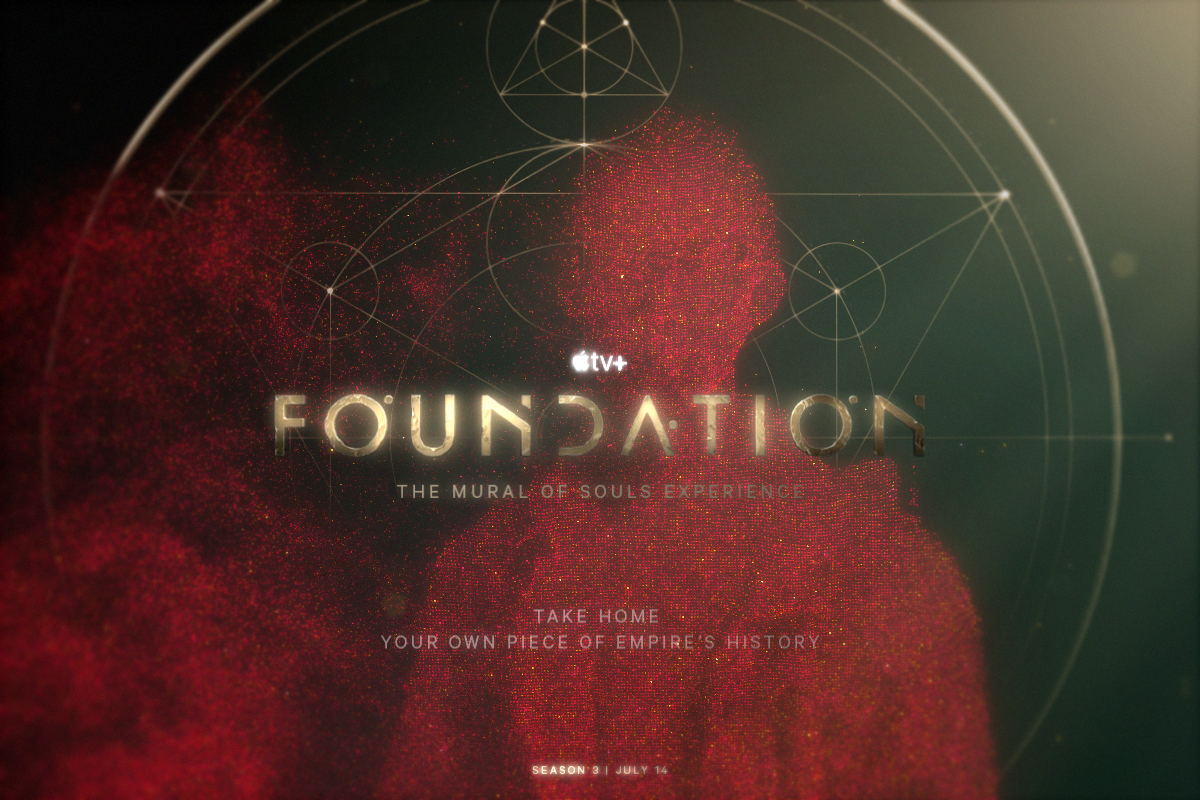
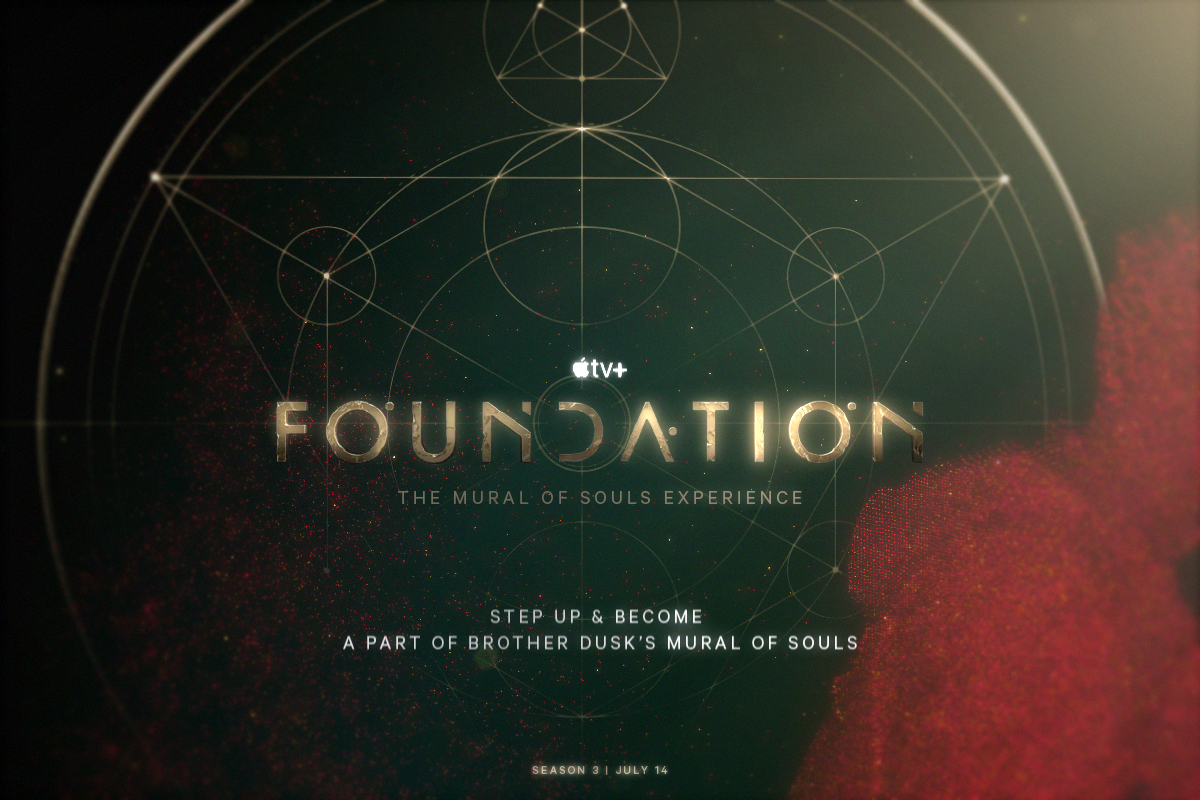
I wanted to celebrate the new season of Foundation on Apple TV+ by giving fans the opportunity to immerse themselves right into the world of the show in an interactive experience utilizing a Kinect sensor to put fans into the show’s iconic title sequence
as POPs point clouds of themselves.
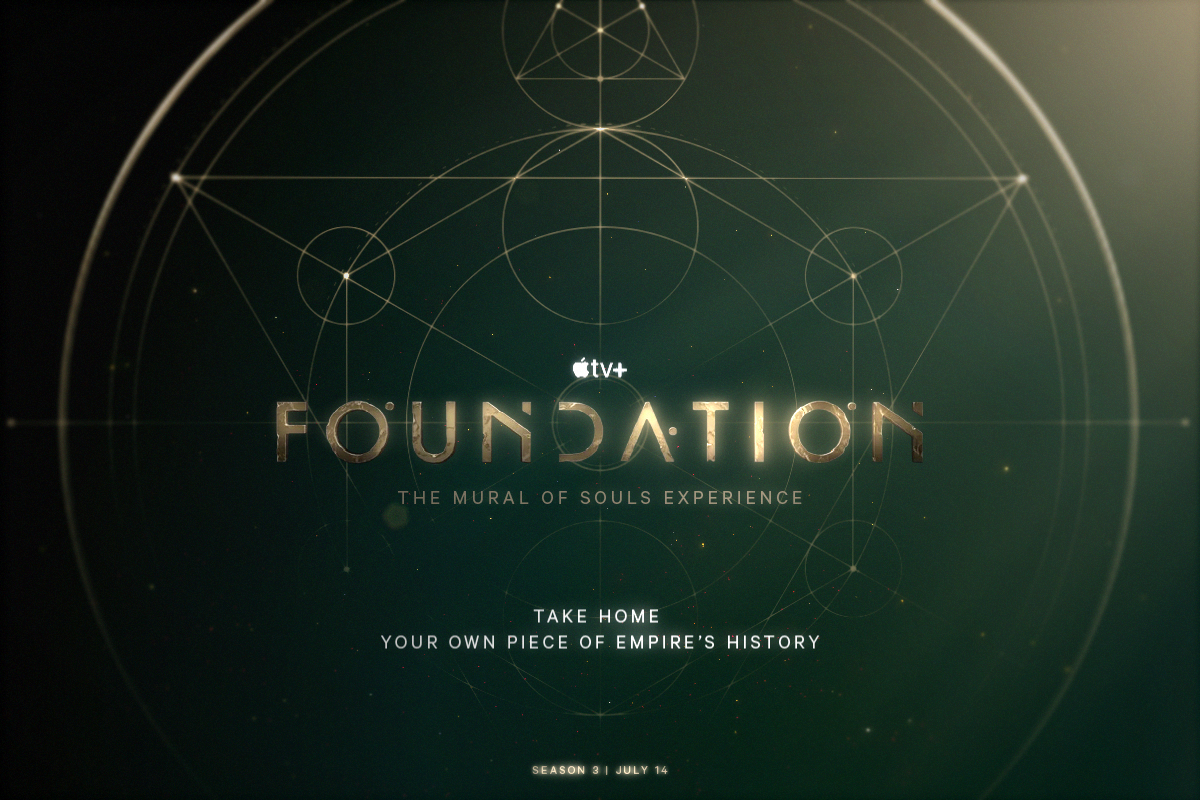
The title sequence is based on the Mural of Souls in the show, a larger-than-life moving painting in the Imperial Palace depicting the entire history of the Galatic Empire using active chroma, a special paint pigment that moves like particles.
By putting themselves into the title sequence of the show, fans are also putting themselves into the Mural of Souls, becoming a part of Empire’s history.
Note: This is a personal project and not an official client project.
Role
Designer & Developer
Software & Tools Used
TouchDesigner
Kinect v2
User Experience Flow Chart

State Machine
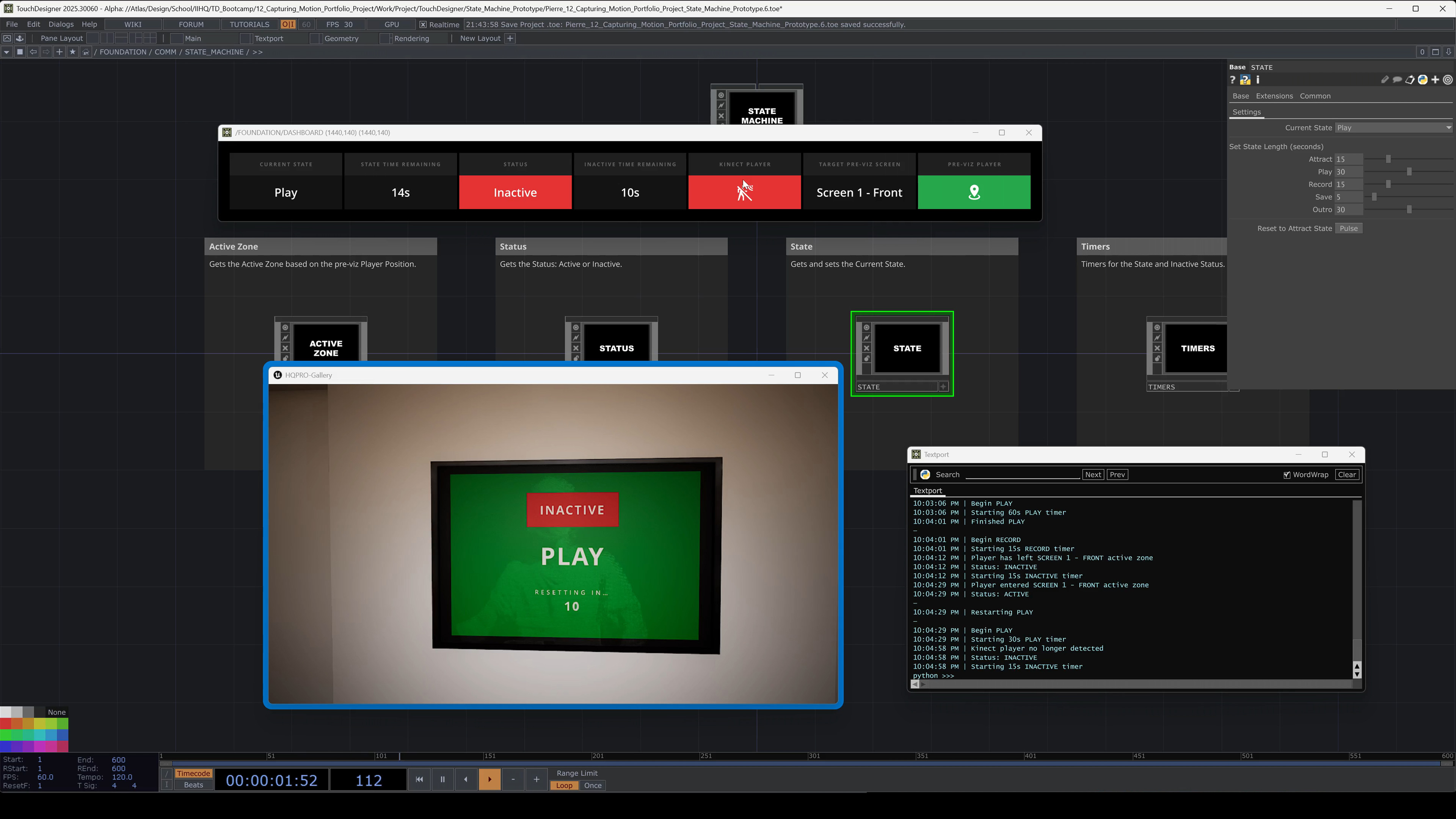
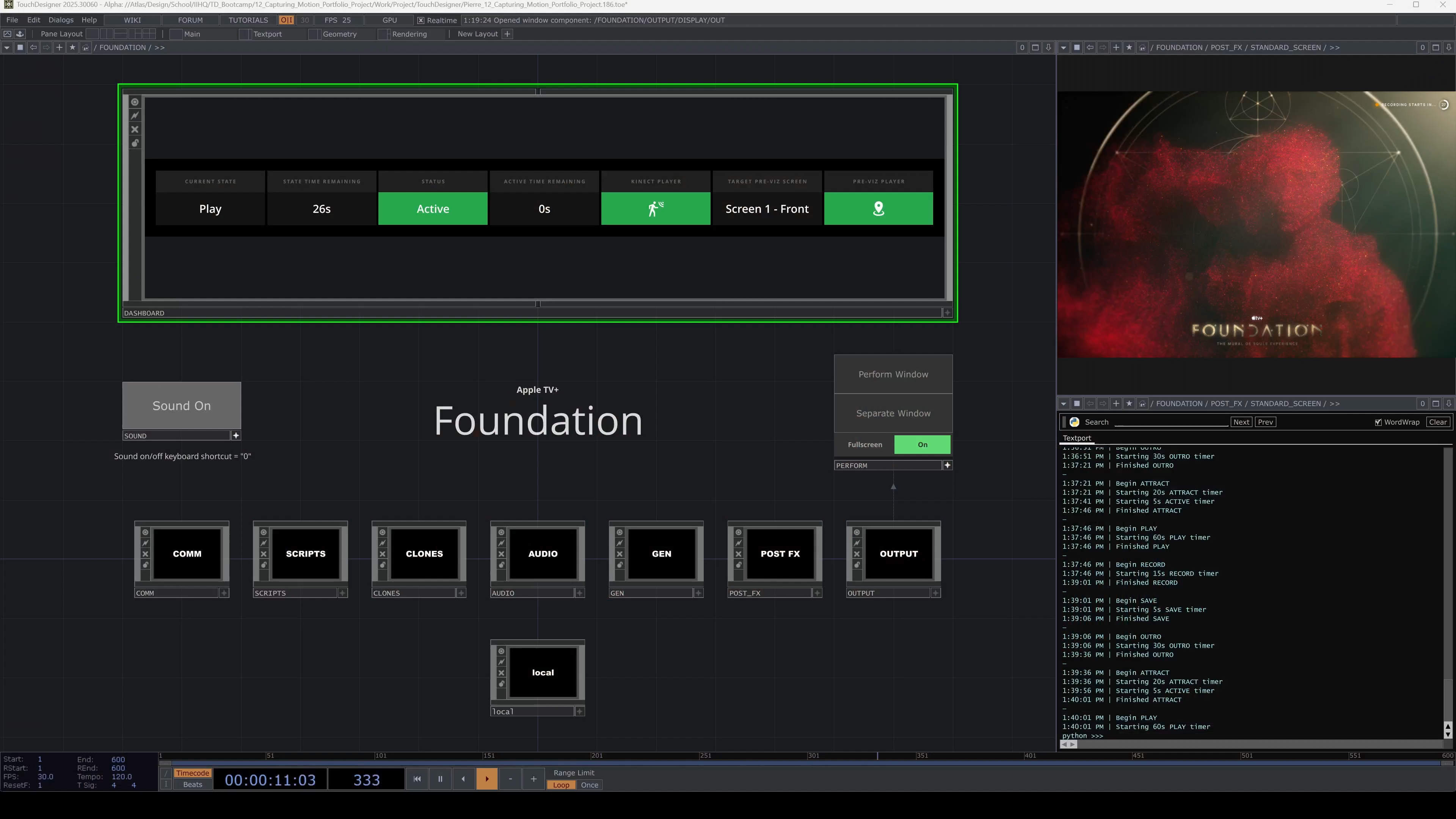
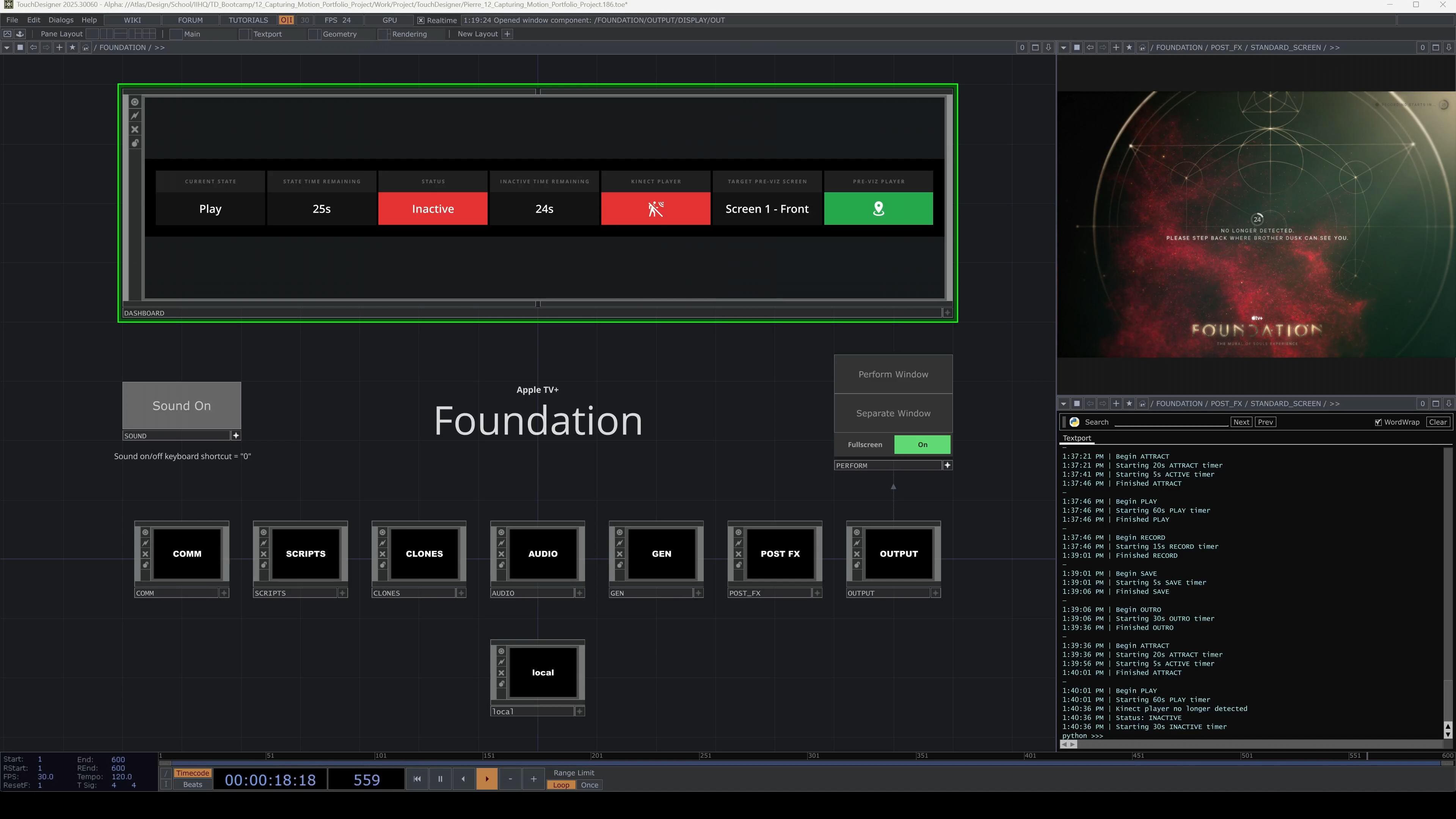
Behind the scenes, the State Machine is controlling the current state of the project and checking to see whether the current status is active or inactive based on whether a player is detected by the Kinect sensor or not. When using the Unreal Engine pre-viz, the State Machine will also check whether the player is in front of the correct screen to determine the active/inactive status.
All state and status changes are displayed in a UI dashboard within the TouchDesigner network on the back-end and logged with timestamps in the Textport.
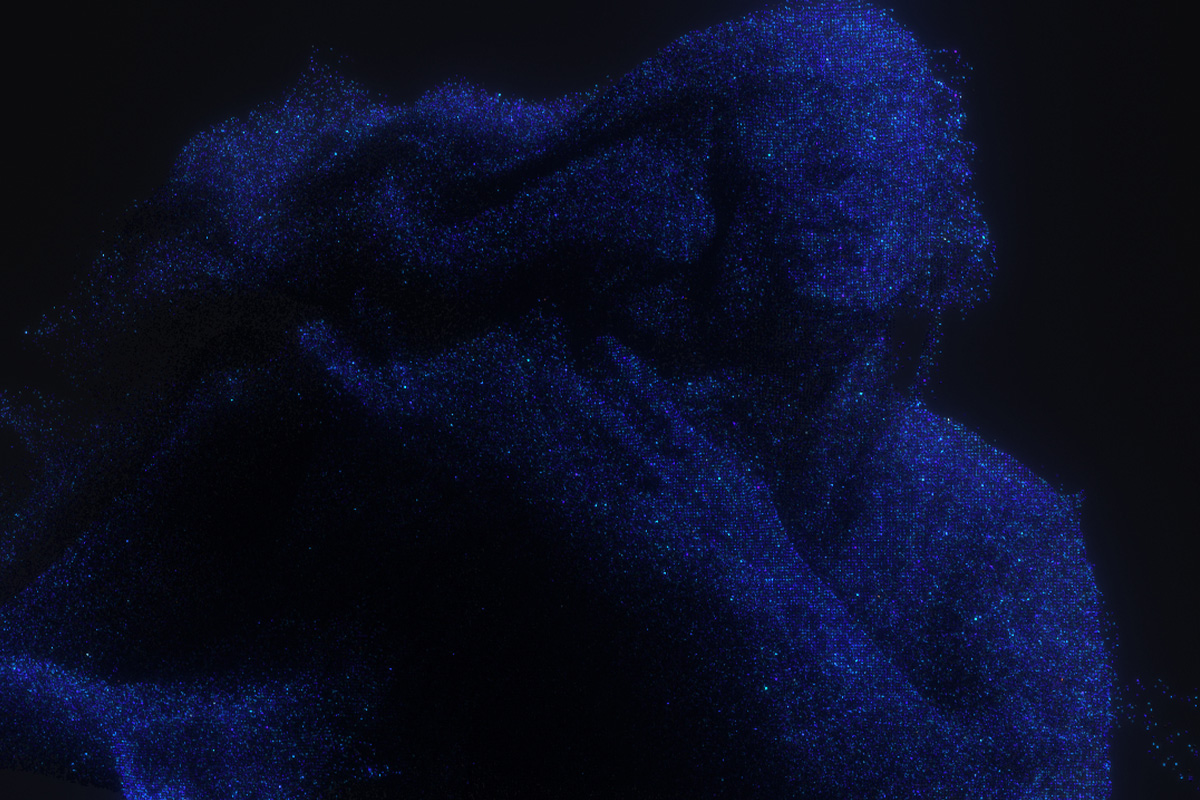
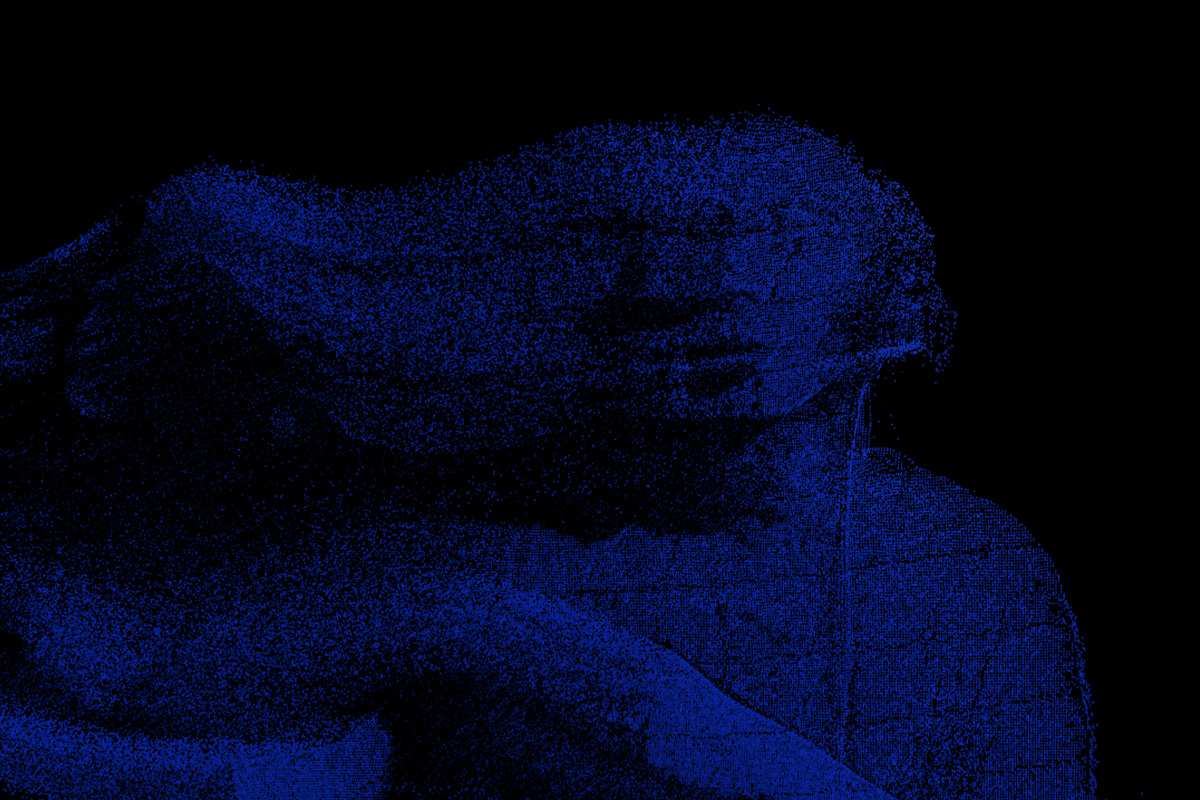
Early Explorations
TouchDesigner Screenshots

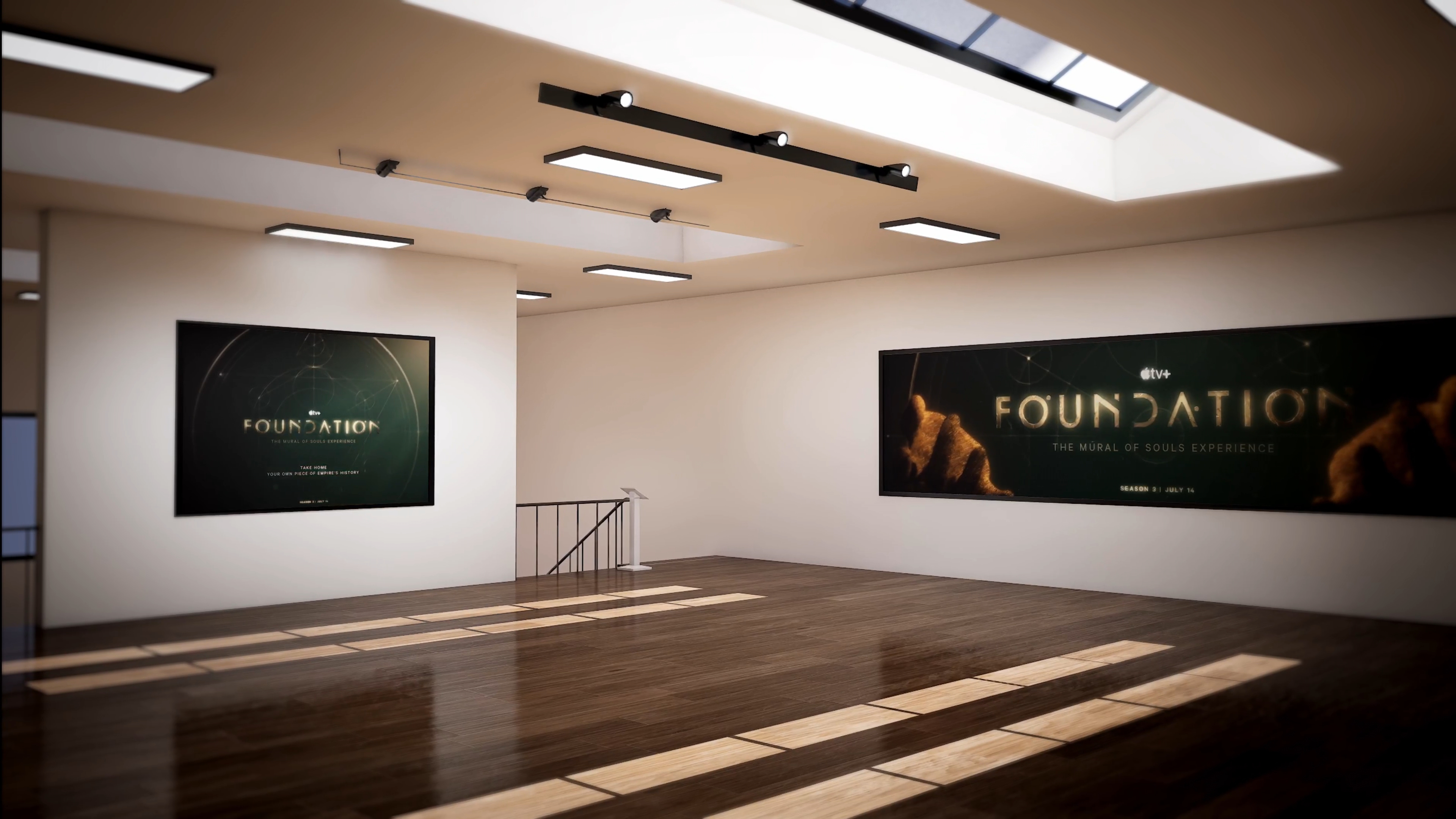
Unreal Engine Pre-viz
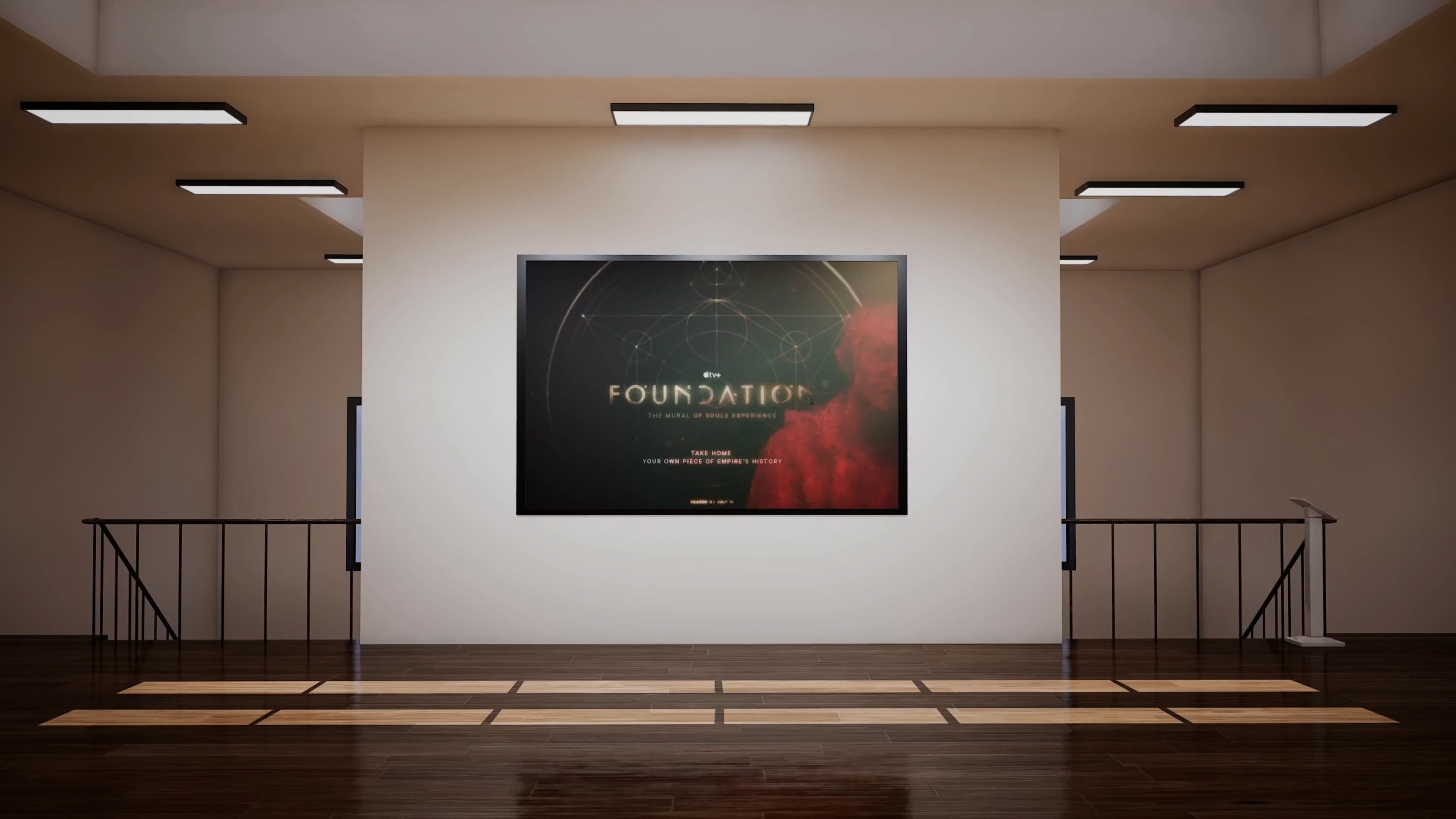
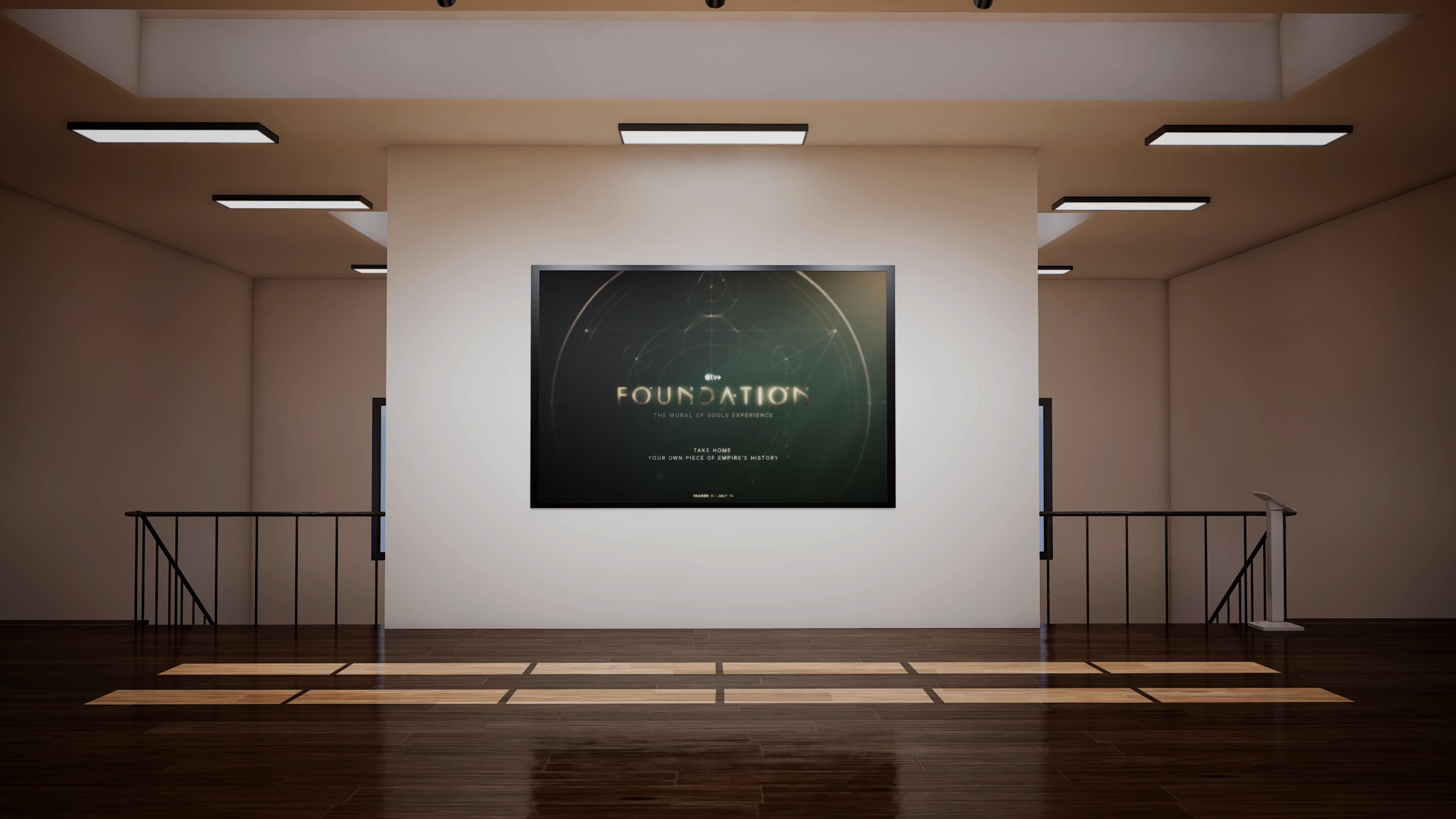
The Interactive & Immersive HQ TouchDesigner Bootcamp provided all of the students with Unreal Engine pre-viz environments for us to run our TouchDesigner projects in context.